















Stackable vs Standalone Switches: 7 Differences Explained


Stackable vs Standalone Switches
Choosing the right network switch is an important decision when designing or upgrading a business network. As organizations grow, IT teams often need to decide whether to deploy multiple independent switches or use switches that can operate together as a single logical unit.
This is where the comparison between Stackable vs Standalone Switches becomes important.
Standalone switches operate independently, with each device managed and configured separately. Stackable switches, on the other hand, are designed to work together through dedicated stacking technologies, allowing multiple physical switches to operate as one logical system.
The right choice depends on several factors, including the number of users, network size, scalability requirements, management preferences, redundancy needs, and available budget.
For businesses in the UAE, selecting the appropriate switching architecture can help improve network performance while making future expansion easier.
At Smart Vision UAE, we provide enterprise networking solutions from trusted manufacturers, helping organizations choose switching equipment that matches their infrastructure requirements.
In this guide, we’ll explain 7 key differences between Stackable vs Standalone Switches and explore which option may be better suited to different business environments.
What Are Standalone Switches?
A standalone switch is an individual networking device that operates independently from other switches.
Each switch has its own:
- Configuration
- Management interface
- IP address
- Control plane
- Monitoring process
- Network identity
If a business requires additional ports, another standalone switch can be installed and configured separately.
Standalone switches are often suitable for small offices, branch locations, and networks where the number of connected devices is relatively limited.
For example, a small business with 20 to 30 connected devices may only need one switch. If the company expands, a second switch can be added and connected through an uplink.
However, each device continues to operate independently.
What Are Stackable Switches?
Stackable switches are networking devices specifically designed to operate together as a unified switching system.
Several physical switches can be connected using dedicated stacking interfaces or compatible high-speed connections. Once stacked, the switches can typically be managed as a single logical unit.
A stack can provide:
- Centralized management
- Simplified configuration
- Higher port density
- Easier network expansion
- Improved redundancy
- Better operational efficiency
Stackable architectures are particularly useful for growing businesses and enterprise environments where multiple switches are required.
Instead of managing every switch separately, network administrators can often manage the entire stack through a unified interface.
7 Differences Between Stackable vs Standalone Switches
Understanding the differences between these two switching architectures can make it easier to select the right solution for your network.
1. Scalability
One of the biggest differences between Stackable vs Standalone Switches is how easily the network can expand.
Standalone switches can certainly be connected together, but each device generally remains an independent management and configuration unit.
With stackable switches, multiple compatible switches can be combined into a single logical system. This makes it easier to increase port capacity as the organization grows.
For example, a business that initially requires 48 ports may deploy one switch. If the company later needs 96 or 144 ports, additional stackable switches can be integrated into the existing stack.
This provides a more organized approach to network expansion.
Best choice for scalability: Stackable switches.
2. Network Management
Management is another major difference between Stackable vs Standalone Switches.
With standalone switches, IT administrators generally need to access and configure each device separately.
This can become time-consuming as the number of switches increases.
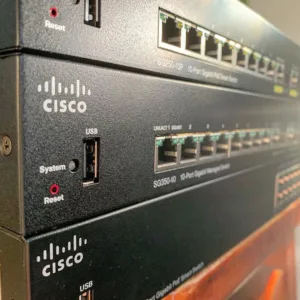
Stackable switches simplify this process by allowing multiple physical devices to function as one logical switching system.
Instead of managing several separate devices, administrators can often:
- Configure VLANs centrally
- Apply security policies
- Monitor connected ports
- Manage network settings
- Troubleshoot the stack
- Perform software administration
This can significantly reduce administrative workload.
Best choice for simplified management: Stackable switches.
3. Redundancy and Reliability
Network availability is critical for businesses that depend on constant connectivity.
Standalone switches can provide reliable connectivity, but if one switch fails, the devices connected to that switch may lose network access.
Stackable configurations can provide additional redundancy depending on the switch platform and stacking architecture.
If one member of the stack experiences a failure, other members may continue operating, reducing the potential impact on the network.
This is especially valuable for:
- Enterprise offices
- Data centers
- Financial organizations
- Healthcare facilities
- Educational institutions
- Mission-critical environments
However, the exact redundancy capabilities depend on the specific switch model and stacking technology.
Best choice for high availability: Stackable switches.
4. Port Density
Port density refers to the number of network ports available within a switching environment.
A standalone switch has a fixed number of physical ports. If you need more connections, another switch must be deployed.
Stackable switches provide a more flexible way to increase port density.
For example, multiple 24-port or 48-port switches can be combined to create a larger switching environment without requiring a completely new architecture.
This is particularly useful when businesses continuously add:
- Employees
- Computers
- IP phones
- Wireless access points
- Security cameras
- IoT devices
Instead of replacing an existing switch, organizations can expand the stack as required.
Best choice for expandable port density: Stackable switches.
5. Cost
Cost is an important consideration when comparing Stackable vs Standalone Switches.
Standalone switches can be more economical for small networks because businesses only purchase the hardware they currently need.
A small office may not benefit from investing in stacking-capable infrastructure if it only requires one switch.
Stackable switches may have a higher initial cost because they often include additional hardware and capabilities designed for expansion, redundancy, and centralized management.
However, the long-term cost should also be considered.
For a growing business, stackable switches may reduce future deployment and management costs because additional switches can be integrated into the existing architecture.
Best choice for a small, simple network: Standalone switches.
Best choice for long-term scalability: Stackable switches.
6. Network Performance
Both standalone and stackable switches can deliver excellent network performance. The difference depends largely on the switch model, uplink technology, switching capacity, and network architecture.
Stackable switches can provide high-speed communication between stack members through dedicated stacking links.
This allows the devices to operate as an integrated switching system.
For demanding environments, businesses should evaluate:
- Switching capacity
- Forwarding rate
- Uplink speed
- Stacking bandwidth
- Latency
- Port speeds
A standalone switch with high-speed uplinks may outperform an entry-level stackable switch in certain scenarios.
Therefore, businesses should compare actual technical specifications rather than choosing solely based on whether a switch is stackable.
7. Deployment and Maintenance
Standalone switches can be relatively straightforward to deploy because each device is configured independently.
This can be beneficial for small businesses with simple network architectures.
Stackable switches require additional planning because IT teams need to consider:
- Stack topology
- Stacking cables or interfaces
- Member configuration
- Software compatibility
- Redundancy design
- Stack management
However, once configured, a stack can simplify ongoing administration because multiple switches can be managed as one logical system.
For organizations with experienced IT teams and growing infrastructures, the additional setup can be worthwhile.
Stackable vs Standalone Switches: Quick Comparison
| Feature | Stackable Switches | Standalone Switches |
|---|---|---|
| Scalability | Excellent | Limited |
| Centralized Management | Yes | Usually separate |
| Redundancy | Strong potential | Limited |
| Port Expansion | Easy | Requires additional independent switches |
| Initial Cost | Generally higher | Generally lower |
| Deployment | More planning required | Simpler |
| Large Networks | Excellent | Less convenient |
| Small Networks | May be unnecessary | Excellent |
The right choice depends on your business requirements rather than simply selecting the more advanced technology.
When Should You Choose Stackable Switches?
Stackable switches are generally a strong option when your business expects continued growth or requires centralized network management.
Consider stackable switching if you have:
- A growing number of users
- Multiple switches in the same location
- High availability requirements
- Complex VLAN configurations
- Large numbers of PoE devices
- Multiple departments
- An experienced IT team
- Future expansion plans
For example, a growing corporate office may start with two switches and later expand to four or six. A stackable architecture can make this expansion easier to manage.
When Should You Choose Standalone Switches?
Standalone switches are often a better fit for smaller or simpler networks.
Consider standalone switching if you have:
- A small number of users
- One or two switches
- Limited expansion requirements
- A straightforward network design
- A smaller IT budget
- Independent branch offices
For a small office with a relatively stable number of connected devices, standalone switching can provide everything the organization needs without introducing unnecessary complexity.
Examples of Stackable and Enterprise Switching Solutions
Smart Vision UAE offers a range of enterprise switching products from leading manufacturers. When evaluating Stackable vs Standalone Switches, businesses can consider the capabilities of different Cisco, Aruba, Arista, and other enterprise platforms.
Available switching solutions include models such as:
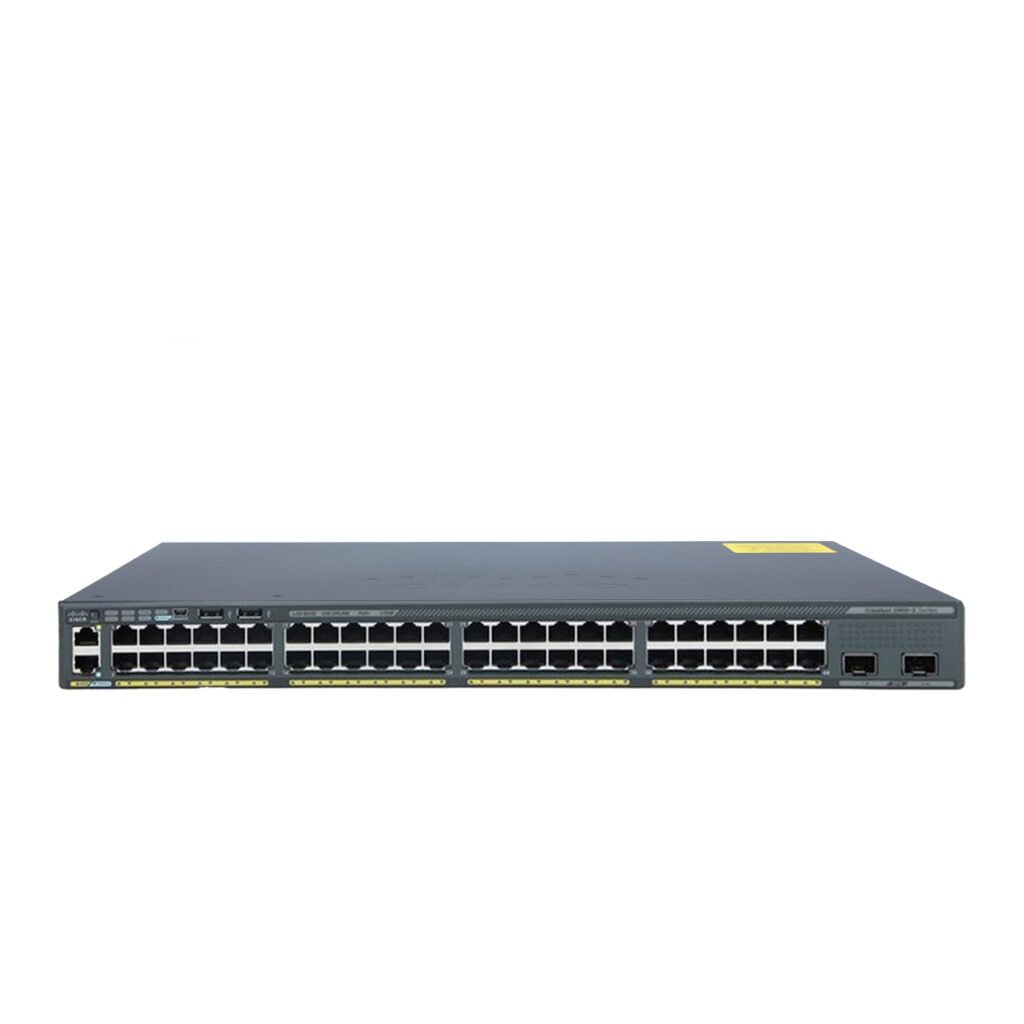
- Cisco Catalyst 2960-X Series Ethernet Switch
- Cisco Catalyst 3650 48 Port PoE+ Gigabit Ethernet Switch
- Cisco Catalyst 3750-X 48 Port PoE+ Gigabit Ethernet Switch
- Cisco Catalyst 3850 48-Port PoE+ Gigabit Ethernet Switch
- Cisco Catalyst 9300 24x UPOE Switch
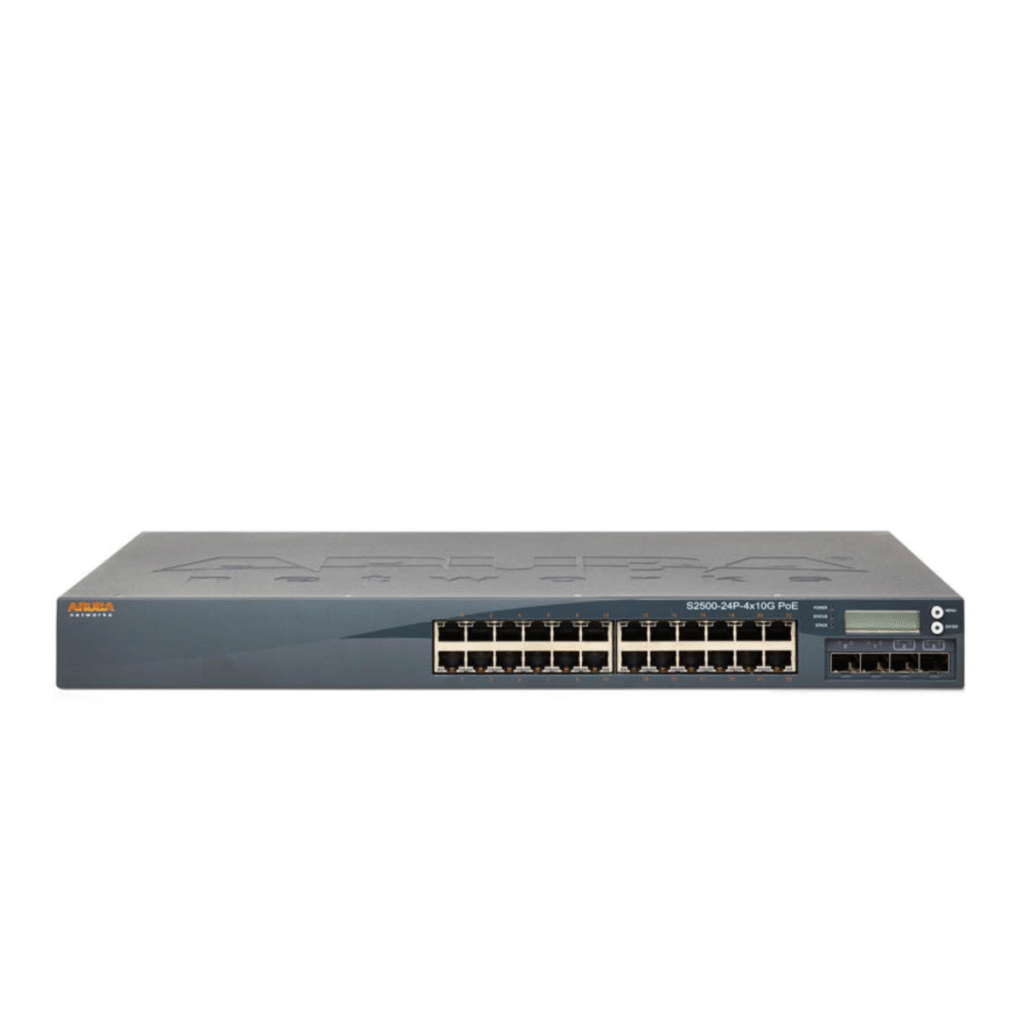
- Aruba Networks S2500-24P-4X10G PoE Gigabit Ethernet Switch
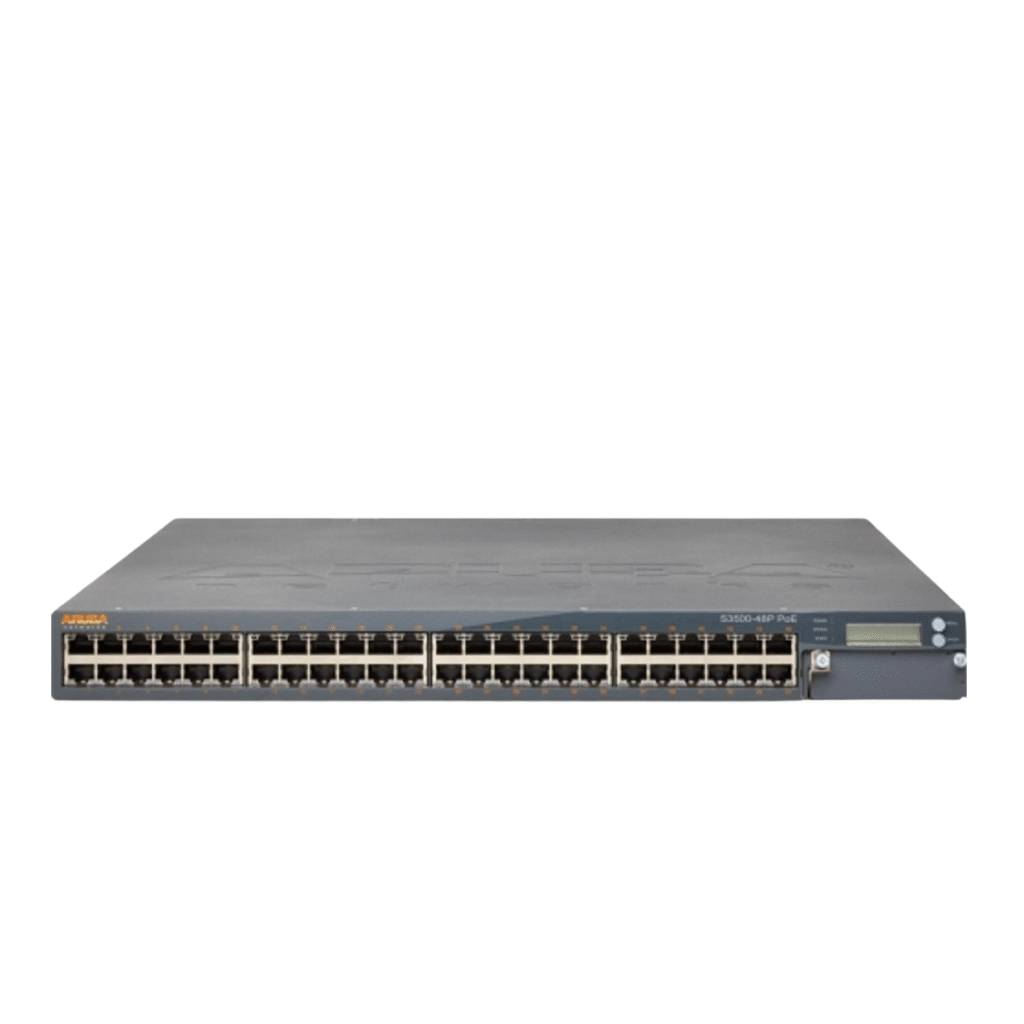
- Aruba Networks S2500-48P-4X10G PoE Gigabit Ethernet Switch
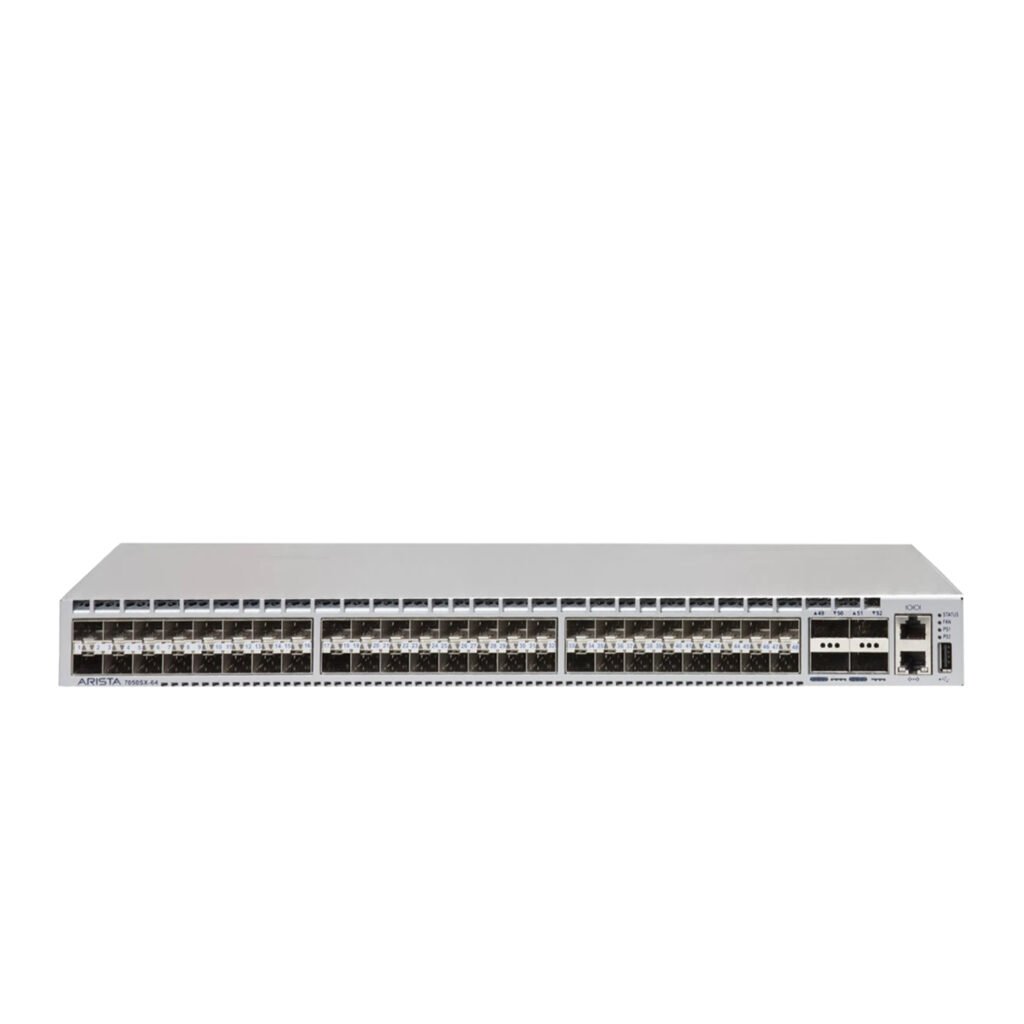
- Arista Networks DCS-7050SX-64 Data Center Switch
Each platform has different capabilities, so businesses should review the exact model specifications, supported features, uplink options, and stacking capabilities before making a purchasing decision.
How to Choose Between Stackable vs Standalone Switches
The best approach is to start with your current network requirements and then consider future growth.
Consider Your Number of Users
If your business has a small number of users and devices, a standalone switch may be sufficient.
If you have dozens or hundreds of connected devices, stackable switching may provide better long-term flexibility.
Evaluate Future Expansion
Think about how many employees and network devices you expect to add over the next few years.
If significant growth is expected, choosing a stackable platform from the beginning can simplify future upgrades.
Consider IT Management Requirements
If your IT team wants centralized configuration and monitoring, stackable switches can reduce administrative complexity.
For simple networks managed by a small team, standalone switches may be easier to deploy.
Evaluate Your Budget
Don’t focus only on the initial hardware cost.
Consider the total cost of ownership, including:
- Installation
- Management
- Maintenance
- Expansion
- Downtime
- Future hardware replacement
A slightly more expensive stackable solution may provide better long-term value for a growing enterprise.
Why Choose Smart Vision UAE?
At Smart Vision UAE, we understand that businesses have different networking requirements. That’s why we provide a range of enterprise switching solutions designed for different environments, from small offices to large enterprise infrastructures.
Our networking portfolio includes solutions from trusted manufacturers, helping businesses select switches based on:
- Network size
- Port requirements
- PoE needs
- Performance requirements
- Scalability
- Security
- Budget
Whether you need a standalone switch for a small office or a scalable switching platform for a growing enterprise, Smart Vision UAE can help you identify a suitable networking solution.
Conclusion
Understanding Stackable vs Standalone Switches is essential when planning a business network. While standalone switches offer simplicity, lower initial costs, and straightforward deployment, stackable switches provide greater scalability, centralized management, and potential redundancy for growing organizations.
For small offices with limited expansion requirements, standalone switching can be a practical solution. However, businesses expecting significant growth or requiring centralized network administration may benefit from a stackable architecture.
Before purchasing, evaluate your current number of users, port requirements, network traffic, budget, IT capabilities, and future expansion plans.
The right switching architecture can help your business build a reliable network that supports today’s applications while remaining prepared for tomorrow’s demands.
Frequently Asked Questions
What is the main difference between stackable and standalone switches?
The main difference is that stackable switches are designed to operate together as a single logical system, while standalone switches operate independently and are generally configured and managed separately.
Are stackable switches better than standalone switches?
Not necessarily. Stackable switches are better suited to growing or complex networks, while standalone switches can be more practical and cost-effective for small, simple environments.
Are stackable switches more expensive?
Stackable switches can have a higher initial cost because they offer additional capabilities for centralized management, scalability, and redundancy. However, they may provide better long-term value for growing networks.
Can standalone switches be connected together?
Yes. Multiple standalone switches can be connected using Ethernet or fiber uplinks. However, they generally remain separate devices from a management perspective.
Are stackable switches suitable for small businesses?
They can be, particularly when a small business expects significant growth. However, if the network is unlikely to expand substantially, a standalone switch may be sufficient.
How many switches can be stacked together?
The maximum number depends on the manufacturer and specific switch model. Always check the manufacturer’s specifications before designing a stack.
Choosing the right switching architecture is only one part of building a reliable business network. Explore our guide on Best Network Switches for Small Businesses: 10 Expert Picks to discover enterprise switching solutions suitable for growing organizations.