














8 Mistakes to Avoid When Choosing a Network Switch

Choosing the right network infrastructure is essential for maintaining stable connectivity, efficient data transfer, and reliable business operations. However, many organizations make avoidable mistakes when selecting network hardware, especially when they focus only on price or port count.
Knowing the most common mistakes to avoid when choosing a network switch can help businesses select hardware that matches their current network requirements while leaving enough room for future expansion. Factors such as port speed, PoE support, uplink capacity, management features, scalability, redundancy, and compatibility all influence how effectively a switch will perform.
Whether you are upgrading an office network, expanding a data center, or replacing older hardware, understanding these considerations can make the selection process much more straightforward.
For businesses looking for reliable enterprise networking hardware in the UAE, Smart Vision UAE provides a range of used switches suitable for different network environments and infrastructure requirements.
What Is a Network Switch?
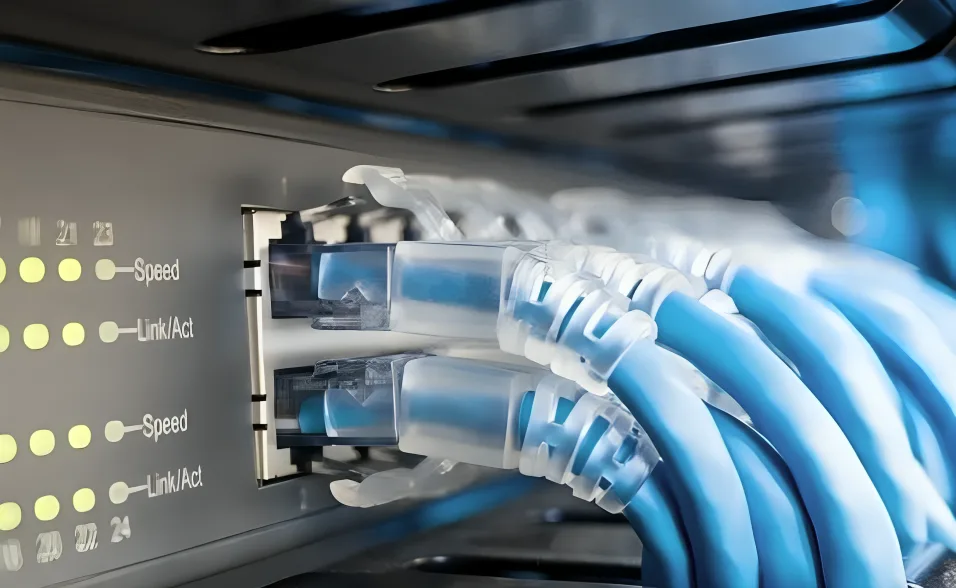
A network switch is a networking device that connects multiple devices within the same local area network (LAN). Computers, servers, access points, IP phones, printers, cameras, and other network-connected devices can communicate through the switch.
Unlike a basic hub, a switch intelligently forwards Ethernet frames to the appropriate destination instead of broadcasting traffic to every connected device. This improves network efficiency and helps reduce unnecessary traffic.
Modern enterprise switches can also provide features such as VLANs, Quality of Service (QoS), Power over Ethernet (PoE), link aggregation, high-speed uplinks, monitoring, and security controls.
For organizations upgrading their infrastructure, selecting the right switch requires more than simply counting the available ports.
Why Choosing the Right Network Switch Matters
A network switch can remain part of an organization’s infrastructure for several years. Choosing an unsuitable model may therefore create limitations long after the initial purchase.
For example, a business may purchase a switch with enough ports for today’s devices but discover later that it does not provide sufficient uplink capacity for additional servers or access points.
Similarly, selecting a non-PoE switch for an environment that requires powered access points, IP phones, or security cameras can result in additional hardware and installation complexity.
The following 8 mistakes to avoid when choosing a network switch can help businesses evaluate their requirements before purchasing networking equipment.
1. Choosing the Switch Based Only on Port Count
One of the most common mistakes is selecting a switch simply because it has the required number of Ethernet ports.
Port count is important, but it is only one part of the selection process.
For example, a 48-port switch may appear suitable for an organization with 35 connected devices. However, the switch may not provide the required PoE capacity, uplink speed, management capabilities, or future scalability.
Before choosing a switch, consider:
- Number of devices currently connected
- Expected network expansion
- Required Ethernet speeds
- PoE requirements
- Uplink requirements
- VLAN requirements
- Management requirements
- Redundancy requirements
- Available rack space and power
A business should ideally maintain some spare capacity rather than operating a switch close to its maximum port utilization.
Think About Future Expansion
Network requirements often increase as businesses add employees, access points, IP cameras, VoIP phones, servers, and other connected devices.
A switch that meets today’s requirements may become restrictive if there is no room for expansion.
For example, a 48-port switch can provide considerably more connection capacity than a 24-port model when an organization expects significant growth.
Smart Vision UAE offers enterprise switches in different port configurations, including models such as the Cisco Catalyst 3650 48 Port PoE+ Gigabit Ethernet Switch and Cisco Catalyst 3850 48-Port PoE+ Gigabit Ethernet Switch.
2. Ignoring Port Speed
Another important mistake is focusing on the number of ports without considering their speed.
Gigabit Ethernet may be sufficient for many endpoint devices, but some environments require faster connections for servers, storage systems, uplinks, virtualization, and high-bandwidth applications.
Common Ethernet speeds include:
- 100 Mbps
- 1 Gbps
- 2.5 Gbps
- 5 Gbps
- 10 Gbps
- 25 Gbps
- 40 Gbps
- 100 Gbps and above
The appropriate speed depends on the devices connected to the switch and the traffic moving through the network.
Consider Both Access Ports and Uplinks
A switch may provide Gigabit access ports while using higher-speed uplinks to connect to another switch, server, or core network.
This design can prevent uplinks from becoming network bottlenecks when many devices communicate simultaneously.
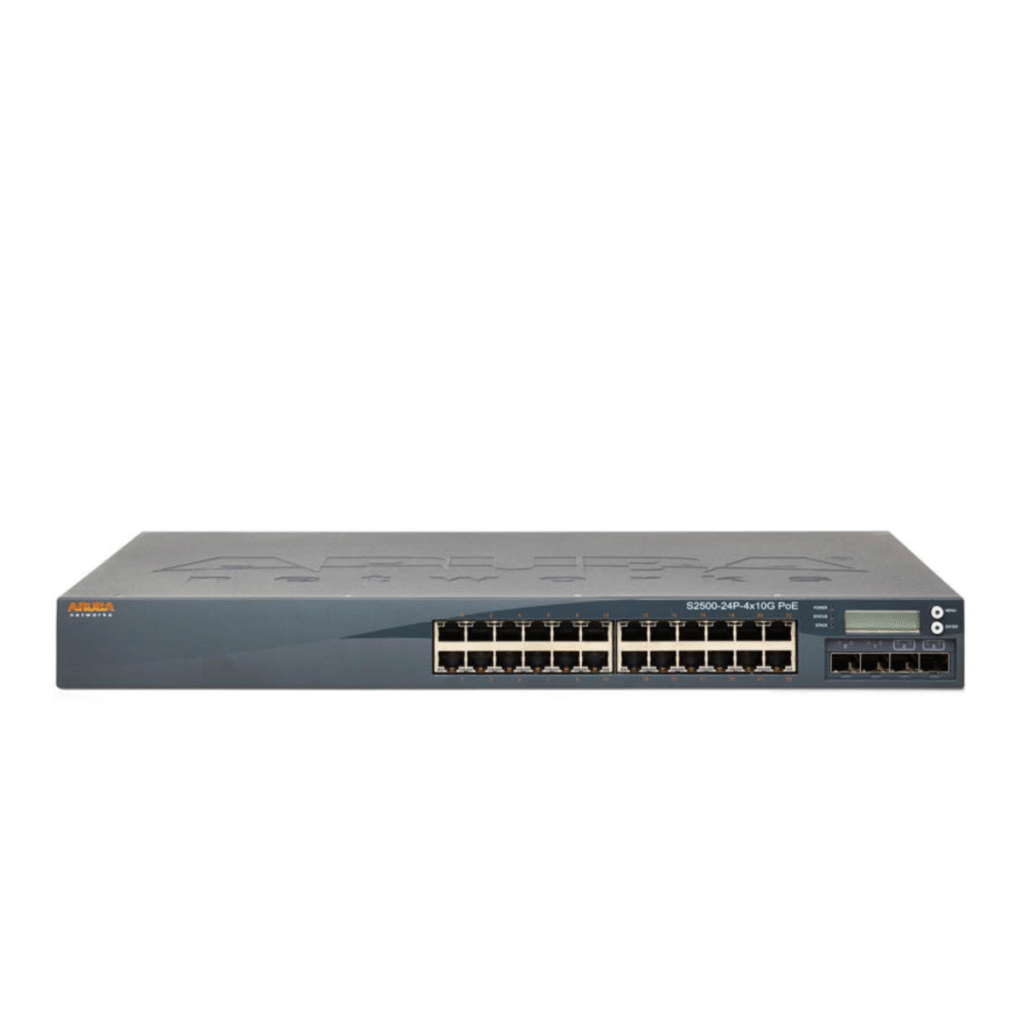
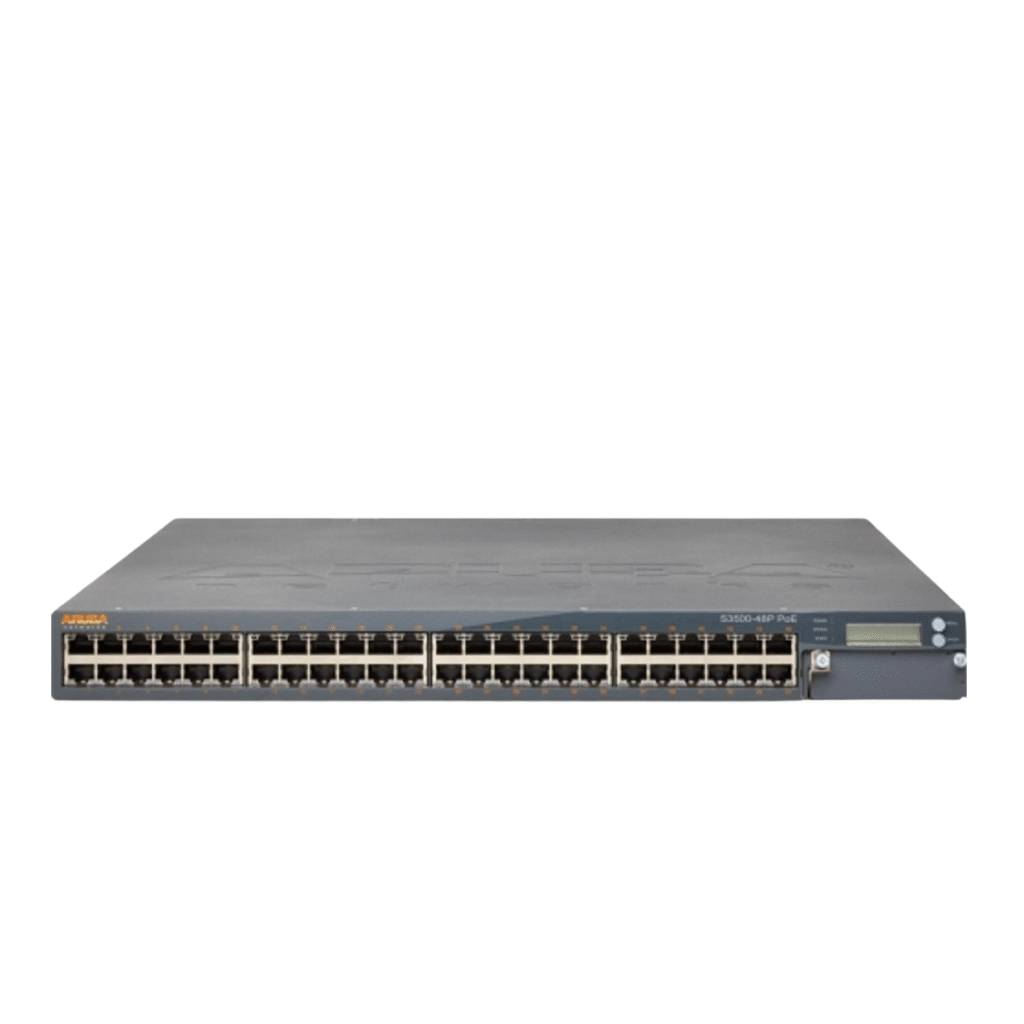
For example, the Aruba Networks S2500-24P-4X10G PoE Gigabit Ethernet Switch and Aruba Networks S2500-48P-4X10G PoE Gigabit Ethernet Switch combine Gigabit Ethernet access connectivity with 10G uplink capabilities.
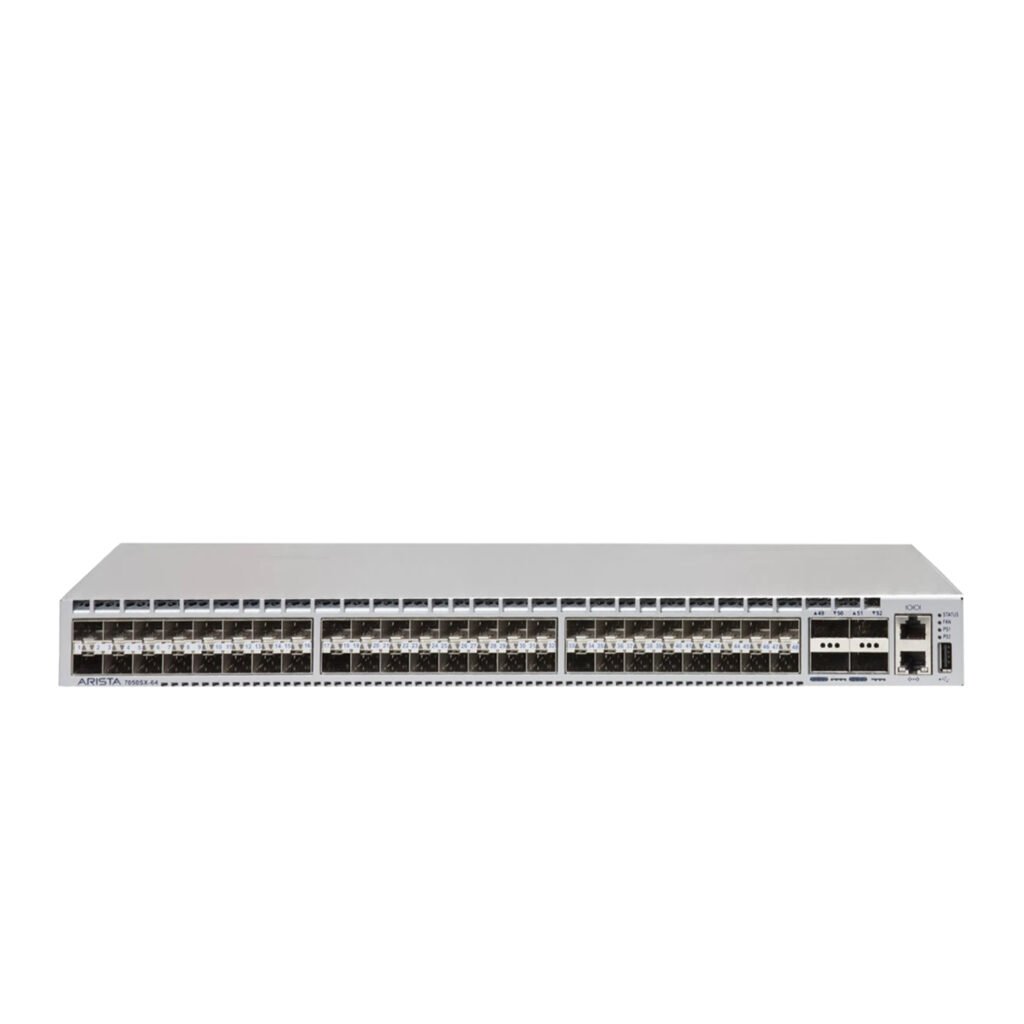
For high-bandwidth environments, Smart Vision UAE also offers models such as the Lenovo RackSwitch G8272 10Gb Ethernet Switch and Arista Networks DCS-7050SX-64 Data Center Switch.
3. Forgetting to Check PoE Requirements
Power over Ethernet, commonly known as PoE, allows compatible network devices to receive both power and data through an Ethernet cable.
PoE can simplify installations for:
- Wireless access points
- IP phones
- Security cameras
- IoT devices
- Certain network appliances
A common purchasing mistake is choosing a standard switch without checking whether connected devices require PoE.
If PoE is required, you should verify not only whether the switch supports PoE but also the available PoE budget and the power requirements of the connected devices.
PoE Budget Matters
A switch can have PoE ports but still have a limited total power budget.
For example, connecting multiple high-power devices may consume significantly more power than connecting standard IP phones.
Therefore, calculate the expected total power requirement before selecting the switch.
The Cisco Catalyst 3750-X 48 Port PoE+ Gigabit Ethernet Switch and Cisco Catalyst 3850 48-Port PoE+ Gigabit Ethernet Switch are examples of enterprise switches with PoE+ capabilities.
Choosing a suitable PoE switch can simplify deployment and reduce the need for separate power infrastructure.
4. Selecting the Wrong Management Type
Not every network requires the same level of switch management.
Unmanaged switches are generally designed for straightforward connectivity, while managed switches provide additional configuration and monitoring capabilities.
Depending on the environment, managed features may include:
- VLAN configuration
- QoS
- Port security
- Spanning Tree Protocol
- Link aggregation
- Traffic monitoring
- SNMP
- Access control features
- Network diagnostics
Choosing a switch without considering management requirements can create limitations later.
Managed vs Unmanaged Switches
An unmanaged switch can be appropriate for simple networks where advanced configuration is not necessary.
A managed switch is more suitable when administrators need greater visibility and control over network traffic.
For example, businesses with separate departments may use VLANs to logically segment traffic between employees, guests, voice devices, servers, and other network resources.
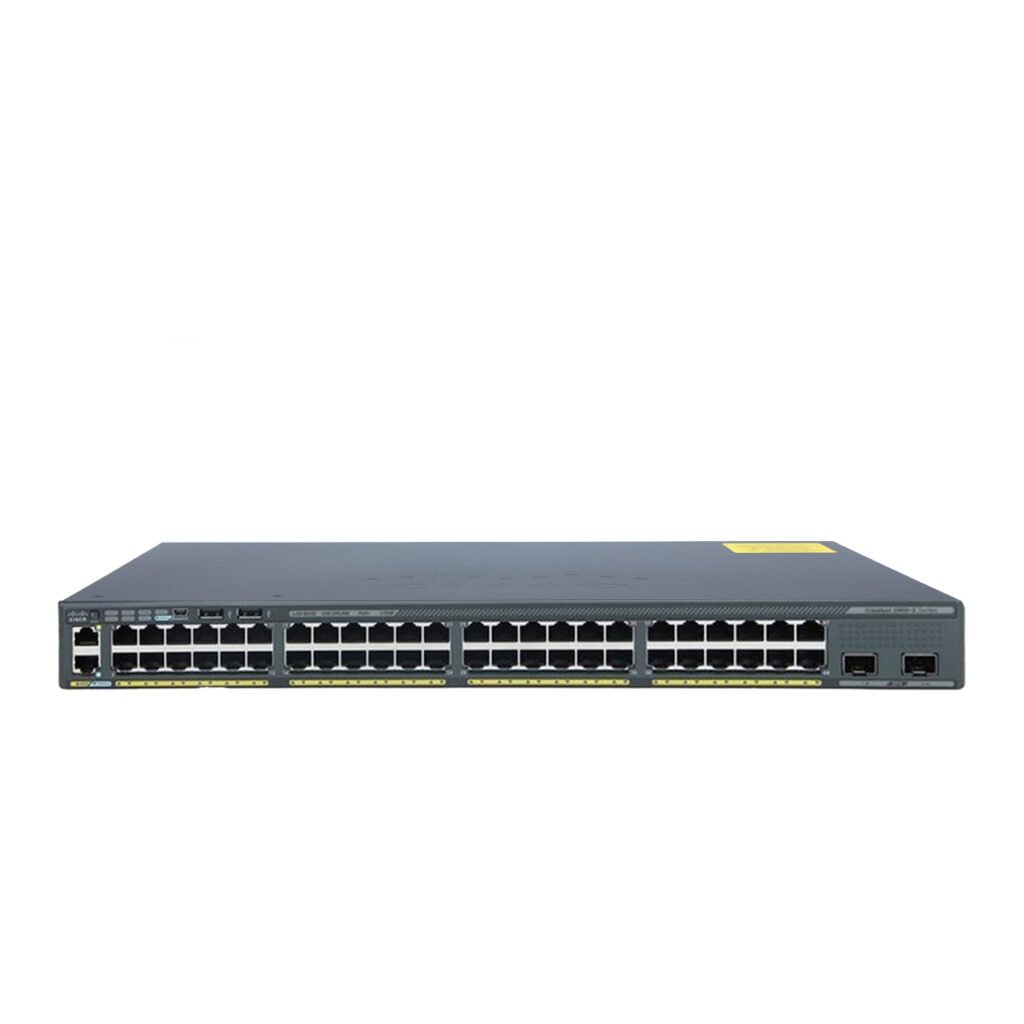
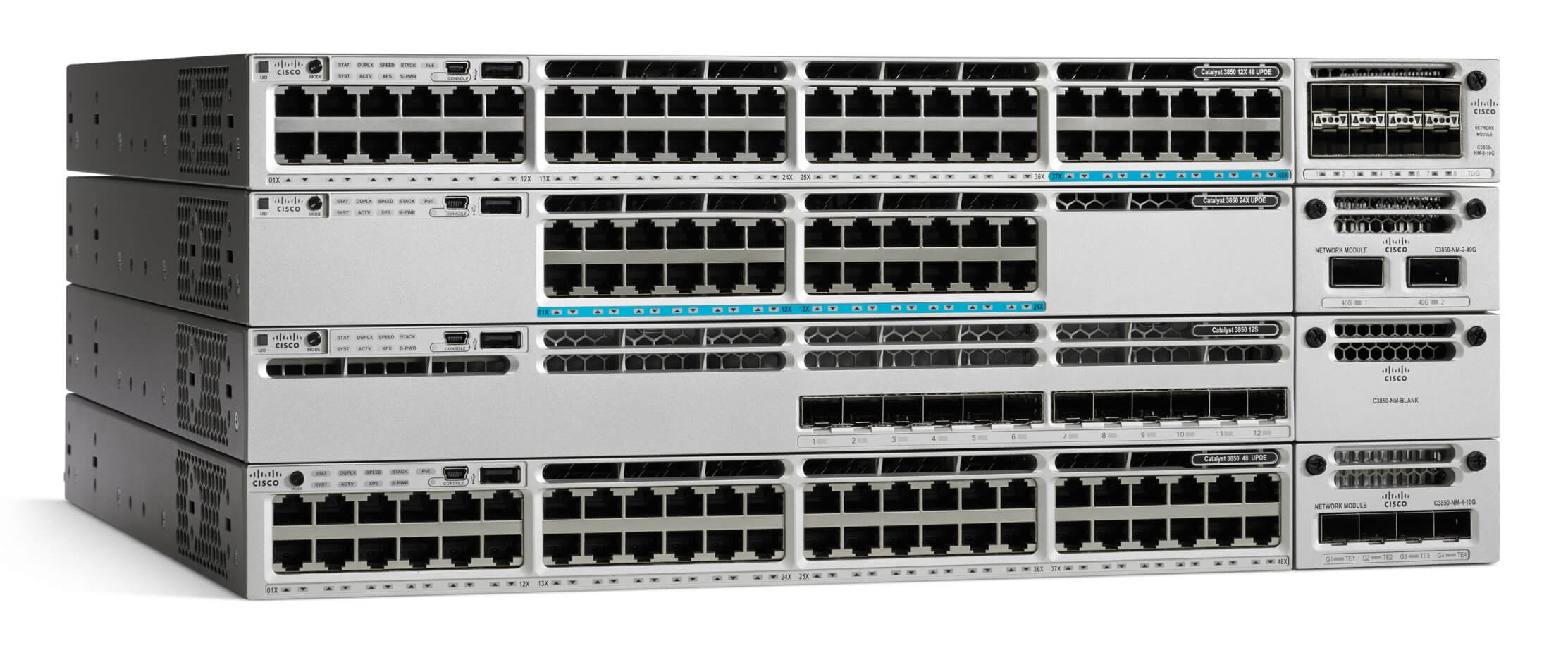
Enterprise models such as the Cisco Catalyst 2960-X Series Ethernet Switch, Cisco Catalyst 3650, and Cisco Catalyst 3850 provide management capabilities designed for more structured network environments.
5. Underestimating Uplink Requirements
Uplink capacity is another factor that is sometimes overlooked.
A switch may provide dozens of access ports, but traffic from these ports eventually needs to move through uplinks toward other switches, servers, routers, or the network core.
If uplinks are insufficient, they can become bottlenecks.
For example, imagine a 48-port switch where many connected devices communicate with servers located on another network segment. If the uplink cannot handle the aggregated traffic, overall performance may be limited even though individual access ports operate at their advertised speeds.
Plan Uplinks Around Traffic
When choosing a switch, consider:
- Number of connected devices
- Average traffic levels
- Peak traffic
- Server connections
- Storage traffic
- Inter-switch traffic
- Internet gateway capacity
- Future expansion
Higher-speed uplinks can provide additional capacity for growing networks.
The Aruba S2500-48P-4X10G and Aruba S2500-24P-4X10G are examples of switches designed with 10G uplink connectivity.
For data center environments, higher-capacity switching hardware such as the Arista DCS-7050SX-64 can support significantly higher network traffic requirements.
6. Ignoring Scalability and Future Growth
A network switch should not necessarily be selected only for today’s requirements.
Businesses may add:
- Employees
- Servers
- Wireless access points
- IP cameras
- VoIP phones
- Storage systems
- Network appliances
- Additional switches
If the selected switch cannot accommodate future expansion, the business may need to replace the hardware sooner than expected.
Consider Modular and Stackable Options
Some enterprise networks require flexible expansion through stacking or modular switching architectures.
For larger infrastructure environments, modular switches can provide additional flexibility.
The Cisco Catalyst 4507R+E Modular Switch and Cisco Catalyst 9400 Series C9407R Modular Switch are examples of modular enterprise switching platforms.
The appropriate architecture depends on the size and design of the network, available rack space, redundancy requirements, and expected expansion.
7. Overlooking Redundancy and Reliability
Network downtime can interrupt business operations, communication, applications, and access to critical resources.
One of the mistakes to avoid when choosing a network switch is failing to consider what happens if a network component or connection fails.
Depending on the network architecture, organizations may need features such as:
- Redundant links
- Link aggregation
- Spanning Tree Protocol
- Redundant power options
- Multiple uplinks
- High-availability architectures
- Backup switching paths
Not every network requires the same level of redundancy, but critical environments should evaluate potential single points of failure.
Reliability Should Match the Environment
A small office may have different availability requirements from a data center.
For example, a small office network may prioritize simple deployment and manageable costs, while a data center may require redundant connectivity and high-capacity switching.
Enterprise switching platforms such as the Cisco Catalyst 9400 Series C9407R and Cisco Catalyst 4507R+E Modular Switch can be considered when organizations require modular infrastructure.
8. Choosing the Cheapest Option Without Comparing Total Requirements
Price is naturally an important consideration, but choosing a switch based solely on the lowest purchase price can lead to additional costs later.
A cheaper switch may lack:
- Required PoE capabilities
- Higher-speed uplinks
- VLAN support
- Advanced management
- Sufficient power budget
- Expansion capacity
- Required redundancy
- Monitoring features
This can result in additional equipment purchases, upgrades, or replacement costs.
Consider Total Cost of Ownership
When comparing switches, look beyond the initial purchase price.
Consider:
- Hardware cost
- Installation
- Power consumption
- Required accessories
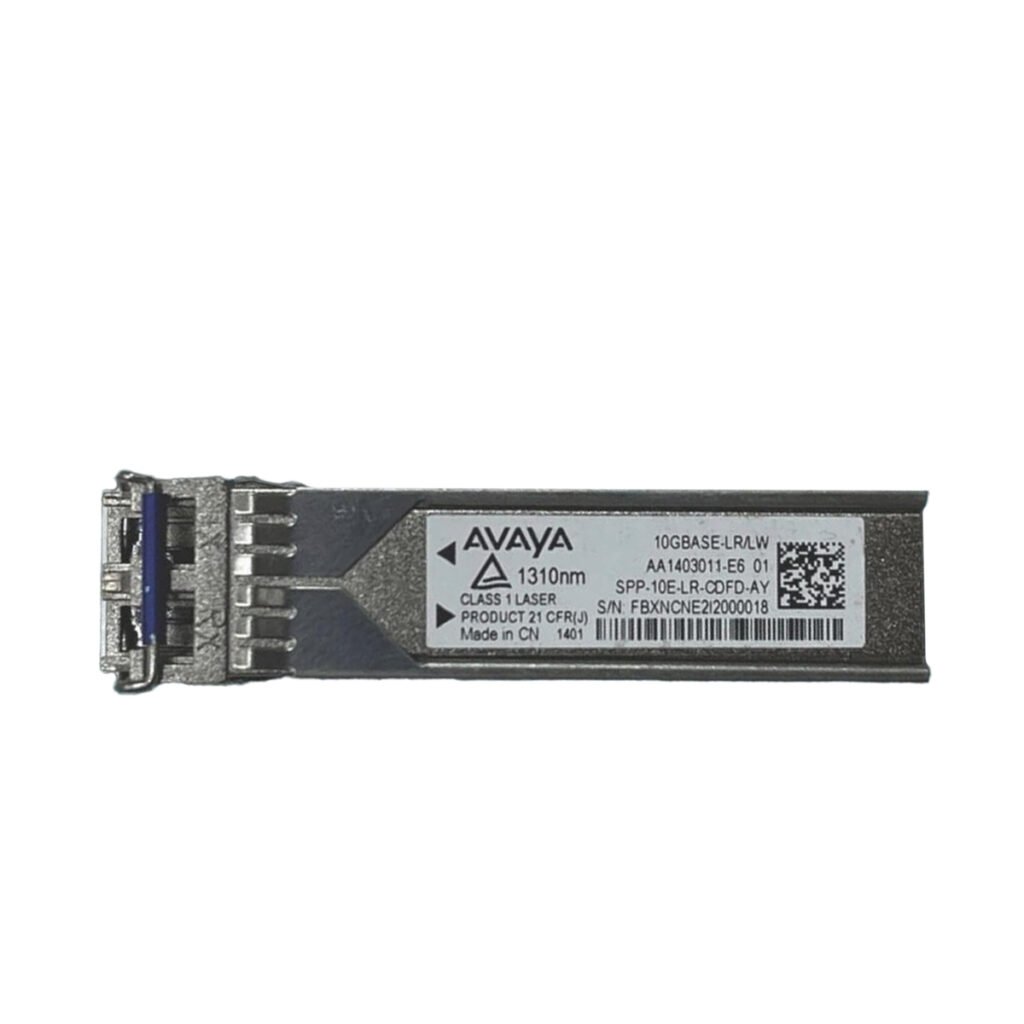
- Transceivers
- Cabling
- Maintenance
- Expansion requirements
- Replacement costs
Used enterprise networking equipment can also be an option for organizations seeking established hardware capabilities while managing their infrastructure budget.
Smart Vision UAE provides used enterprise networking equipment across categories including switches, routers, servers, storage, firewalls, SFPs, and other IT hardware.
8 Mistakes to Avoid When Choosing a Network Switch: Quick Comparison
| Mistake | Potential Issue | What to Check |
|---|---|---|
| Focusing only on port count | Limited future expansion | Current and future devices |
| Ignoring port speed | Network bottlenecks | Access and uplink speeds |
| Forgetting PoE | Extra power infrastructure | PoE type and power budget |
| Choosing the wrong management type | Limited network control | Managed features |
| Underestimating uplinks | Traffic congestion | Uplink capacity |
| Ignoring scalability | Early hardware replacement | Growth requirements |
| Overlooking redundancy | Greater downtime risk | Backup paths and power |
| Choosing only by price | Unexpected additional costs | Total requirements |
How to Choose the Right Network Switch
After avoiding these common mistakes, the next step is to create a clear checklist for your network.
1. Count Your Devices
Start by listing the devices that will connect to the switch.
Include:
- PCs
- Servers
- Printers
- IP phones
- Access points
- Cameras
- Storage devices
- Other network appliances
Then estimate how many additional connections you may need in the future.
2. Identify Required Speeds
Determine the speed requirements of each device.
Standard office endpoints may have different requirements from servers, storage systems, or network uplinks.
Make sure the switch provides appropriate connectivity for both current and future traffic levels.
3. Determine Whether PoE Is Required
If you are connecting access points, IP phones, cameras, or other PoE devices, verify the switch’s PoE capabilities and total power budget.
Do not assume that every Ethernet switch supports PoE.
4. Decide Between Managed and Unmanaged
If your network requires VLANs, traffic monitoring, QoS, security controls, or detailed configuration, a managed switch may be necessary.
For basic plug-and-play connectivity, an unmanaged model may be sufficient depending on the environment.
5. Check Uplink Connectivity
Review how the switch will connect to:
- Core switches
- Distribution switches
- Routers
- Servers
- Storage systems
- Other network infrastructure
Make sure the uplinks can handle expected traffic.
6. Evaluate Physical Requirements
Physical installation requirements should also be considered.
Check:
- Rack size
- Power availability
- Cooling
- Port layout
- Cable management
- Noise levels
- Installation location
These factors can become particularly important in server rooms and data centers.
Examples of Enterprise Switches Available from Smart Vision UAE
Smart Vision UAE offers a selection of used enterprise switches designed for different network environments.
Cisco Catalyst Switches
The available Cisco range includes:
- Cisco Catalyst 2960-X Series Ethernet Switch
- Cisco Catalyst 3650 48 Port PoE+ Gigabit Ethernet Switch
- Cisco Catalyst 3750-X 48 Port PoE+ Gigabit Ethernet Switch
- Cisco Catalyst 3850 48-Port PoE+ Gigabit Ethernet Switch
- Cisco Catalyst 4507R+E Modular Switch
- Cisco Catalyst 9300 24x UPOE Switch
- Cisco Catalyst 9400 Series C9407R Modular Switch
These models cover different requirements, from enterprise access switching to modular infrastructure.
Aruba Switching
Smart Vision UAE also has:
- Aruba Networks S2500-24P-4X10G PoE Gigabit Ethernet Switch
- Aruba Networks S2500-48P-4X10G PoE Gigabit Ethernet Switch
These models can be relevant for networks requiring PoE connectivity and higher-speed uplinks.
Data Center and High-Speed Switching
For higher-bandwidth environments, available models include:
- Arista Networks DCS-7050SX-64 Data Center Switch
- Lenovo RackSwitch G8272 10Gb Ethernet Switch
- Dell EMC PowerSwitch N4032F
These switches can be evaluated according to the network’s bandwidth, connectivity, and infrastructure requirements.
Why Buy Used Enterprise Network Switches?
Used enterprise networking equipment can be considered by organizations looking for established hardware while controlling infrastructure costs.
However, used equipment should still be evaluated carefully.
Before purchasing, verify:
- Exact model number
- Port configuration
- Hardware condition
- PoE functionality where applicable
- Uplink configuration
- Included components
- Compatibility
- Warranty or return terms
- Required transceivers and accessories
The goal is not simply to find a low-cost switch but to find hardware that matches the actual network requirements.
Smart Vision UAE for Network Switching Hardware
Smart Vision UAE offers used networking hardware for businesses and organizations looking to expand or upgrade their infrastructure.
The available inventory includes network switches, routers, servers, storage systems, firewalls, SFPs, network cards, CPUs, and other enterprise IT hardware.
When selecting a switch, customers can compare technical specifications, port configurations, connectivity options, and other hardware requirements before choosing equipment for their environment.
For businesses in the UAE, this approach can make it easier to identify suitable enterprise networking hardware without limiting the selection to a single switch configuration.
Final Checklist Before Buying a Network Switch
Before placing an order, review the following checklist:
- Do I have enough Ethernet ports?
- Have I planned for future expansion?
- Are the port speeds appropriate?
- Do I need PoE?
- Is the PoE power budget sufficient?
- Do I need a managed switch?
- Are VLANs required?
- Are the uplinks fast enough?
- Do I need redundancy?
- Is the switch compatible with existing hardware?
- Does it fit the available rack space?
- Have I considered total cost rather than purchase price alone?
- Have I verified the exact model and specifications?
Going through these points before purchasing can reduce the risk of selecting hardware that does not match the network’s actual requirements.
Conclusion
Choosing a network switch involves more than comparing port counts and prices. Businesses need to consider port speeds, PoE requirements, management features, uplink capacity, scalability, redundancy, compatibility, and future network growth.
By understanding the 8 mistakes to avoid when choosing a network switch, organizations can create a more structured purchasing process and reduce the possibility of selecting hardware that becomes restrictive later.
Whether the requirement involves an office access switch, a PoE deployment, a high-speed uplink environment, or a larger enterprise infrastructure, the right choice should be based on the network’s technical requirements and expected growth.
Smart Vision UAE provides a range of used enterprise switches and networking hardware that can be evaluated according to different infrastructure requirements.
FAQ
1. What is the biggest mistake when choosing a network switch?
One common mistake is selecting a switch based only on the number of ports. Port count is important, but speed, PoE, uplinks, management, scalability, and redundancy may also affect whether the switch is suitable.
2. How many ports should a network switch have?
The required port count depends on the number of connected devices and expected future expansion. It is generally useful to leave additional capacity for new devices rather than selecting a switch that will immediately reach its maximum port usage.
3. Do all network switches support PoE?
No. PoE is a specific feature available on compatible switches. If your network includes PoE devices, verify both the switch’s PoE support and total power budget before purchasing.
4. Is a managed switch better than an unmanaged switch?
The appropriate choice depends on the network requirements. Managed switches provide additional configuration and monitoring capabilities, while unmanaged switches are designed for simpler connectivity environments.
5. Why are switch uplinks important?
Uplinks carry traffic between the switch and other network infrastructure. If uplink capacity is insufficient for the amount of aggregated traffic, it can become a bottleneck.
6. Should I choose a 24-port or 48-port switch?
The decision depends on the current number of devices, future expansion, available space, and network design. A 48-port switch may provide more expansion capacity, while a 24-port model may be sufficient for smaller deployments.
7. What should I check before buying a used network switch?
Check the exact model, port configuration, supported speeds, PoE capabilities, uplinks, physical condition, compatibility, included components, and applicable warranty or return terms.
8. Where can I buy used enterprise network switches in the UAE?
Smart Vision UAE offers used enterprise networking hardware, including Cisco, Aruba, Arista, Lenovo, Dell EMC, and other available networking equipment. Customers can review the specifications of available models according to their infrastructure requirements.
Before selecting your next switch, learn more about the 6 Managed Switch Features That Improve Network Performance and understand which capabilities can make a difference in a growing business network.