















How to Choose the Right Server for Your Business in 7 Steps


How to Choose the Right Server for Your Business in 7 Steps
Choosing the right server is an important decision for any business that depends on reliable IT infrastructure. Whether you need a server for virtualization, databases, file sharing, business applications, or cloud environments, the right hardware can improve performance, security, and long-term efficiency.
Understanding How to Choose the Right Server for Your Business in 7 Steps makes it easier to compare different server configurations and select a solution that matches your organization’s current and future requirements.
Why Choosing the Right Server Matters
A server is more than just a powerful computer. It is the foundation of many business operations and can host applications, databases, virtual machines, files, and critical company data.
Choosing the right configuration can help businesses:
- Improve application performance
- Reduce downtime
- Protect important data
- Support business growth
- Improve scalability
- Reduce unnecessary hardware costs
Following How to Choose the Right Server for Your Business in 7 Steps provides a structured approach to making the right investment.
Step 1: Identify Your Business Workloads
The first step is understanding what the server will actually be used for.
Different workloads require different hardware configurations. For example, a server used for basic file sharing does not need the same resources as a system running multiple virtual machines or large databases.
Consider whether your server will be used for:
- File and print services
- Database applications
- Virtualization
- Email and collaboration
- Backup and storage
- Web hosting
- AI and analytics
- ERP and business applications
Identifying workloads helps determine the required processor, memory, storage, and networking capabilities.
Step 2: Choose the Right Server Type
Businesses can choose between several server form factors depending on their environment.
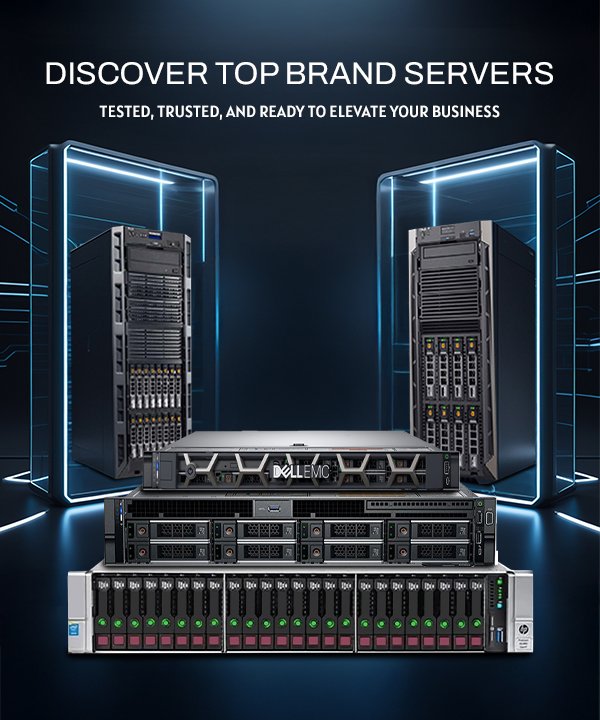
Rack Servers
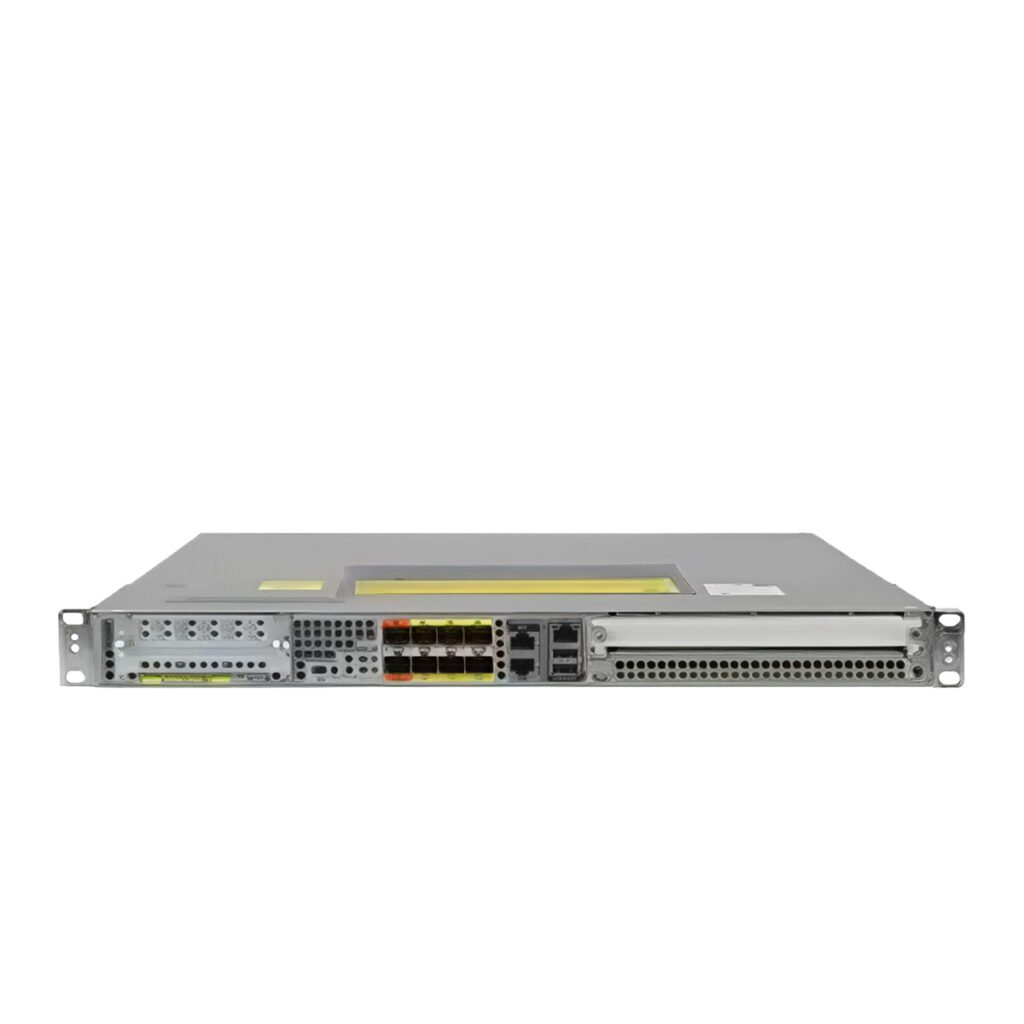
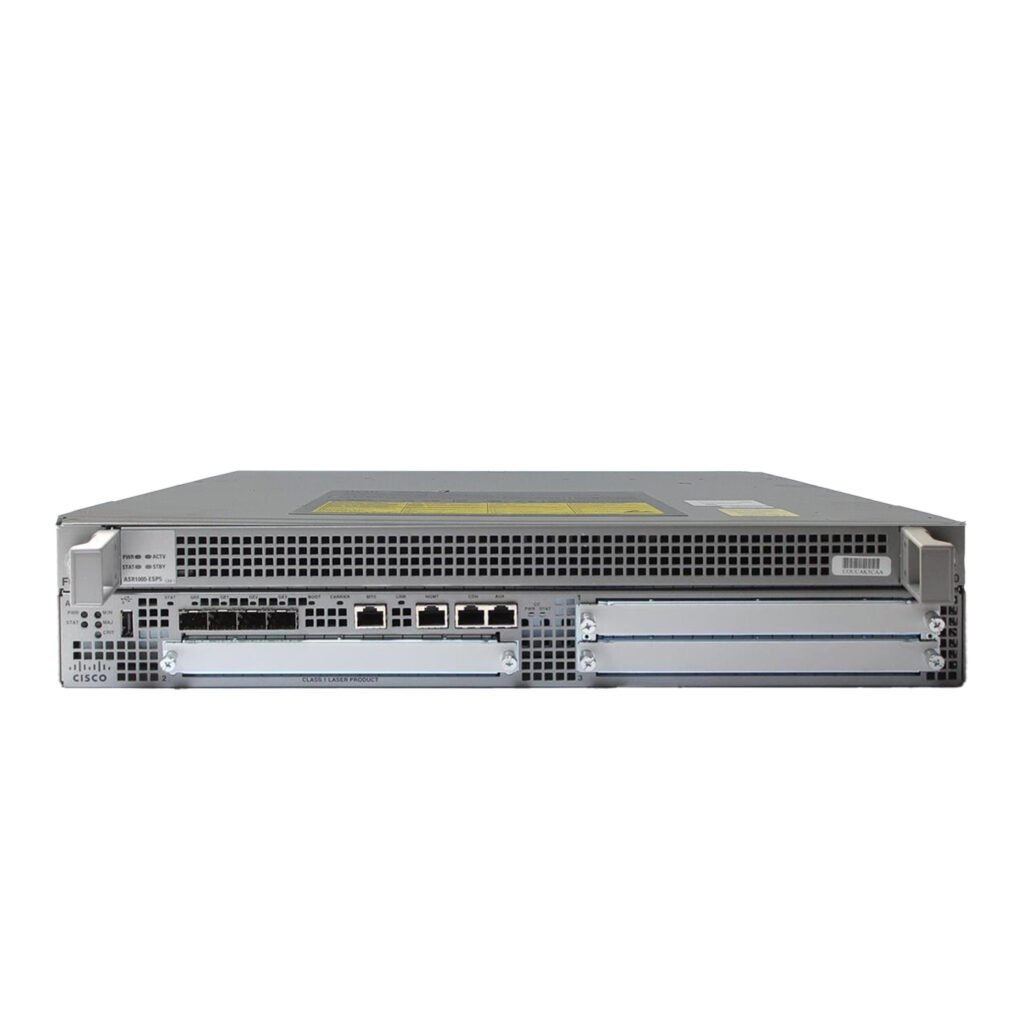
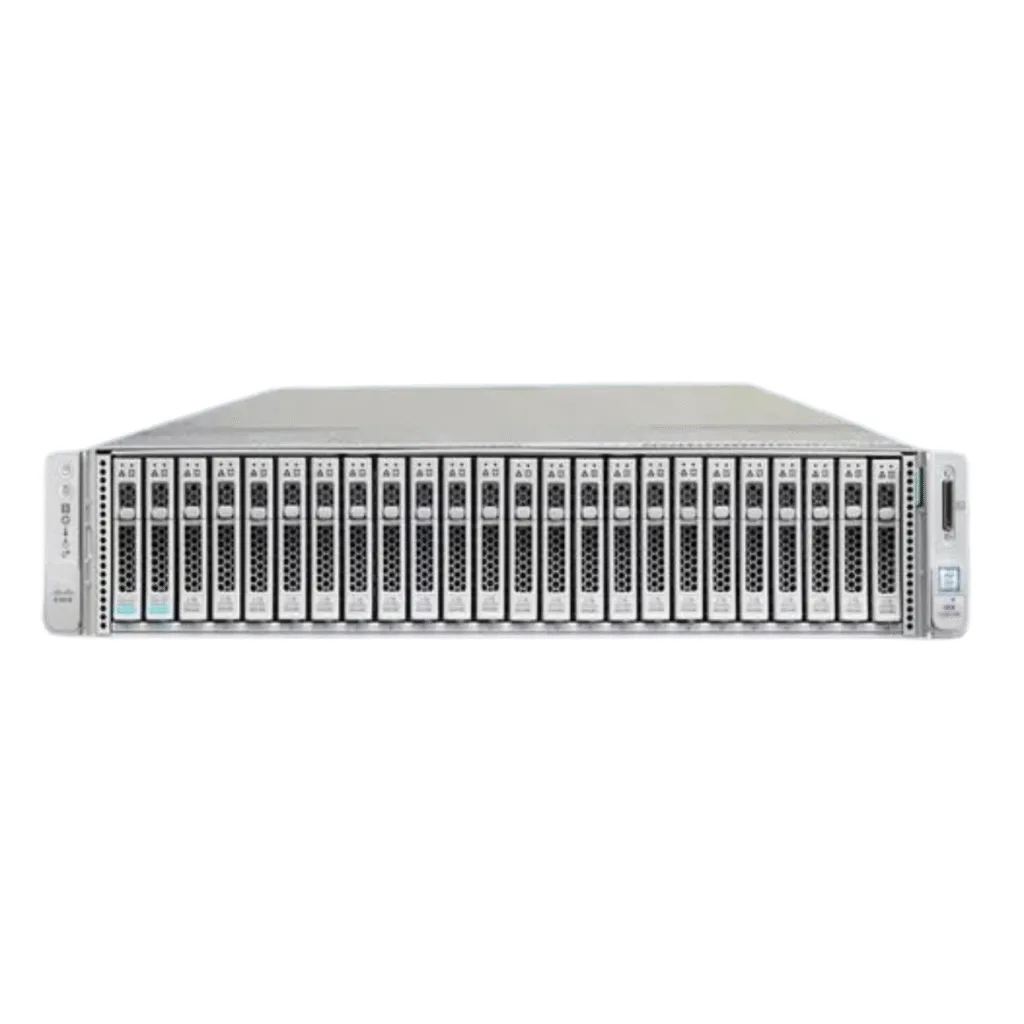
Rack servers are ideal for data centers and businesses that need multiple servers in a centralized environment. They are space-efficient and easy to integrate into standard server racks.
Popular examples include Dell PowerEdge, HPE ProLiant, Lenovo ThinkSystem, and Cisco UCS servers.
Tower Servers
Tower servers are suitable for small and medium-sized businesses that may not have a dedicated data center.
They provide strong performance while being easier to deploy in office environments.
Blade Servers
Blade servers are designed for high-density environments where multiple computing nodes need to share power, cooling, and networking resources.
Selecting the appropriate form factor is an important part of How to Choose the Right Server for Your Business in 7 Steps.
Step 3: Select the Right Processor
The CPU determines how efficiently the server can process workloads. Businesses should consider the number of cores, processor generation, clock speed, and support for multiple CPUs.
For demanding workloads such as virtualization, databases, and analytics, processors with higher core counts can provide significant performance advantages.
IT managers should also consider future requirements rather than selecting a processor based only on current workloads.
Step 4: Determine the Required Memory
RAM is another critical component when choosing server hardware.
Applications, databases, and virtual machines require sufficient memory to operate efficiently. Running out of available RAM can result in slower performance and reduced productivity.
Before purchasing a server, determine:
- Current memory requirements
- Number of virtual machines
- Database size
- Number of simultaneous users
- Future expansion requirements
Choosing a server with expandable memory allows businesses to upgrade their infrastructure as workloads increase.
Step 5: Evaluate Storage and RAID Requirements
Storage requirements depend heavily on the type and amount of data your business manages.
Businesses should consider:
- HDD storage capacity
- SSD performance
- NVMe compatibility
- Number of drive bays
- Hot-swappable drives
- RAID support
RAID can provide redundancy and help protect against individual drive failures. Common configurations include RAID 1, RAID 5, RAID 6, and RAID 10.
For data-intensive workloads, combining SSD or NVMe storage with appropriate RAID configurations can provide both performance and reliability.
Step 6: Consider Networking and Security
A server needs reliable connectivity to communicate with users, storage systems, and other infrastructure.
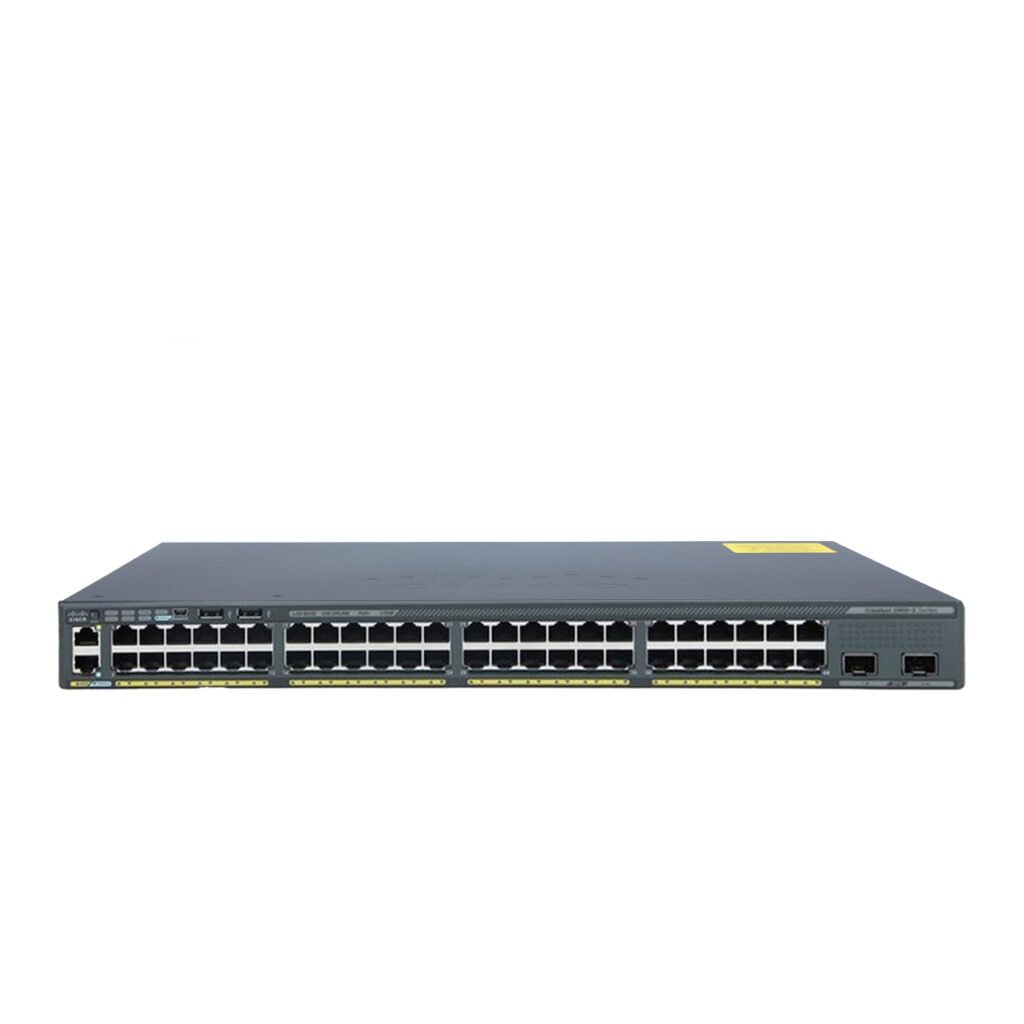
Depending on workload requirements, businesses may need network connectivity ranging from 1GbE to 10GbE, 25GbE, 40GbE, or higher.
Security should also be considered when selecting server hardware. Features such as secure boot, firmware protection, access controls, and hardware monitoring can help protect the infrastructure.
A reliable network combined with strong security features creates a safer and more efficient IT environment.
Step 7: Plan for Scalability and Future Growth
The final step is thinking beyond your current requirements.
Business workloads can increase rapidly as the company grows. Replacing a server every few years can become expensive, so selecting hardware with expansion capabilities is often a smarter approach.
Look for servers that support upgrades to:
- Additional RAM
- More storage
- Faster SSDs or NVMe drives
- Additional network adapters
- RAID controllers
- Expansion cards
- Additional processors, where supported
Planning for future growth is one of the most important principles in How to Choose the Right Server for Your Business in 7 Steps.
Server Brands to Consider
Several manufacturers offer reliable enterprise server platforms for different business requirements.
Dell PowerEdge
Dell PowerEdge servers are widely used for virtualization, databases, storage, and general enterprise workloads. The portfolio includes both rack and tower servers.
HPE ProLiant
HPE ProLiant servers provide flexible configurations and enterprise management features for businesses ranging from small offices to large data centers.
Lenovo ThinkSystem
Lenovo ThinkSystem servers combine performance, scalability, and flexible configurations for modern business applications.
Cisco UCS
Cisco UCS servers are particularly useful for organizations already using Cisco networking infrastructure and looking for integrated computing and networking solutions.
New vs. Used Enterprise Servers
Businesses do not always need to purchase brand-new hardware. Used and refurbished enterprise servers can provide excellent performance at a lower cost.
When considering used equipment, check:
- Server condition
- CPU configuration
- RAM capacity
- Drive bays
- RAID controller
- Network cards
- Power supplies
- Warranty or testing status
A properly tested used enterprise server can be an effective solution for businesses with limited IT budgets.
Common Mistakes to Avoid
When learning How to Choose the Right Server for Your Business in 7 Steps, it is also important to avoid common purchasing mistakes.
Buying More Performance Than You Need
An extremely powerful server may increase costs without providing meaningful benefits if the workload is relatively light.
Choosing Insufficient Storage
Underestimating future data growth can quickly create storage limitations.
Ignoring Upgrade Options
A server with limited expansion capabilities may require replacement sooner than expected.
Focusing Only on Purchase Price
Businesses should consider power consumption, maintenance, upgrades, downtime, and management costs when calculating the total cost of ownership.
Making the Right Server Investment
Following How to Choose the Right Server for Your Business in 7 Steps gives IT managers and business owners a clear framework for evaluating server performance, storage, scalability, security, and long-term reliability. This approach helps businesses avoid unnecessary costs while selecting hardware that can support their current operations and future growth.
Conclusion
Understanding How to Choose the Right Server for Your Business in 7 Steps helps organizations make smarter IT infrastructure decisions. By identifying workloads, selecting the appropriate server type, evaluating processors and memory, planning storage, considering networking and security, and preparing for future growth, businesses can choose hardware that delivers long-term value.
Whether you need a rack server, tower server, or enterprise platform from Dell, HPE, Lenovo, or Cisco, the best choice is the one that matches your workload today while providing enough scalability to support your business tomorrow.