



















9 Common Server Mistakes That Can Impact Business Performance

9 Common Server Mistakes That Can Impact Business Performance
Servers are the foundation of many modern business IT environments. They support applications, databases, websites, file sharing, virtualization, storage, backups, and internal business operations. When server infrastructure is not properly configured or maintained, even small mistakes can lead to slow performance, downtime, security issues, and unnecessary costs.
Understanding the 9 Common Server Mistakes That Can Impact Business Performance can help businesses identify potential problems before they affect employees, customers, and critical operations.
Whether a company operates a single server or manages a larger data center environment, avoiding the 9 Common Server Mistakes That Can Impact Business Performance is an important part of maintaining reliable IT infrastructure.
1. Choosing the Wrong Server for the Workload

One of the most common mistakes is selecting a server based only on price or basic specifications without considering the actual workload.
Different applications require different levels of CPU performance, RAM, storage, and network connectivity. A file server may have different requirements from a database server, virtualization host, or application server.
When reviewing the 9 Common Server Mistakes That Can Impact Business Performance, choosing unsuitable hardware is one of the first areas businesses should evaluate.
Before purchasing a server, consider:
- Number of users
- Application requirements
- CPU workload
- Required RAM
- Storage capacity
- Storage performance
- Network bandwidth
- Virtualization requirements
- Expected future growth
A server should provide enough resources for current workloads while leaving room for reasonable expansion.
2. Installing Insufficient RAM
RAM plays an important role in server performance. Applications, databases, virtual machines, and operating systems all depend on available memory.
When a server does not have enough RAM, the system may rely more heavily on storage-based virtual memory, which can sign
ificantly affect responsiveness.
Insufficient memory is another important point among the 9 Common Server Mistakes That Can Impact Business Performance.
Businesses should monitor memory utilization and determine whether additional RAM is required before performance problems become persistent.
This is especially important for virtualization environments where multiple virtual machines share the physical server’s resources.
3. Ignoring Storage Performance
Storage capacity is important, but capacity alone does not determine storage performance.
A server may have plenty of available storage while still experiencing slow application response because the storage subsystem cannot handle the workload efficiently.
Storage performance can be affected by drive technology, RAID configuration, controller capabilities, IOPS, latency, and the type of applications running on the server.
For this reason, 9 Common Server Mistakes That Can Impact Business Performance should include ignoring storage performance as a major infrastructure issue.
Businesses should evaluate whether their workloads require high-performance storage and whether the existing storage configuration creates a bottleneck.
4. Using an Inadequate Network Configuration

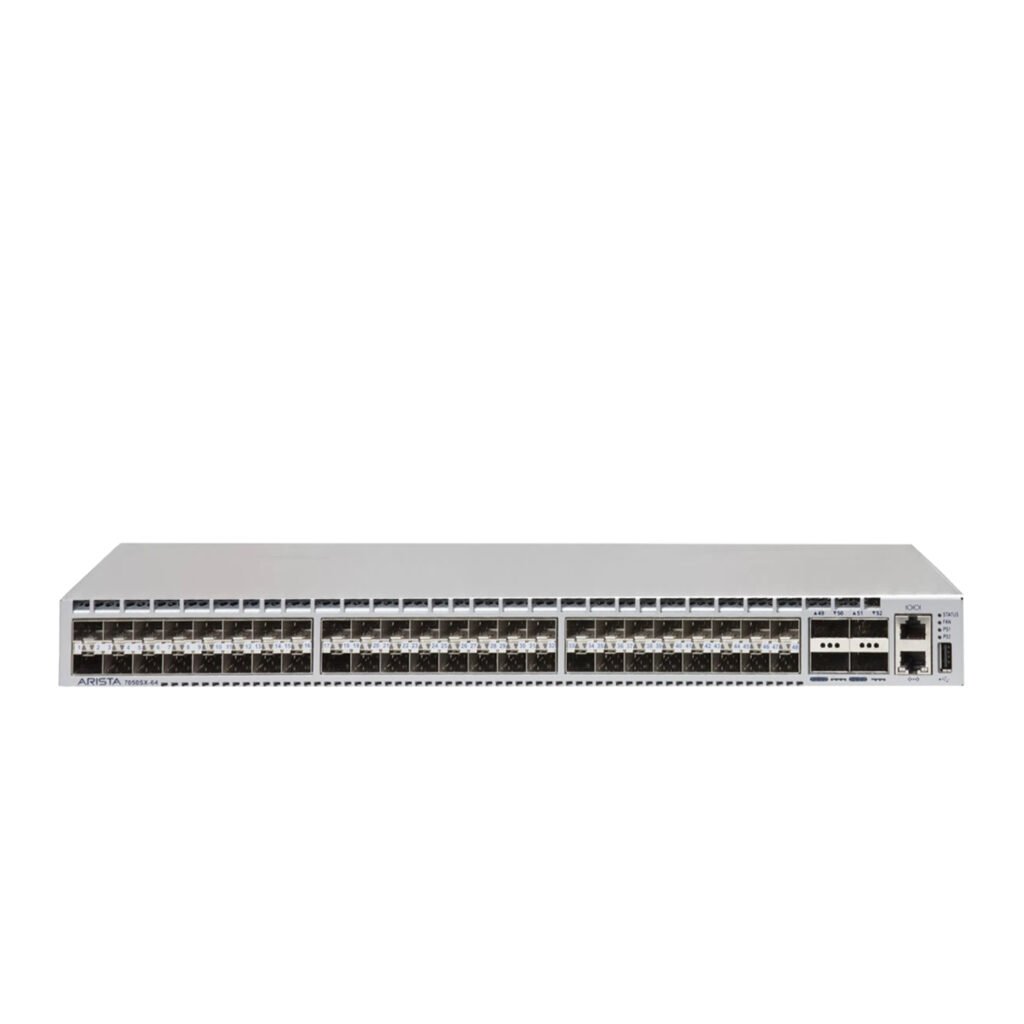
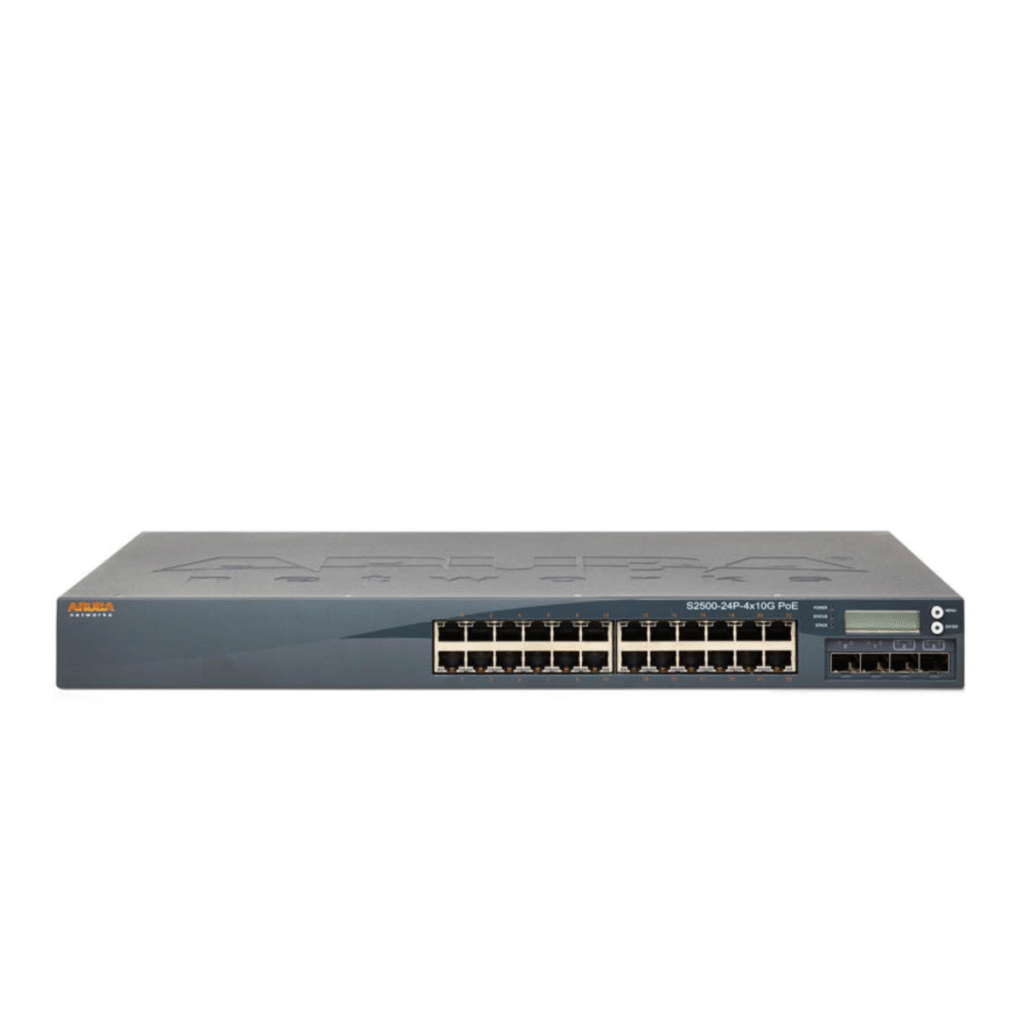
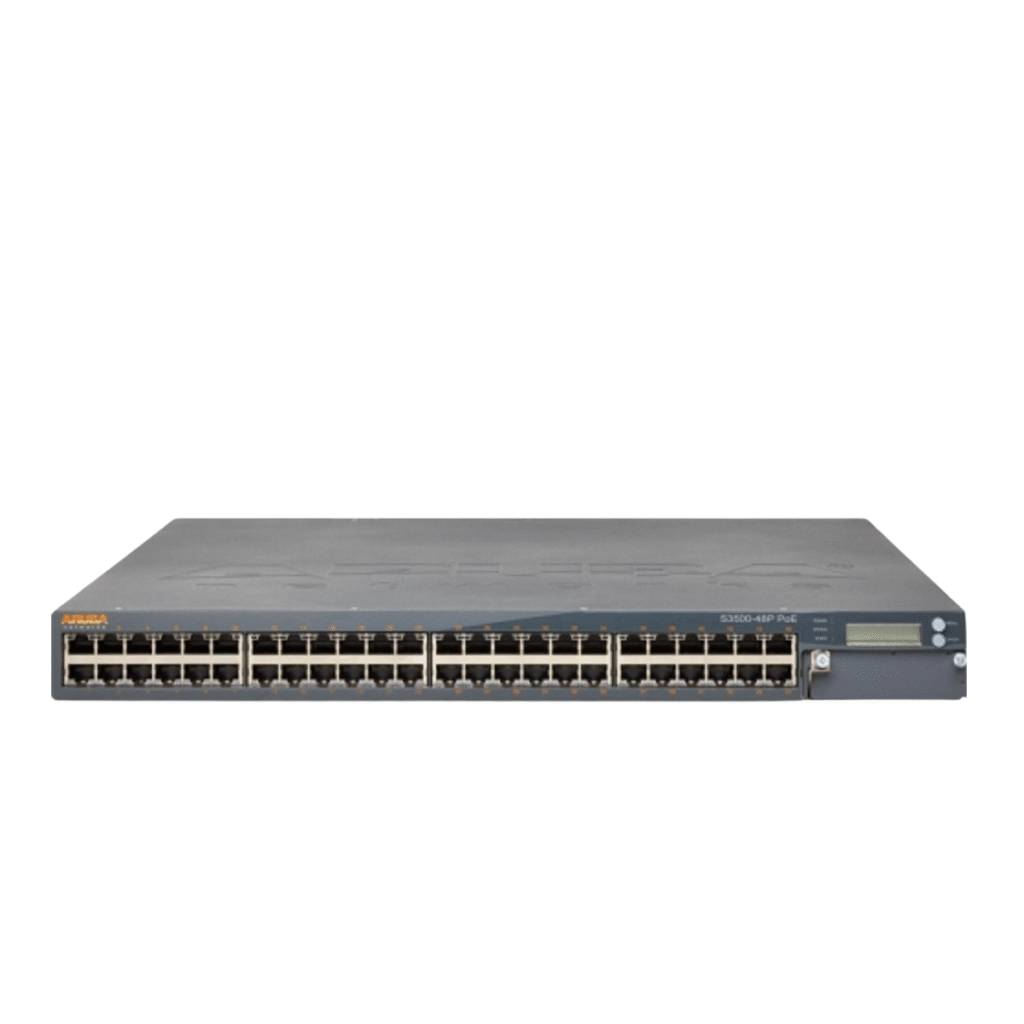
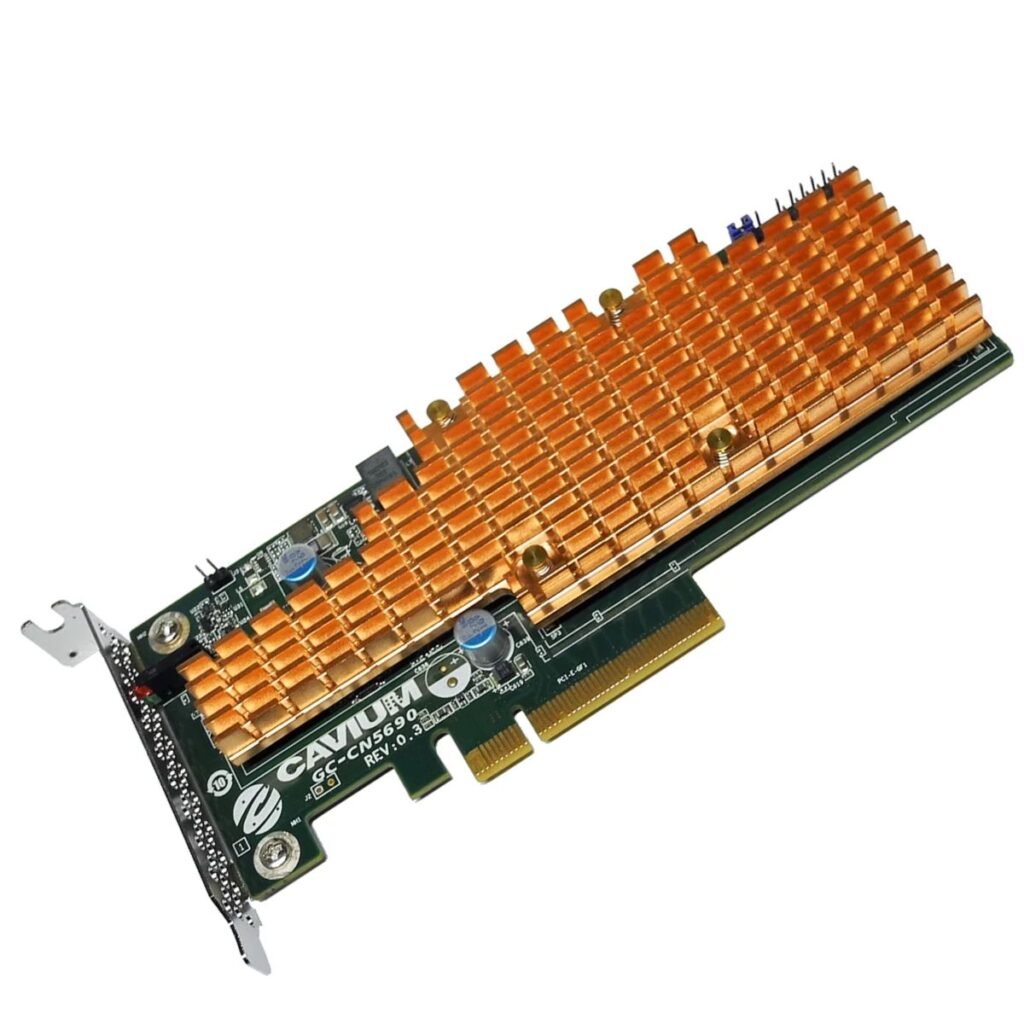
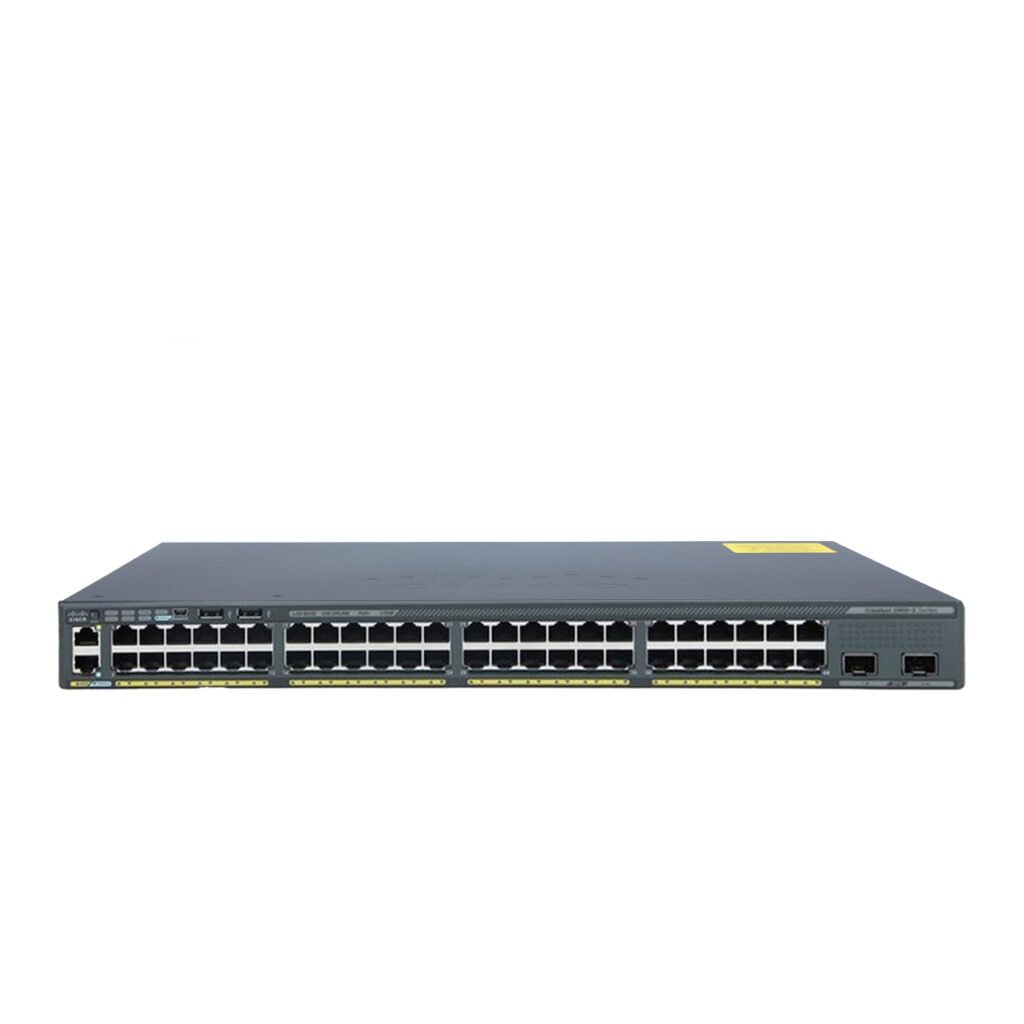
Servers depend on reliable network connectivity to communicate with users, applications, storage systems, and other servers.
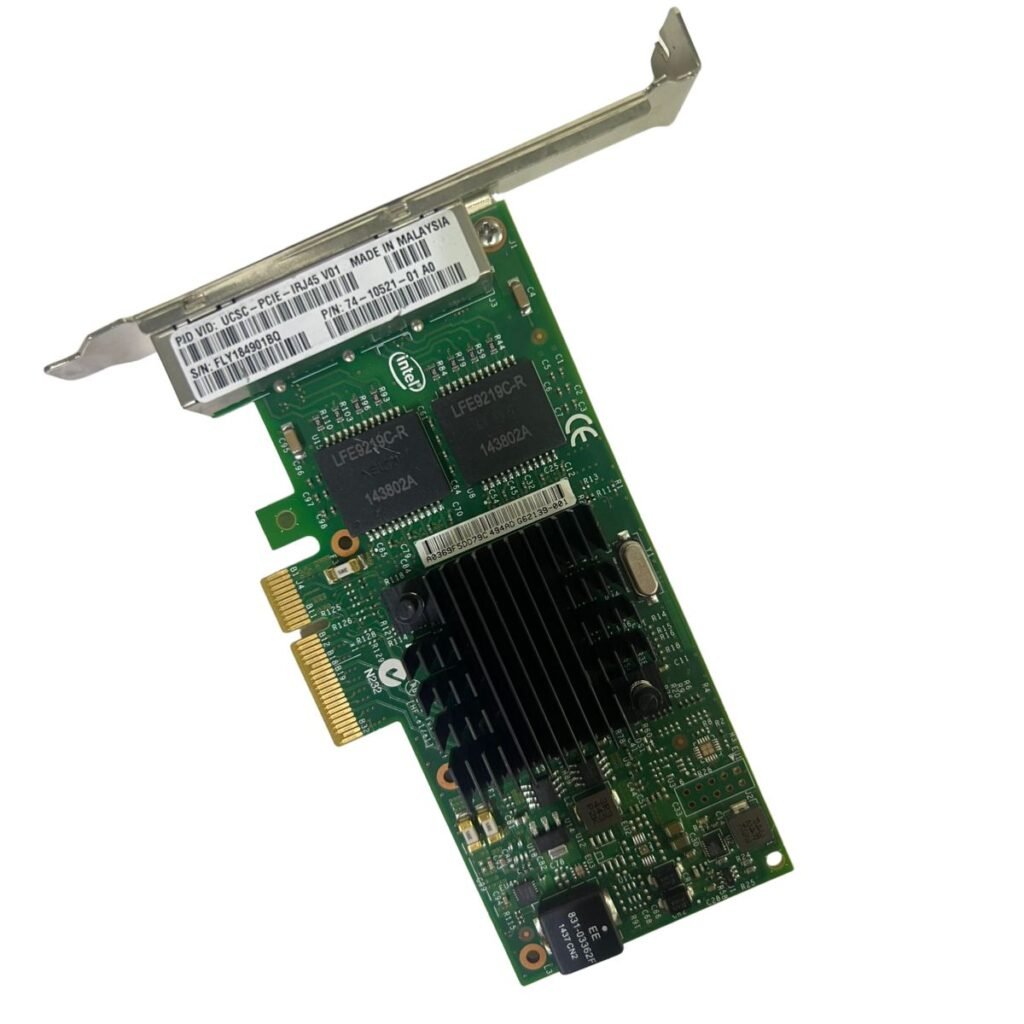
A server connected through an insufficient network interface may become a bottleneck even when its CPU, RAM, and storage are capable of handling the workload.
For example, a high-performance server connected through a low-bandwidth network may not deliver its full potential when transferring large amounts of data.
This is another key factor in the 9 Common Server Mistakes That Can Impact Business Performance.
Businesses should evaluate:
- Network interface speed
- Number of network ports
- Switch capabilities
- Network traffic
- Cable and transceiver compatibility
- Storage network requirements
A properly designed network connection helps the server communicate efficiently with the rest of the infrastructure.
5. Failing to Monitor Server Performance
Installing a server and assuming it will always perform properly can create problems over time.
Server performance should be monitored regularly to identify changes in CPU usage, memory utilization, storage performance, network traffic, and system health.
Without monitoring, businesses may only discover a problem after employees begin experiencing slow applications or service interruptions.
Among the 9 Common Server Mistakes That Can Impact Business Performance, lack of monitoring is particularly important because many performance problems can be identified before they become major incidents.
Monitoring can help IT teams identify trends and plan upgrades based on actual usage instead of assumptions.
6. Neglecting Server Maintenance
Servers require regular maintenance to remain reliable.
Maintenance can include cleaning dust from appropriate equipment, checking cooling systems, reviewing hardware health, updating firmware when appropriate, checking storage health, and verifying system alerts.
Poor maintenance can contribute to overheating, hardware failures, and unexpected downtime.
Understanding the 9 Common Server Mistakes That Can Impact Business Performance means recognizing that server reliability depends on both the original hardware configuration and ongoing maintenance.
A maintenance schedule can help IT teams identify potential hardware problems before they interrupt business operations.
7. Ignoring Backup and Recovery Planning
Having a server does not automatically mean that business data is protected.
Hardware failure, accidental deletion, malware, configuration errors, and other incidents can result in data loss if appropriate backups are not available.
Backup strategies should consider what data needs to be protected, how frequently backups should run, where backups should be stored, and how quickly systems need to be restored.
This makes backup planning an essential part of the 9 Common Server Mistakes That Can Impact Business Performance.
Businesses should also test their backups periodically. A backup that cannot be successfully restored may not provide the protection the organization expects.
8. Overlooking Security Updates and Access Controls
Server security should be treated as an ongoing process rather than a one-time configuration.
Unnecessary services, outdated software, weak passwords, excessive user permissions, and missing security updates can increase the risk of unauthorized access or system compromise.
Security practices should include appropriate access controls, regular updates, account management, network segmentation where required, and monitoring.
Among the 9 Common Server Mistakes That Can Impact Business Performance, neglecting security can have consequences that extend beyond technical performance and may affect business continuity.
IT teams should establish clear policies for administrative access and system maintenance.
9. Not Planning for Future Growth
A server that performs well today may not provide enough resources as the business grows.
More employees, applications, customers, virtual machines, and data can increase demand on server resources.
Purchasing hardware without considering future requirements can result in frequent upgrades or premature replacement.
This is why future planning is the final point in the 9 Common Server Mistakes That Can Impact Business Performance.
When selecting server hardware, businesses should consider available RAM slots, CPU scalability, storage expansion, PCIe slots, network capabilities, and power requirements.
A scalable server platform can provide more flexibility as workloads increase.
How Server Mistakes Affect Business Operations
Server problems do not always remain limited to the IT department.
Poor server performance can affect employee productivity, application response times, customer services, data availability, and business processes.
For example, a slow database server can delay applications used by employees, while insufficient storage performance can affect file access and backups.
This demonstrates why understanding the 9 Common Server Mistakes That Can Impact Business Performance is important for both IT teams and business decision-makers.
The cost of a server problem may include lost productivity, service interruptions, emergency repairs, and delayed business operations.
How to Improve Server Performance
Businesses can take several practical steps to improve server performance and reliability.
Start by monitoring current resource utilization and identifying the actual bottleneck. Then evaluate whether the issue is related to CPU, RAM, storage, networking, software configuration, or another component.
Depending on the situation, improvements may include:
- Adding RAM
- Upgrading storage
- Improving network connectivity
- Optimizing applications
- Reconfiguring RAID
- Replacing failing components
- Improving cooling
- Updating supported firmware
- Expanding server capacity
The 9 Common Server Mistakes That Can Impact Business Performance provide a useful checklist for identifying areas that may require attention.
New vs. Used Servers
Businesses do not always need to purchase brand-new servers to improve their infrastructure.
Used and refurbished enterprise servers can provide powerful hardware at a lower acquisition cost, particularly for businesses that need multiple systems or additional capacity.
However, used servers should be carefully inspected and tested before deployment.
Businesses should verify processor configuration, RAM, storage, RAID controllers, network cards, power supplies, drive bays, system condition, and warranty coverage.
Avoiding the 9 Common Server Mistakes That Can Impact Business Performance is just as important when purchasing used equipment as it is when purchasing new hardware.
Building a More Reliable Server Environment
A reliable server environment requires more than powerful hardware.
Businesses should combine suitable server specifications with effective monitoring, maintenance, backup procedures, security controls, and future planning.
The 9 Common Server Mistakes That Can Impact Business Performance can serve as a practical checklist when reviewing an existing server environment or planning a new deployment.
By identifying potential weaknesses early, IT teams can reduce the risk of performance bottlenecks and unexpected interruptions.
Final Thoughts
Servers play a critical role in modern business infrastructure, supporting applications, databases, storage, virtualization, communication, and many other essential services.
Avoiding common configuration, maintenance, security, and planning mistakes can help businesses maintain more reliable IT operations.
The 9 Common Server Mistakes That Can Impact Business Performance include choosing unsuitable hardware, insufficient RAM, poor storage performance, inadequate networking, lack of monitoring, neglected maintenance, weak backup planning, security oversights, and insufficient future planning.
Businesses reviewing the 9 Common Server Mistakes That Can Impact Business Performance can use these areas as a starting point for evaluating their current infrastructure.
Ultimately, good server management is not only about maximizing hardware performance. It is about creating an environment that remains reliable, secure, scalable, and aligned with the needs of the business.