















11 Common Thin Client Mistakes and How to Avoid Them

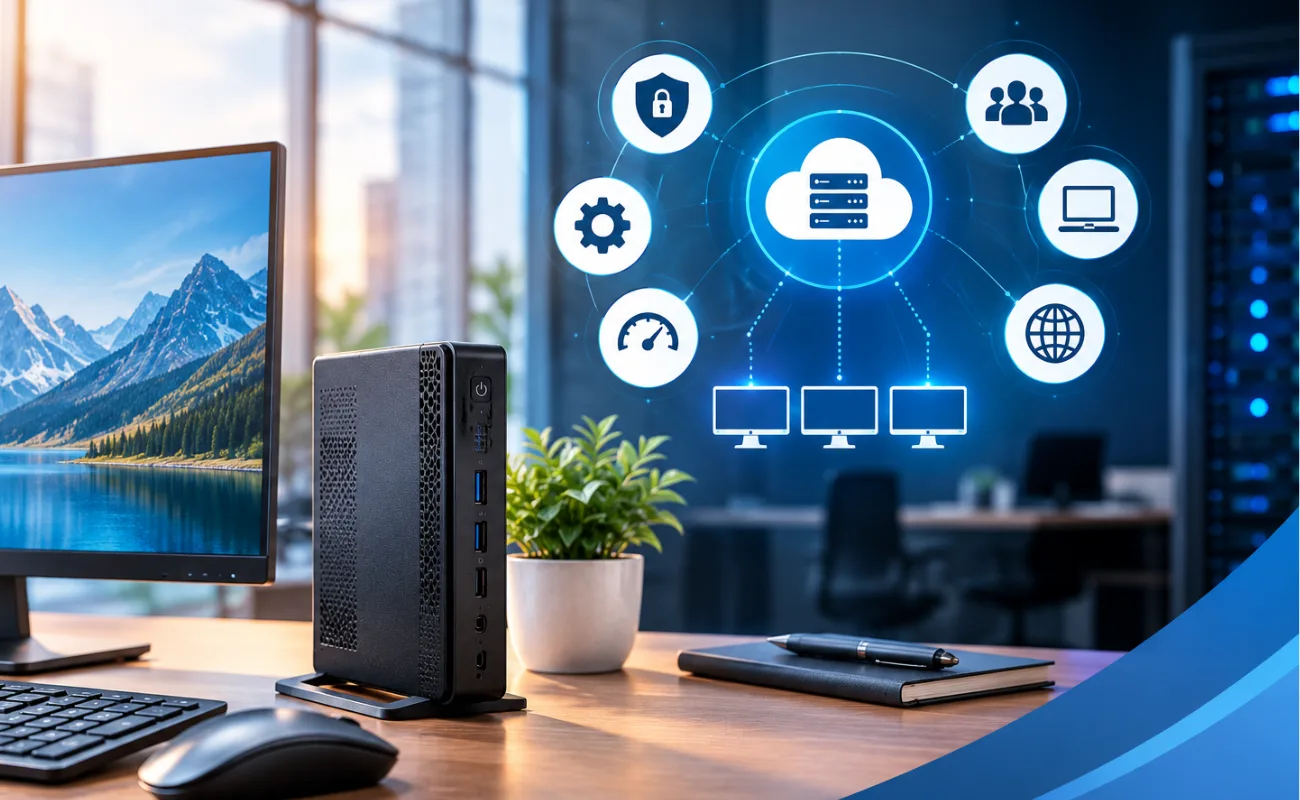
Thin clients are a practical solution for businesses that want centralized computing, easier management, and lower endpoint maintenance. Instead of performing most computing tasks locally, a thin client typically connects users to applications, desktops, or virtual machines hosted on a central server or cloud platform.
However, choosing or configuring thin clients incorrectly can lead to poor performance, security issues, compatibility problems, and unnecessary costs.
In this guide, we will cover 11 common thin client mistakes and explain how businesses can avoid them.

1. Choosing the Wrong Thin Client for the Workload
One of the most common mistakes is selecting a thin client based only on its price.
Different users have different requirements. A basic office employee may only need a lightweight device for web applications, email, and office software, while engineers, designers, or users working with multimedia may require significantly more processing power and graphics capability.
Before purchasing a thin client, consider:
- Number of applications users will run
- Operating system requirements
- CPU performance
- RAM capacity
- Graphics requirements
- Display resolution
- Number of monitors
- Network requirements
- Virtual desktop infrastructure (VDI) platform
How to Avoid It
Create user profiles based on workload and choose thin client hardware accordingly. Avoid purchasing one configuration for every employee if their workloads are significantly different.
2. Ignoring Network Requirements
A thin client depends heavily on network connectivity because much of the computing workload is handled remotely.
Even a powerful server cannot provide a good user experience if the network connection is unstable or overloaded.
Network problems can cause:
- Slow application response
- Screen delays
- Disconnections
- Audio and video problems
- Poor remote desktop performance
- User productivity issues
How to Avoid It
Evaluate your network infrastructure before deploying thin clients. Check bandwidth, latency, switching capacity, Wi-Fi coverage where applicable, and internet connectivity.
For larger deployments, segmenting traffic and using appropriate network equipment can also improve reliability.
3. Not Checking Server and VDI Compatibility
A thin client is usually part of a larger infrastructure. It may connect to virtual desktops or applications hosted on platforms such as VMware, Microsoft, Citrix, or other virtualization environments.
A common mistake is purchasing the endpoint first and checking compatibility later.
How to Avoid It
Before buying, confirm that the thin client supports your required:
- VDI platform
- Remote display protocol
- Operating system
- Authentication method
- Peripheral devices
- Security requirements
Compatibility should be checked at the beginning of the project rather than after deployment.
4. Underestimating RAM and CPU Requirements
Although thin clients are designed to be lightweight, this does not mean every thin client needs minimal hardware.
Some applications require more local resources, particularly when users work with:
- Multiple displays
- High-resolution content
- Video conferencing
- Browser-heavy applications
- Multimedia
- Local peripherals
- Graphics-intensive workloads
How to Avoid It
Estimate the actual workload of each user group and select an appropriate CPU and RAM configuration.
A slightly more capable thin client can sometimes provide a much better user experience and extend the useful life of the deployment.
5. Using an Unreliable Network Connection
A stable network is essential for thin-client environments.
If users frequently lose connectivity to the central server, even simple applications can become difficult to use.
For critical business environments, consider:
- Reliable Ethernet connections
- Redundant network infrastructure
- Properly configured switches
- Backup internet connectivity where required
- Network monitoring
- Quality-of-Service policies
How to Avoid It
Test the network under realistic workloads before deploying hundreds of endpoints.
Do not evaluate performance using only a single thin client in an otherwise idle network.
6. Neglecting Security
Another common mistake is treating thin clients as automatically secure simply because applications and data are centralized.
Centralization can improve security, but the endpoint still needs appropriate protection.
Security considerations include:
- Secure authentication
- Strong passwords
- Access control
- Firmware updates
- Operating system updates
- Network segmentation
- Encryption
- Endpoint configuration policies
How to Avoid It
Create a security policy covering both the thin clients and the servers or cloud infrastructure they connect to.
Also restrict unnecessary local access and disable features that users do not need.
7. Failing to Plan for Updates and Management
Managing a few devices manually may be easy, but managing hundreds of endpoints individually can become time-consuming.
Without centralized management, IT teams may need to:
- Update devices manually
- Troubleshoot each endpoint separately
- Configure settings repeatedly
- Track device versions
- Perform individual security updates
How to Avoid It
Choose thin clients that support centralized administration and device management.
A proper management platform can help IT administrators monitor devices, deploy configurations, manage updates, and troubleshoot problems more efficiently.
8. Choosing the Wrong Display and Peripheral Support
Not every thin client supports the same number of displays or peripheral devices.
This becomes particularly important for employees who use:
- Two or more monitors
- USB devices
- Printers
- Smart card readers
- Headsets
- Webcams
- Barcode scanners
- Specialized business peripherals
How to Avoid It
Check the thin client’s available ports and supported display technologies before purchasing.
Pay attention to:
- HDMI
- DisplayPort
- USB-A
- USB-C
- Ethernet
- Audio ports
Also confirm that the remote desktop platform supports the required peripheral redirection.

9. Forgetting About Storage Requirements
Thin clients generally require less local storage than traditional desktop computers, but storage should not be ignored completely.
The device may need local storage for:
- Operating system files
- Firmware
- Configuration files
- Cached data
- Updates
- Applications
- Logs
How to Avoid It
Determine whether the device uses flash storage, eMMC, SSD, or another storage technology and make sure the capacity is appropriate for the operating system and deployment model.

Do not pay for unnecessary local storage but also avoid selecting a configuration that leaves insufficient space for future updates.
10. Focusing Only on Purchase Price
The cheapest thin client is not always the most economical solution.
The total cost of ownership can include:
- Hardware
- Licensing
- Management software
- Server infrastructure
- Network upgrades
- Maintenance
- Technical support
- Power consumption
- Replacement costs
A low-cost device that requires frequent troubleshooting can ultimately cost more than a slightly more capable and manageable solution.
How to Avoid It
Compare the total cost of ownership (TCO) rather than looking only at the initial hardware price.
Consider how long the devices are expected to remain in service and how much time your IT team will spend managing them.
11. Not Planning for Future Growth
Businesses often purchase enough thin clients for their current number of employees without considering future expansion.
For example, a company may start with 50 users and grow to 100 or 200 users within a few years.
The original infrastructure may then become difficult to scale.
How to Avoid It
Plan for future growth when designing the environment.
Consider:
- Additional users
- Server capacity
- Network bandwidth
- Storage requirements
- Licensing
- Management capacity
- Backup infrastructure
Choosing scalable infrastructure from the beginning can reduce the cost and complexity of future expansion.
Popular Thin Client Brands
Several major technology manufacturers offer thin clients and related endpoint solutions for business environments.
Dell
Dell Technologies offers thin-client solutions designed for centralized and virtual desktop environments. Dell thin clients are commonly used in offices, healthcare, education, call centers, and enterprise environments.
HP
HP Inc. offers thin client devices designed for virtual desktop and centralized computing environments.
HP thin clients are available in different form factors and hardware configurations, allowing businesses to select devices based on user workload.
Lenovo
Lenovo provides thin-client and endpoint computing solutions for organizations using centralized desktop environments.
Important: Thin-client capabilities vary significantly by model, operating system, processor, firmware, and software licensing. Always check the exact model specifications before purchasing.
Thin Client vs Traditional Desktop
A thin client and a traditional desktop computer are designed around different computing approaches.
| Feature | Thin Client | Traditional Desktop |
|---|---|---|
| Local processing | Lower | Higher |
| Centralized management | Strong | Usually lower |
| Local storage | Limited | Larger |
| Maintenance | Easier | More involved |
| Dependence on network | High | Lower |
| Centralized data | Common | Optional |
| Upgrade requirements | Usually lower | Often higher |
| Best for | Centralized/VDI environments | Local computing |
Thin clients are particularly useful when organizations want to centralize applications, data, and computing resources.
How to Choose the Right Thin Client
Before purchasing thin clients for your organization, consider these questions:
1. What applications will users run?
Identify whether employees use basic office applications or demanding software.
2. How many monitors are required?
Check the maximum number and resolution of supported displays.
3. Which VDI platform will you use?
Verify compatibility with your selected virtualization or remote desktop platform.
4. What network infrastructure is available?
Make sure the network can support the expected number of concurrent users.
5. How will devices be managed?
Look for centralized management capabilities if you have many endpoints.
6. What security controls are required?
Consider authentication, encryption, access control, updates, and network security.
7. What is your future growth?
Choose infrastructure that can support additional users without requiring a complete redesign.
Thin Client Deployment Checklist
Before going live, use this checklist:
- ✅ Identify user workloads
- ✅ Select the correct thin client hardware
- ✅ Verify VDI compatibility
- ✅ Test network performance
- ✅ Configure security policies
- ✅ Set up centralized management
- ✅ Test monitors and peripherals
- ✅ Verify server capacity
- ✅ Plan backups and redundancy
- ✅ Test with real users
- ✅ Document the deployment
A controlled pilot deployment can help identify problems before rolling out the solution across the entire organization.
10 FAQs About Thin Clients
1. What is a thin client?
A thin client is a lightweight computing device that relies heavily on centralized servers, virtual desktops, or cloud services for processing and applications.
2. Are thin clients good for businesses?
Yes. They can simplify endpoint management, centralize data, reduce maintenance, and provide a consistent desktop environment.
3. Do thin clients need a server?
Many thin-client deployments rely on centralized servers or cloud infrastructure, although the exact architecture depends on the solution.
4. Do thin clients require a fast network?
A reliable network is important because thin clients often depend on remote computing resources.
5. Can thin clients use multiple monitors?
Many modern thin clients support multiple displays, but the number and maximum resolution depend on the specific model.
6. Can thin clients run Windows?
Some thin clients support Windows-based operating systems, while others use specialized Linux-based or vendor-specific operating systems.
7. Are thin clients secure?
They can provide strong security when properly configured, especially when data and applications are centralized. However, security still depends on the complete infrastructure.
8. Are thin clients cheaper than PCs?
They can reduce hardware, maintenance, and management costs, but the total cost depends on server infrastructure, software, licensing, and management requirements.
9. What are common thin client brands?
Popular vendors include Dell, HP, Lenovo, IGEL, and 10ZiG, with different products designed for different environments.
10. What is the biggest thin client mistake?
One of the biggest mistakes is choosing hardware without first analyzing the workload, network, VDI platform, and future requirements.
Why Centralized Computing Is Important for Businesses
Modern businesses often need a reliable way to provide employees with access to applications and business data while keeping IT management simple.
A centralized computing environment allows applications, user profiles, and important data to be managed from a controlled infrastructure instead of being individually configured on every workstation.
This approach can provide several benefits:
- Easier IT administration
- Centralized security policies
- Simplified software deployment
- Easier backups
- Consistent user environments
- Reduced endpoint maintenance
- Better control over company data
For organizations with many employees, centralized management can significantly reduce the workload placed on IT teams.
Common Performance Problems
Performance issues can appear when the infrastructure is not properly designed.
Users may experience slow response times, screen delays, application freezes, or unexpected disconnections.
These problems can be caused by:
- Insufficient server resources
- High network latency
- Limited bandwidth
- Overloaded storage
- Poor virtualization configuration
- Insufficient memory
- Outdated hardware
- Too many simultaneous users
How to Improve Performance
Start by identifying where the bottleneck is located.
Monitor CPU, RAM, storage performance, network traffic, and concurrent sessions. This makes it easier to determine whether the problem is related to the endpoint, network, server, or application environment.
Server Resources and User Capacity
Centralized environments depend heavily on the resources available on the backend infrastructure.
When the number of users increases, the server may need additional:
- CPU cores
- RAM
- Storage capacity
- Network bandwidth
- Graphics resources
- Virtual machine capacity
For example, an environment designed for 30 users may not provide the same experience when expanded to 100 users without additional resources.
Planning for Capacity
IT administrators should estimate the expected number of concurrent users rather than simply counting the total number of employees.
User workloads should also be divided into categories such as:
Basic Users:
Email, web browsing, documents, and lightweight business applications.
Standard Users:
Office applications, web-based systems, communication tools, and multiple applications running simultaneously.
Power Users:
Engineering, graphics, video, data analysis, and other resource-intensive workloads.
This classification makes infrastructure planning more accurate.
Storage Considerations
Storage performance can have a major impact on centralized computing environments.
Slow storage can increase application loading times and affect multiple users simultaneously.
For business environments, administrators should consider:
- SSD or HDD technology
- Storage capacity
- RAID configuration
- Read/write performance
- IOPS
- Backup requirements
- Future expansion
Enterprise SSDs are often useful when fast application access and low latency are important, while high-capacity HDDs can be attractive for backup and archival workloads.

Importance of Reliable Network Infrastructure
The network connects users to centralized applications and resources, making network reliability a critical part of the overall solution.
A properly designed infrastructure should provide:
- Stable connectivity
- Low latency
- Sufficient bandwidth
- Reliable switching
- Network redundancy
- Proper traffic management
- Continuous monitoring
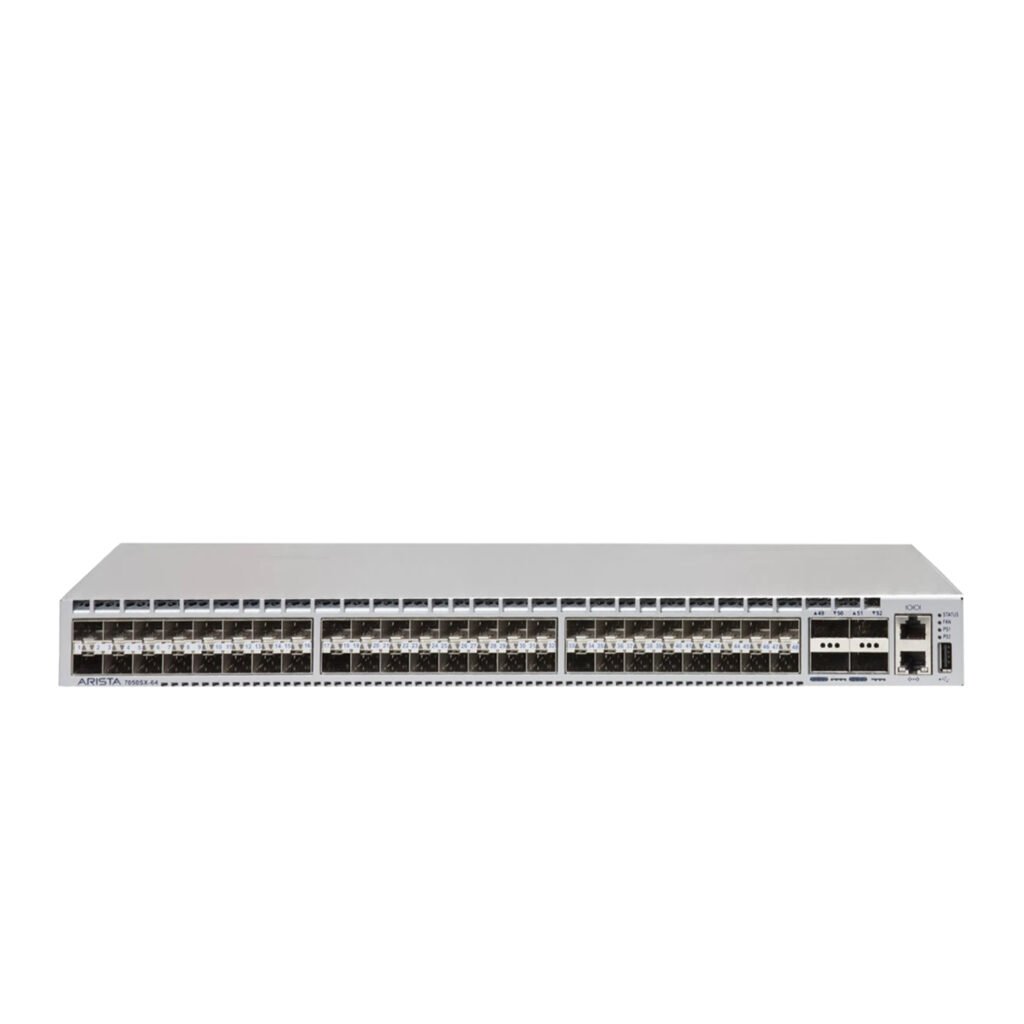
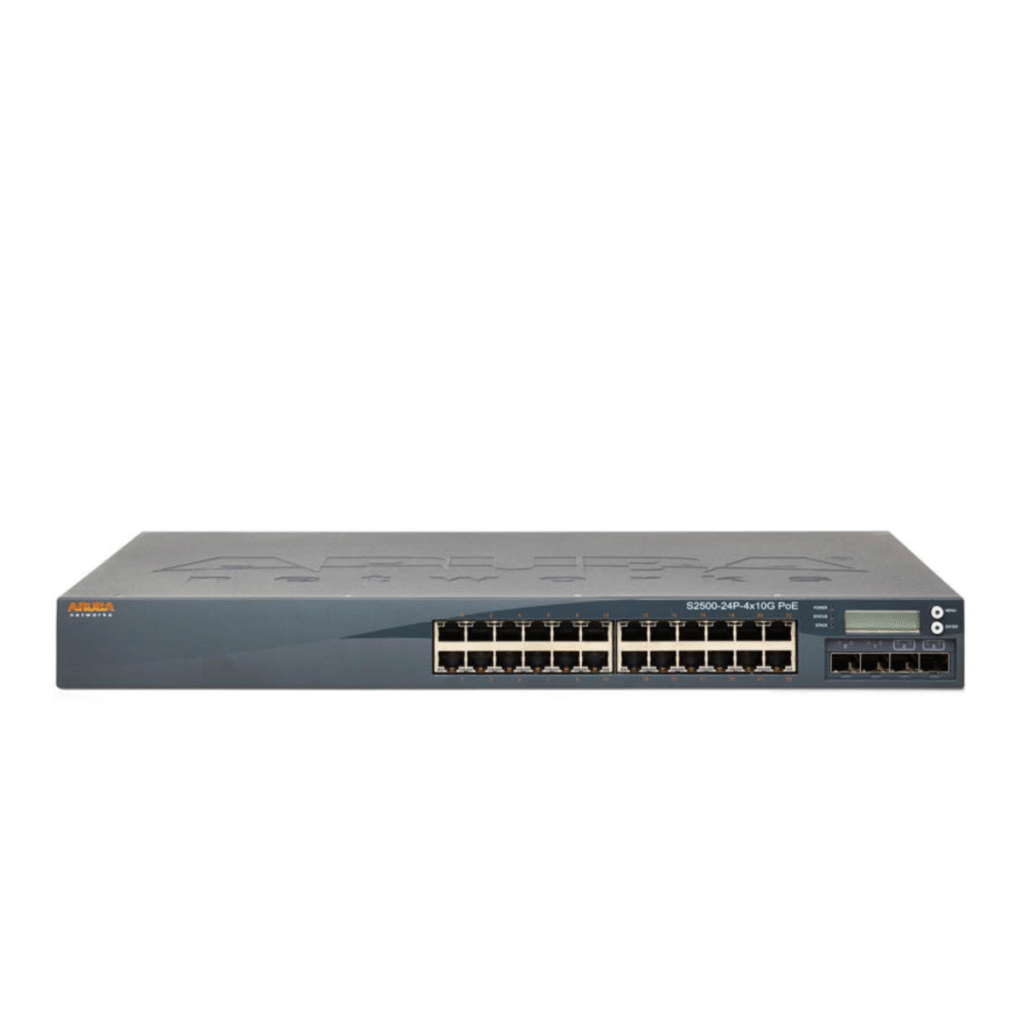
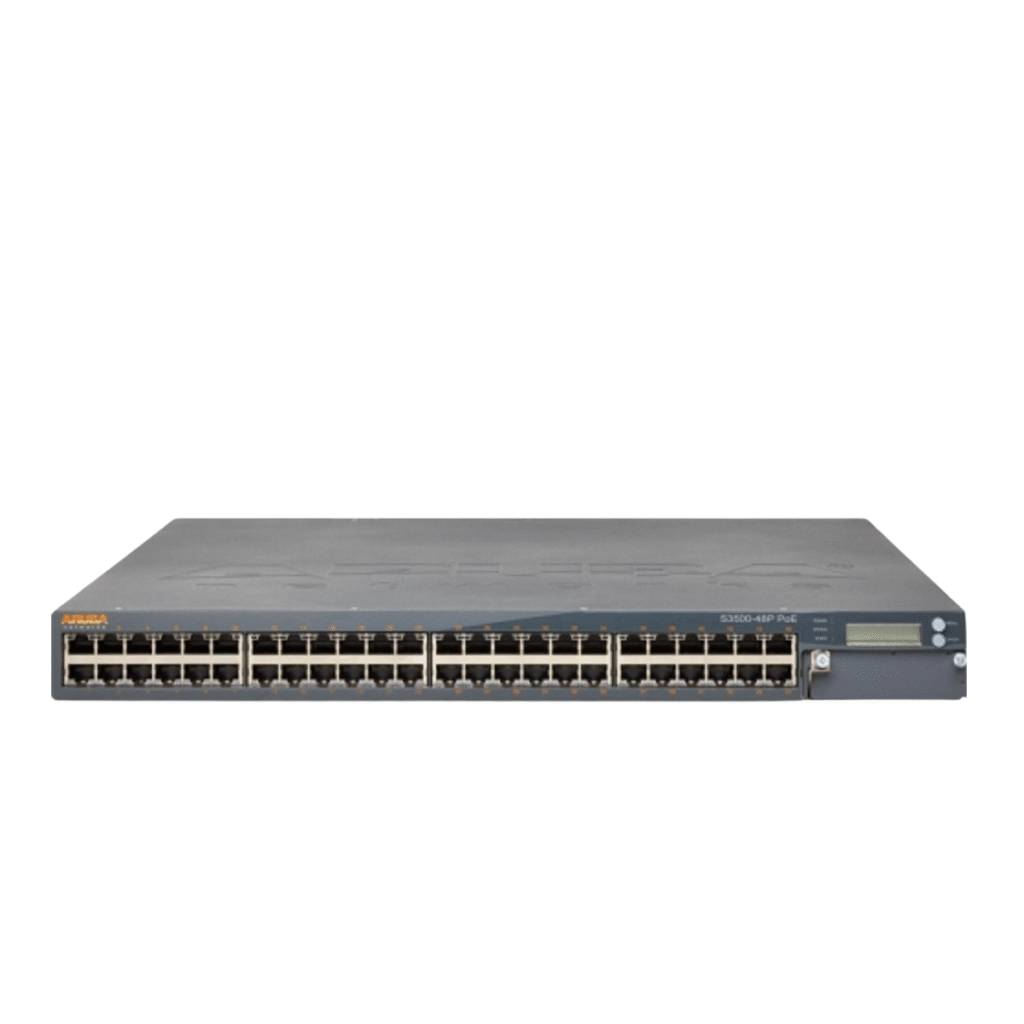
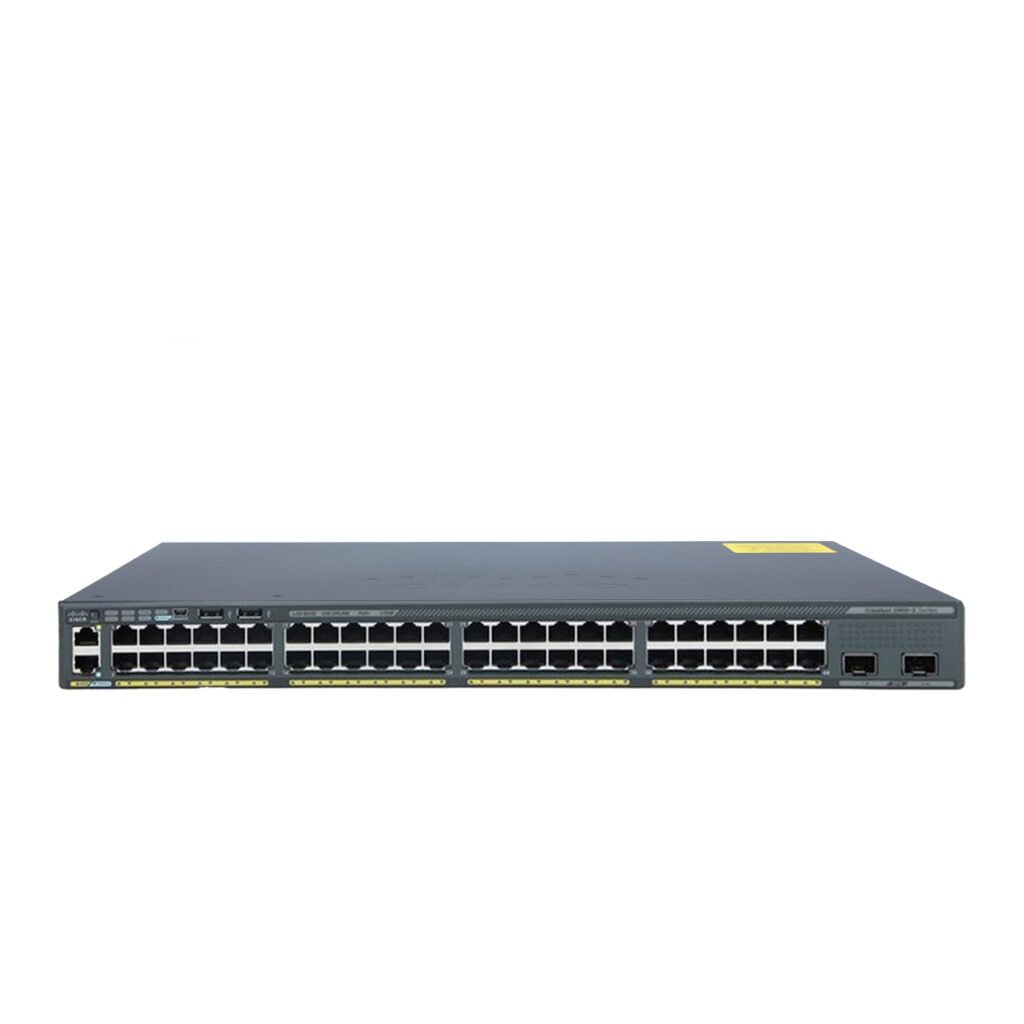
Enterprise switches from manufacturers such as Cisco, HPE Aruba Networking, Dell, and Juniper can be used as part of a business network infrastructure, depending on the organization’s requirements.
Network capacity should also be reviewed whenever the number of users or applications increases.
Security Best Practices
Centralizing applications and data can simplify security management, but organizations still need a comprehensive security strategy.
Important security measures include:
Access Control
Users should only have access to the applications and data required for their roles.
Authentication
Strong authentication policies can help prevent unauthorized access.
Network Segmentation
Separating different types of traffic can reduce the impact of security incidents.
Regular Updates
Operating systems, firmware, applications, and security tools should be updated regularly.
Backup and Recovery
Critical business data should be backed up according to a documented recovery plan.
Monitoring
Security and performance monitoring can help IT teams identify unusual activity or infrastructure problems early.
Remote Work and Branch Office Support
Centralized computing can also be useful for organizations with employees working remotely or across multiple branches.
Instead of maintaining completely separate application environments at every location, organizations can provide users with controlled access to centralized resources.
This can help businesses with:
- Remote employees
- Branch offices
- Call centers
- Educational institutions
- Healthcare facilities
- Retail locations
- Temporary workstations
However, remote access should always be protected using appropriate authentication, encryption, and network security controls.
Power Consumption and Office Efficiency
Energy consumption is another factor businesses may consider when selecting endpoint hardware.
Devices designed for centralized computing generally have fewer local components than traditional full desktop systems. This can potentially reduce power consumption and heat generation at the workstation level.
Lower heat output can also be beneficial in offices with a large number of workstations because it may reduce the cooling load.
However, the overall energy consumption of the complete environment should be evaluated, including:
- Servers
- Storage systems
- Network switches
- Displays
- Endpoint devices
- Cooling infrastructure
Centralized Management Benefits
Managing hundreds of individual workstations can require significant time and resources.
A centralized environment allows IT administrators to apply common configurations and policies across multiple users.
Centralized management can simplify:
- Software configuration
- Security policies
- User settings
- Device monitoring
- Firmware updates
- Troubleshooting
- Inventory management
This is particularly valuable for organizations with multiple offices or a large number of employees.
When Should a Business Consider This Approach?
A centralized computing model may be suitable when an organization wants greater control over its IT environment.
It can be particularly useful for businesses that have:
- Many employees
- Standardized applications
- Multiple branches
- Centralized IT management
- Strict security requirements
- Remote workers
- Limited local IT support
- Regular hardware replacement requirements
However, organizations should evaluate their applications, network, server infrastructure, and budget before making a final decision.
How to Avoid Deployment Problems
A successful deployment should start with testing rather than immediately installing the solution across the entire organization.
A recommended process is:
Step 1 – Analyze User Requirements
Identify applications, number of users, monitors, peripherals, and performance expectations.
Step 2 – Review Infrastructure
Check servers, storage, switches, network bandwidth, and security systems.
Step 3 – Create a Pilot Environment
Test the solution with a small group of users.
Step 4 – Monitor Performance
Measure CPU, RAM, storage, network utilization, and user experience.
Step 5 – Fix Compatibility Issues
Resolve application, peripheral, display, and authentication problems.
Step 6 – Expand Gradually
Deploy to additional departments after the pilot performs successfully.
Step 7 – Monitor Continuously
Continue monitoring the environment after deployment to identify future capacity or performance issues.
Final Checklist for Businesses
Before investing in a centralized endpoint environment, make sure you have evaluated:
- ✔ User workloads
- ✔ Number of concurrent users
- ✔ Server capacity
- ✔ RAM requirements
- ✔ CPU requirements
- ✔ Storage performance
- ✔ Network bandwidth
- ✔ Security requirements
- ✔ Application compatibility
- ✔ Monitor requirements
- ✔ Peripheral support
- ✔ Management tools
- ✔ Backup strategy
- ✔ Future scalability
- ✔ Total cost of ownership
A detailed evaluation before deployment can prevent many of the performance, compatibility, and management problems that businesses commonly encounter.
Conclusion
Thin clients can provide businesses with a centralized, manageable, and efficient computing environment, but successful deployment requires more than simply purchasing low-cost endpoint devices.
The most common mistakes involve choosing the wrong hardware, ignoring network requirements, overlooking compatibility, underestimating security, and failing to plan for future growth.
By evaluating user workloads, network infrastructure, VDI compatibility, management requirements, security, and total cost of ownership, businesses can build a more reliable thin-client environment and avoid expensive deployment problems.