














Top Workstations for 3D Rendering, AI, and Heavy Workloads

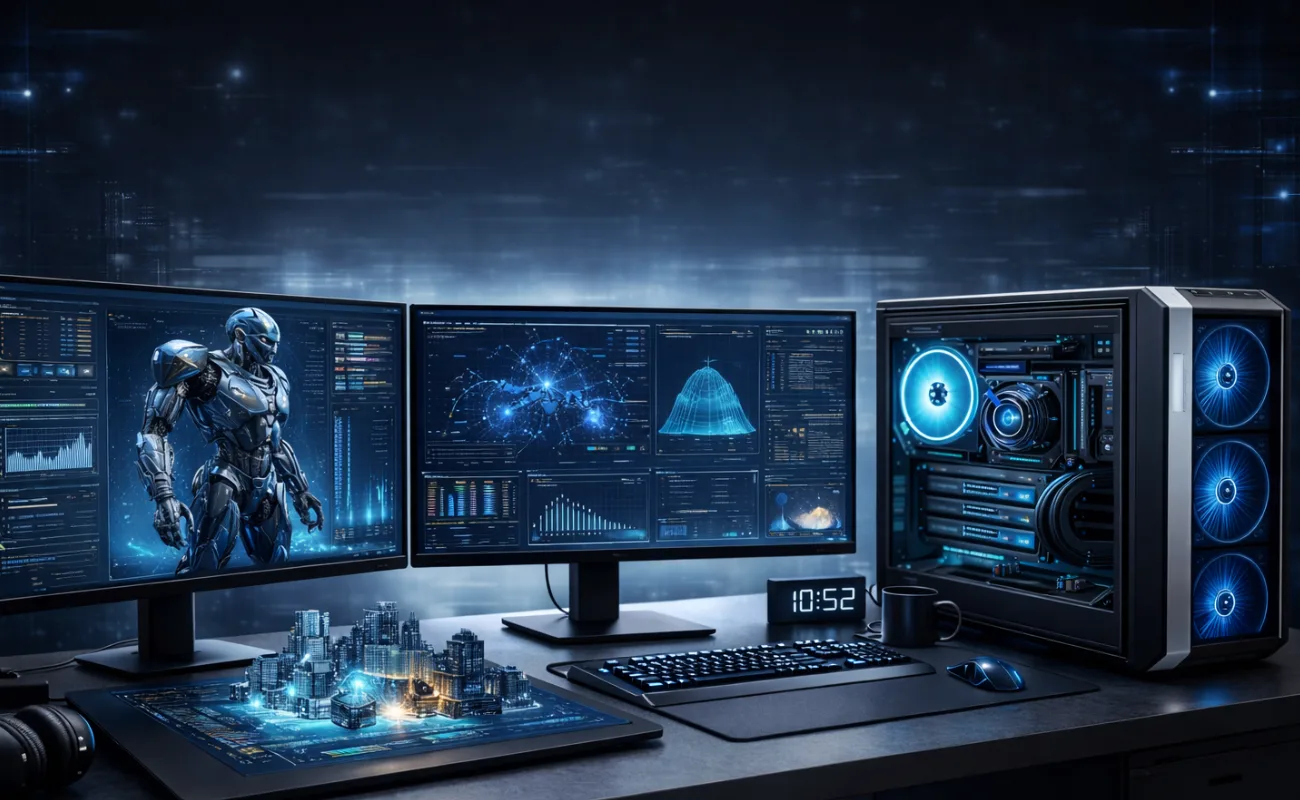
Top Workstations for 3D Rendering, AI, and Heavy Workloads
Why Specialized Workstations Are Essential
Modern professional workloads demand more than standard desktop systems. Industries such as architecture, engineering, media production, artificial intelligence, and data science rely heavily on computing power. Understanding the top workstations for 3D rendering, AI, and heavy workloads helps professionals achieve faster processing, higher accuracy, and long-term system reliability.
Unlike consumer PCs, professional workstations are engineered to handle sustained high loads, complex calculations, and memory-intensive applications without performance degradation.
What Defines a High-Performance Professional Workstation
Before identifying the top workstations for 3D rendering, AI, and heavy workloads, it’s important to understand what makes a workstation suitable for these tasks:
High core-count processors for parallel computing
Professional-grade GPUs for rendering and AI acceleration
Large, scalable memory capacity
High-speed storage for large datasets
Advanced cooling and power stability
These elements work together to deliver consistent performance under continuous workloads.
Workstations for 3D Rendering Performance
3D rendering applications place extreme demands on both CPU and GPU resources. The top workstations for 3D rendering, AI, and heavy workloads typically offer:
Multi-core processors optimized for rendering engines
High-end GPUs with large VRAM for complex scenes
Fast NVMe storage for quick project loading
Large memory capacity to handle textures and models
This configuration reduces rendering times and enables smoother viewport interaction during design and animation.
AI and Machine Learning Workstation Requirements
Artificial intelligence and machine learning workloads require a different balance of hardware resources. When evaluating the top workstations for 3D rendering, AI, and heavy workloads, AI-focused systems emphasize:
GPU acceleration for training and inference
High memory bandwidth for large datasets
Fast storage for data pipelines
Stable performance during long training sessions
Workstations designed for AI workloads ensure accuracy, speed, and scalability for evolving data-driven projects.
Handling Heavy Multitasking and Compute-Intensive Workloads
Professionals often run multiple applications simultaneously—rendering software, simulation tools, databases, and development environments. The top workstations for 3D rendering, AI, and heavy workloads are built to support:
Concurrent processing without system lag
Efficient resource allocation across applications
Long-term stability under full load
This makes them ideal for engineering simulations, scientific research, and enterprise analytics.
Memory Capacity and Scalability
Memory plays a critical role in professional performance. High-end workstations support:
32GB, 64GB, or 128GB RAM configurations
Error-correcting memory for data accuracy
Easy expansion as workloads grow
Adequate memory ensures smooth operation when handling large files, datasets, and multi-threaded tasks.
Storage Architecture for Speed and Reliability
The top workstations for 3D rendering, AI, and heavy workloads rely on advanced storage configurations:
NVMe SSDs for operating systems and active projects
Secondary SSDs for scratch disks and cache
High-capacity storage for long-term data retention
This layered approach balances performance, reliability, and cost efficiency.
Thermal Management and System Stability
Heavy workloads generate significant heat. Professional workstations are engineered with:
Optimized airflow design
Advanced cooling systems
High-quality thermal components
Efficient cooling prevents performance throttling and ensures consistent operation during long rendering or training sessions.
Power Efficiency and Reliability
Reliable power delivery is essential for professional environments. High-performance workstations feature:
Enterprise-grade power supplies
Protection against power fluctuations
Support for high-end GPUs and processors
Stable power ensures uninterrupted workflows and protects expensive hardware investments.
Industries That Benefit Most from High-End Workstations
The top workstations for 3D rendering, AI, and heavy workloads are essential for:
Architecture and construction firms
Media production and animation studios
AI research and data science teams
Engineering and manufacturing companies
Financial modeling and analytics departments
These industries rely on workstation-grade systems to meet performance and accuracy requirements.
Scalability and Long-Term Investment Value
Professional workstations are designed with future growth in mind. Key advantages include:
Upgradeable CPUs, GPUs, and memory
Long hardware lifecycle
Reduced downtime and maintenance costs
This scalability makes them a smart long-term investment for businesses and professionals alike.
Conclusion: Choosing the Right Workstation for Demanding Workloads
Selecting from the top workstations for 3D rendering, AI, and heavy workloads is a strategic decision that directly impacts productivity, efficiency, and business success. By investing in workstation-grade systems built for intensive tasks, professionals can handle complex projects with confidence and speed.
A well-chosen workstation is not just powerful hardware—it is a critical tool that enables innovation, accuracy, and sustained performance in demanding professional environments.