















What is a Thin Client and How Does It Work?

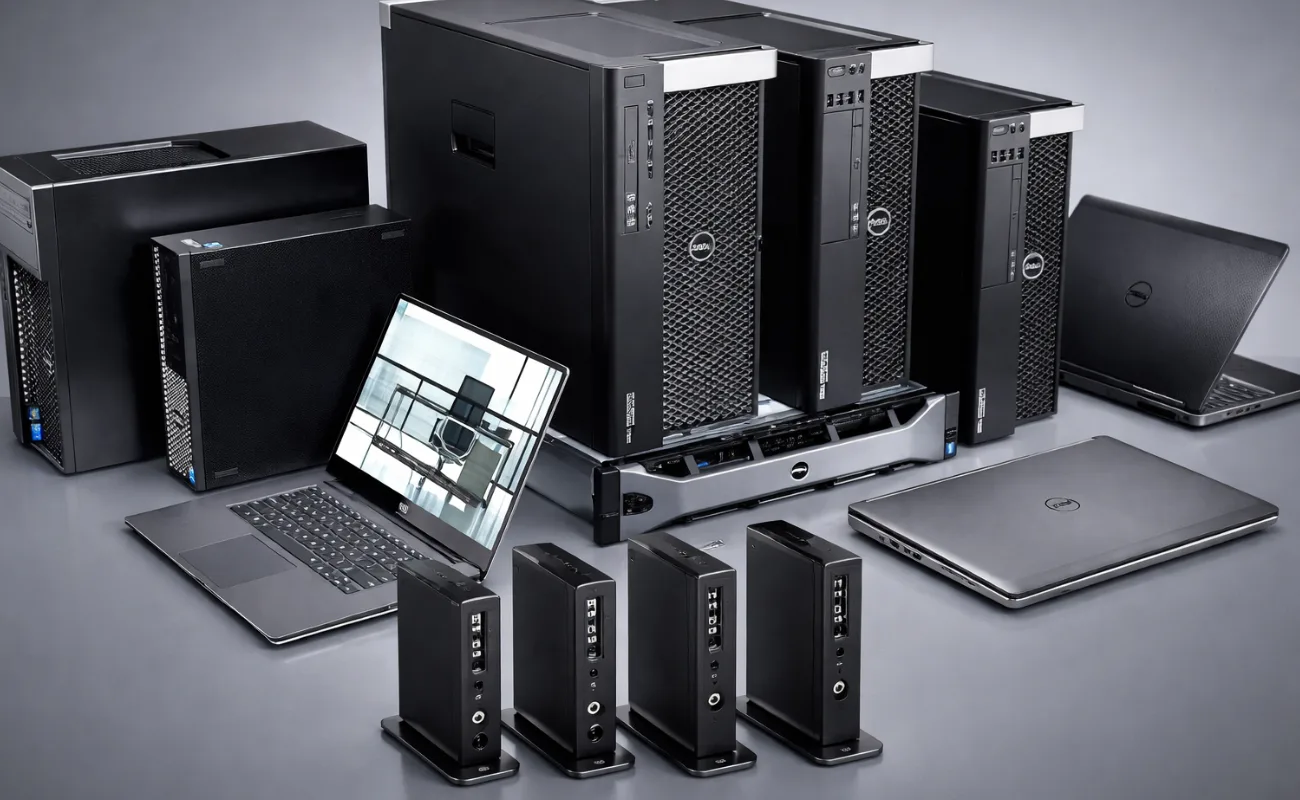
Understanding What is a Thin Client is essential for businesses looking to simplify IT infrastructure, reduce costs, and improve security. As organizations move toward cloud computing and centralized systems, thin clients are becoming an increasingly popular solution.
A thin client is a lightweight computing device that relies on a central server to process data and run applications, rather than performing these tasks locally. This makes it ideal for businesses that need efficient, secure, and easy-to-manage IT environments.
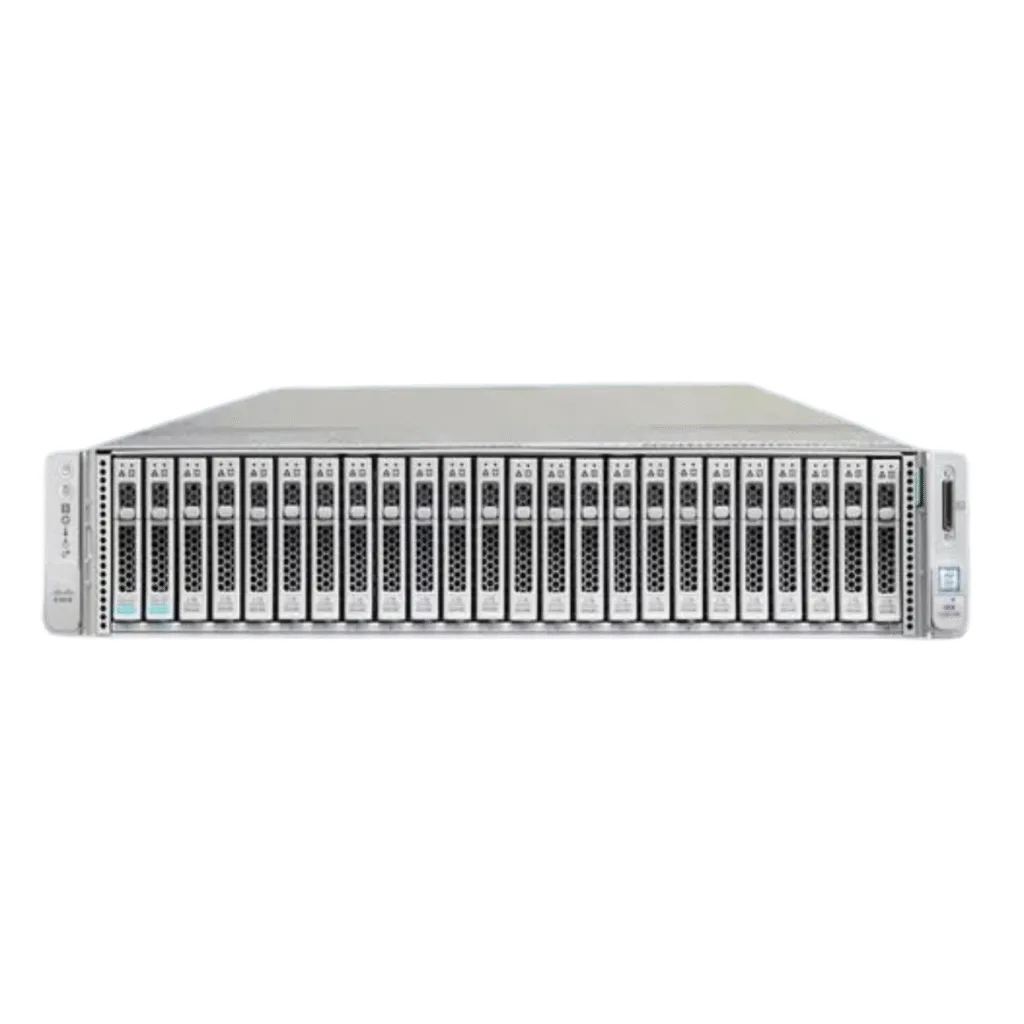
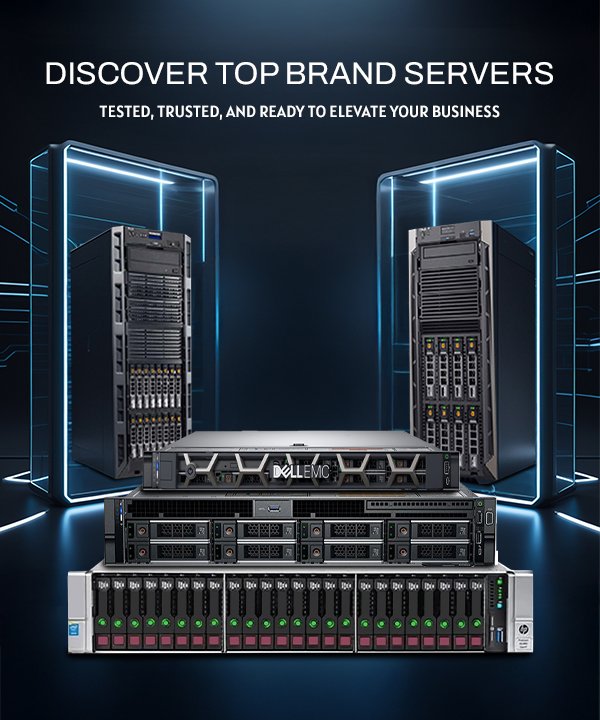
Modernize your IT setup with high-performance servers designed for centralized computing environments.
What is a Thin Client?
A thin client is a minimal hardware device that connects to a central server where all processing takes place. Unlike traditional desktops, thin clients do not require powerful CPUs or large storage because most of the workload is handled remotely.
Key characteristics include:
- Minimal local processing power
- Centralized management
- Reduced hardware requirements
- High security
This approach simplifies IT management and reduces overall infrastructure costs.
Optimize your infrastructure with enterprise-grade virtualization servers.
How Does a Thin Client Work?
To fully understand What is a Thin Client, it’s important to see how it operates in a real environment.
Thin clients connect to a central server using network protocols such as Remote Desktop or Virtual Desktop Infrastructure (VDI). All applications, data processing, and storage occur on the server.
The thin client simply:
- Sends user input to the server
- Receives processed data
- Displays the output on the screen
This model ensures that all sensitive data remains on the server, improving security and control.
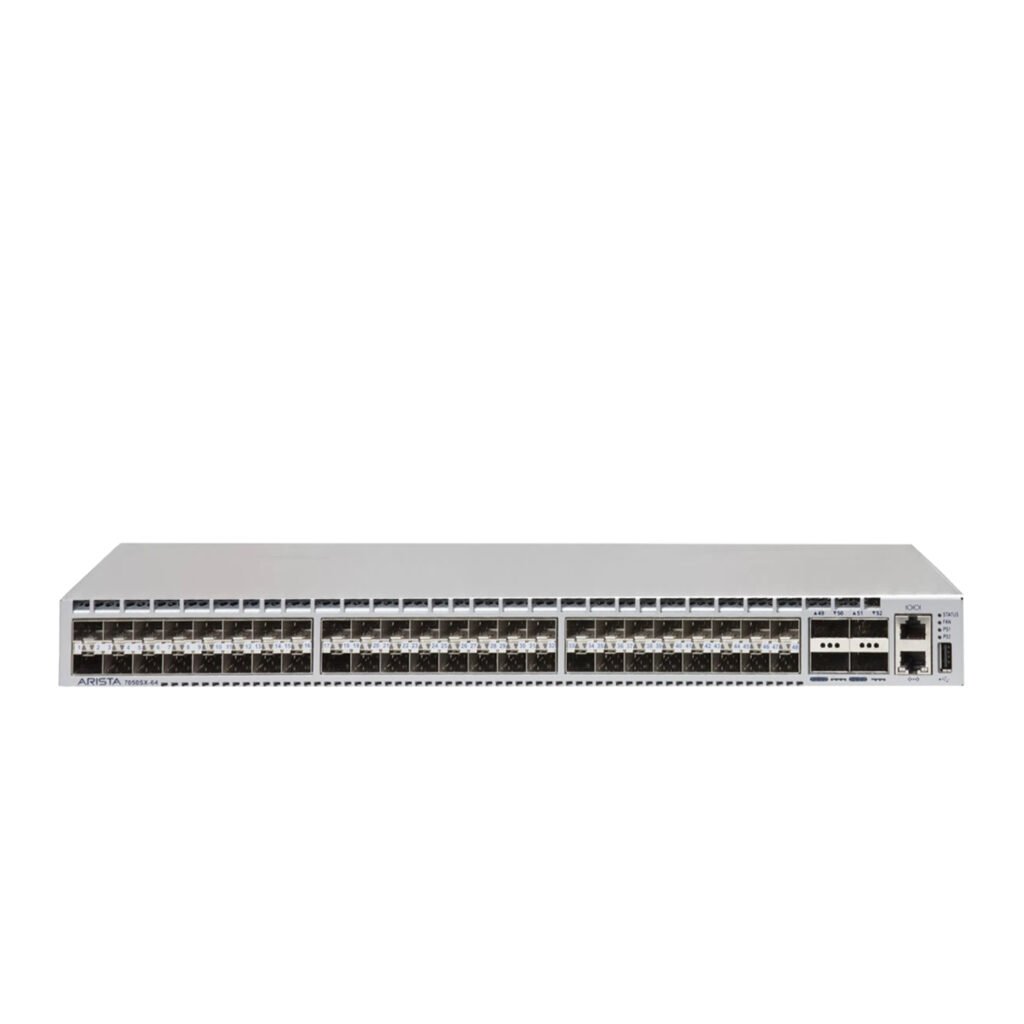
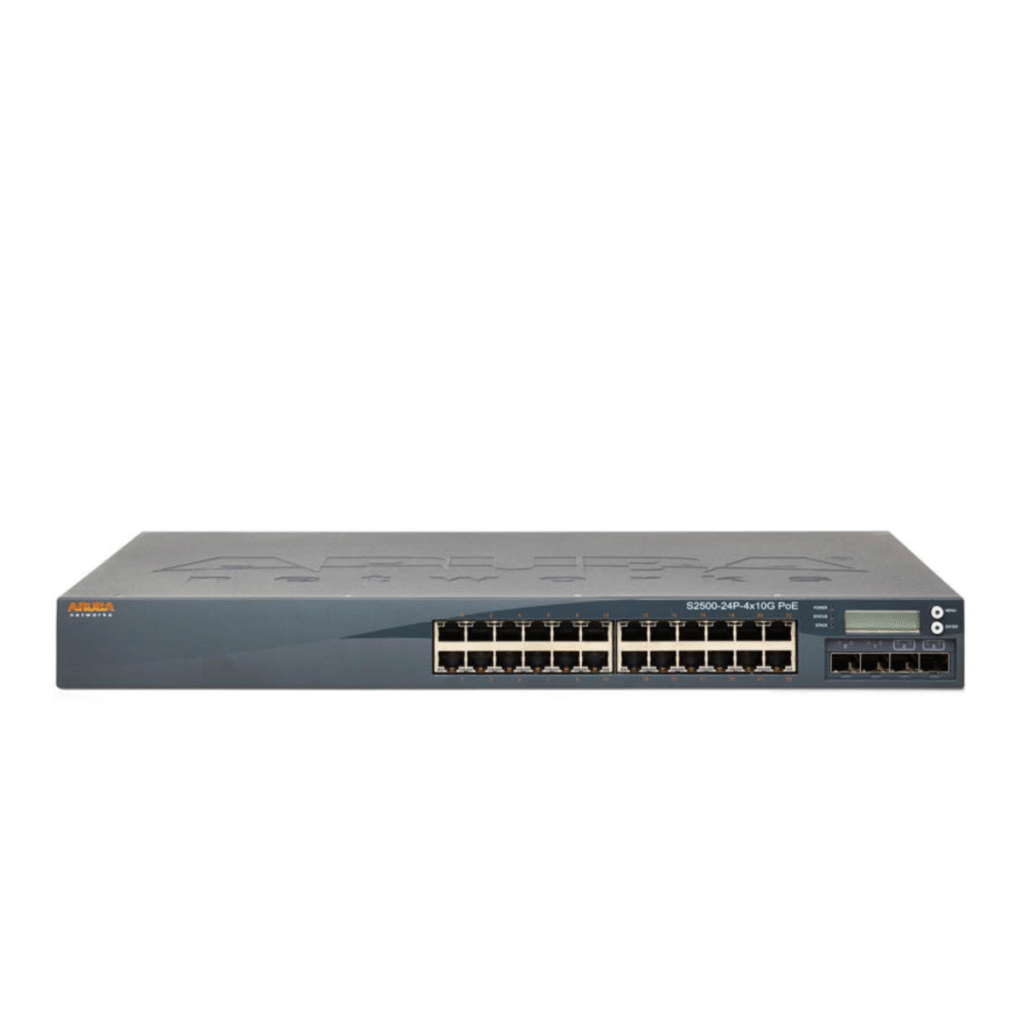
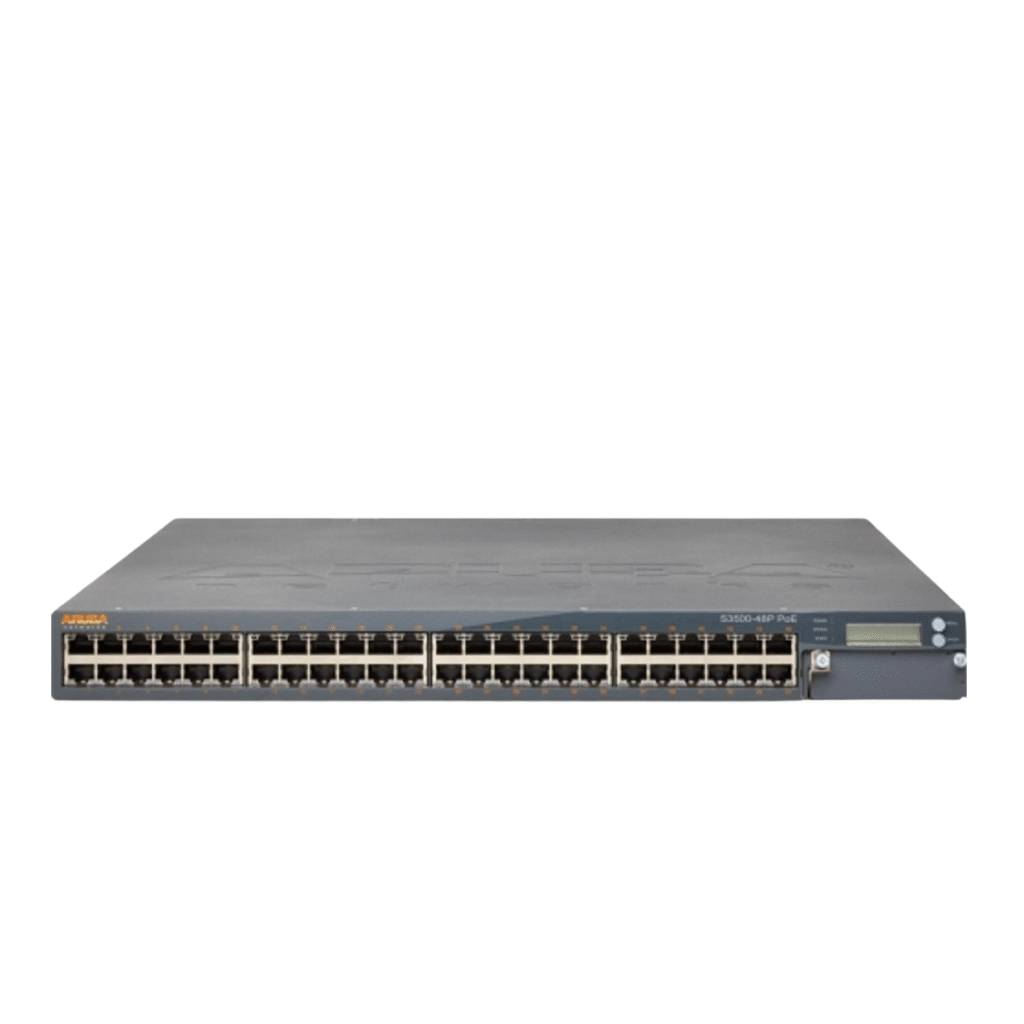
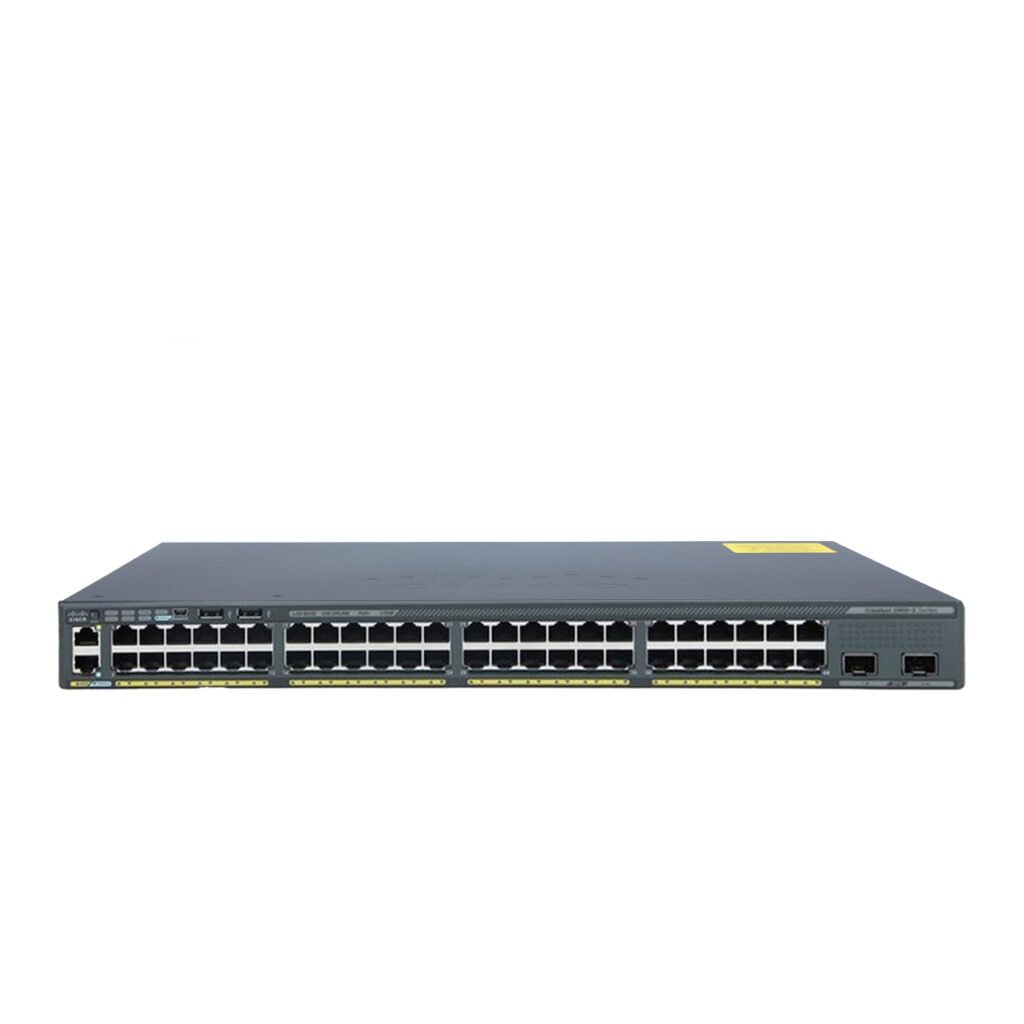
Ensure seamless connectivity with high-speed network switches for stable communication.
Key Benefits of Thin Clients
Cost Efficiency
Thin clients are more affordable than traditional PCs because they require less powerful hardware. They also reduce maintenance and energy costs.
Enhanced Security
Since data is stored on a central server, the risk of data loss or theft is significantly reduced.
Protect your infrastructure with advanced firewall solutions designed for secure environments.
Simplified Management
IT teams can manage all devices from a central location, making updates and maintenance easier.
Longer Hardware Lifespan
Thin clients typically last longer than traditional desktops because they have fewer components.
Energy Efficiency
They consume less power, making them environmentally friendly and cost-effective.
Improve efficiency with energy-saving IT hardware solutions.
Thin Client vs Traditional PC
| Feature | Thin Client | Traditional PC |
|---|---|---|
| Processing | Server-based | Local |
| Cost | Lower | Higher |
| Security | High | Moderate |
| Maintenance | Easy | Complex |
| Performance | Depends on server | Depends on hardware |
Understanding this comparison helps businesses decide which solution fits their needs.
Common Use Cases for Thin Clients
Thin clients are widely used in:
- Call centers
- Educational institutions
- Healthcare organizations
- Financial services
- Retail environments
These industries benefit from centralized control, security, and cost efficiency.
Support your business operations with reliable storage solutions for centralized data management.
Infrastructure Requirements for Thin Clients
To successfully deploy thin clients, businesses need:
- High-performance servers
- Reliable network switches
- Secure firewall systems
- Stable internet connectivity
Without strong infrastructure, thin client performance may suffer.
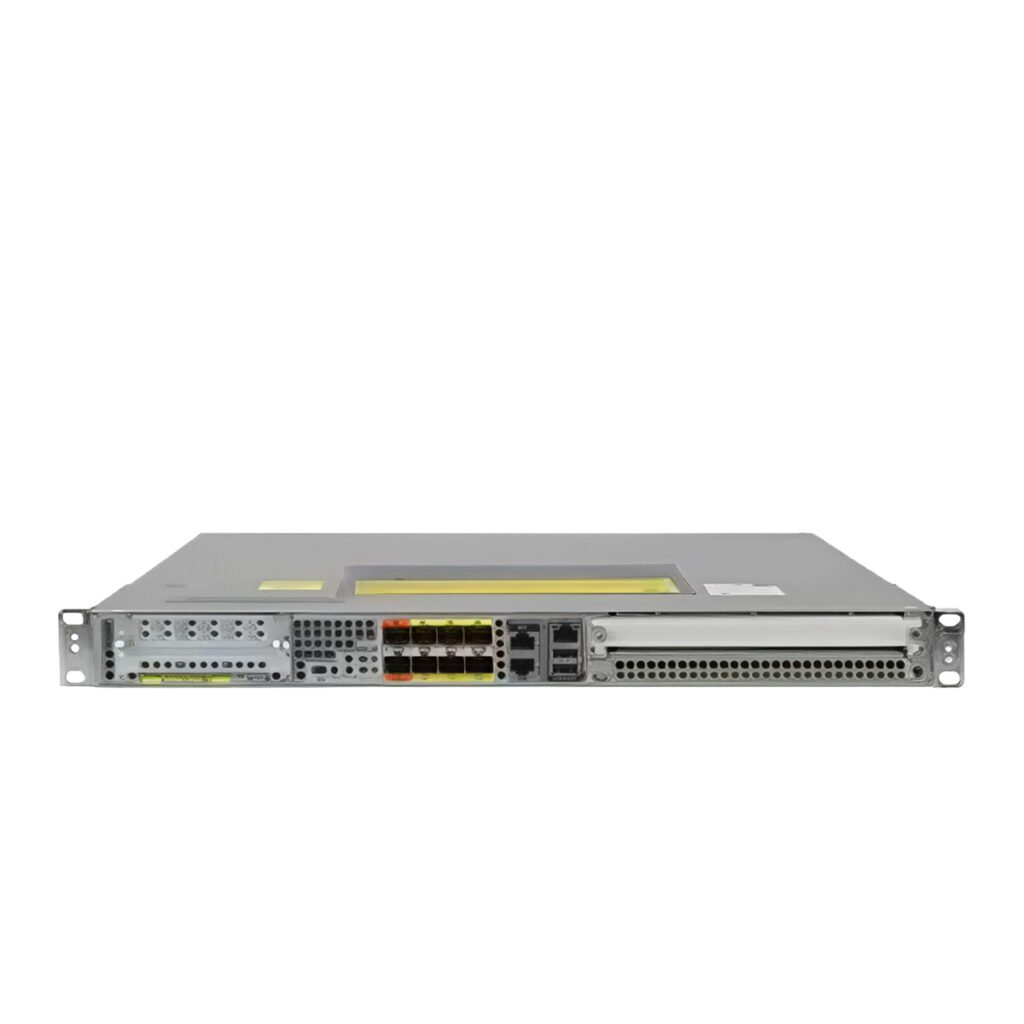
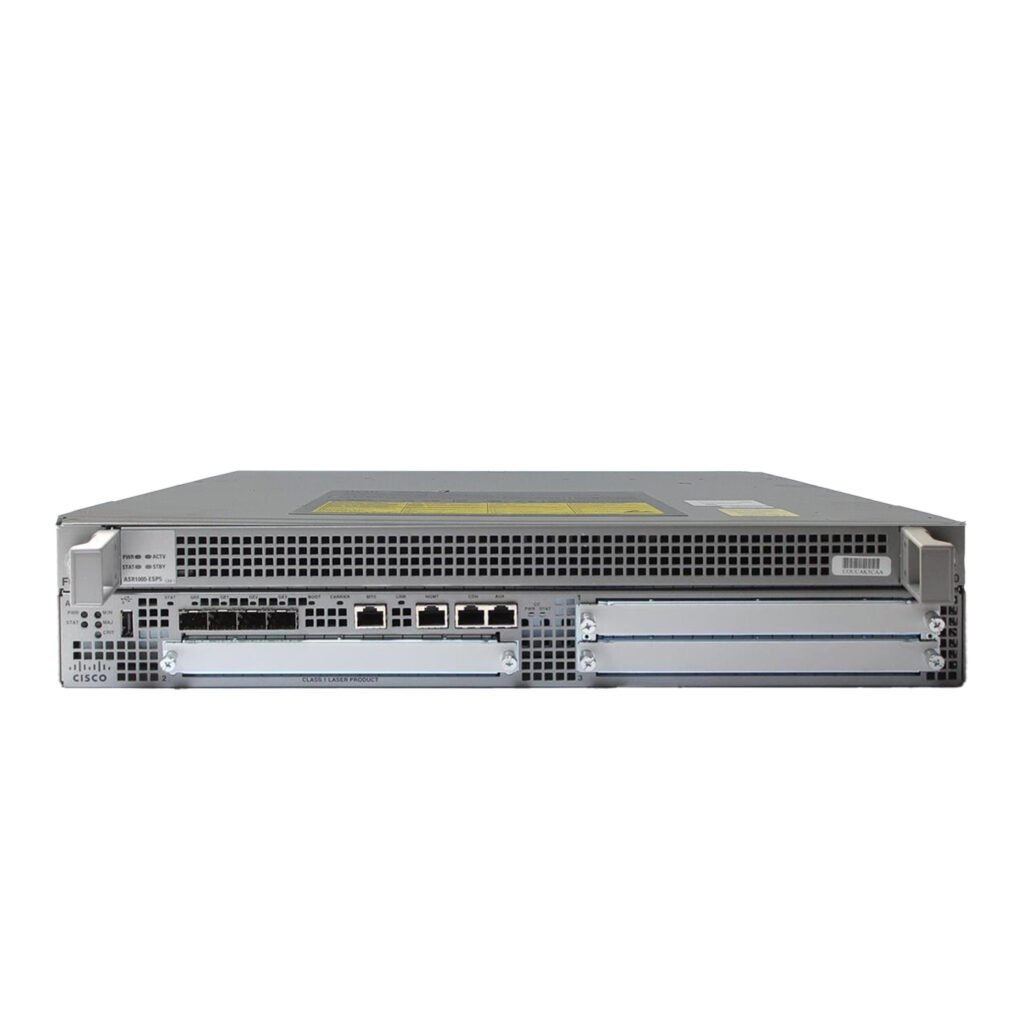
Build a complete setup with routers, switches, and enterprise servers.
Popular Thin Client Devices for Business Use
When exploring What is a Thin Client, it’s important to look at real devices used in modern business environments. Many global vendors provide reliable thin client solutions designed for performance and centralized management.
Dell Thin Clients
Dell offers a wide range of thin clients built for enterprise environments. These devices are known for their reliability, strong security features, and seamless integration with virtualization platforms.
Key advantages:
- Optimized for VDI environments
- Strong endpoint security
- Easy deployment and management
Deploy efficiently with enterprise-grade servers to power Dell thin clients.
HP Thin Clients
HP thin clients are widely used in healthcare, education, and enterprise sectors. They provide flexible configurations and advanced management tools.
Key advantages:
- High compatibility with cloud platforms
- Centralized device management
- Energy-efficient performance
Ensure smooth connectivity with high-performance network switches.
Lenovo Thin Clients
Lenovo offers cost-effective thin client solutions that are suitable for small and medium-sized businesses.
Key advantages:
- Affordable pricing
- Reliable performance
- Scalable deployment
Support your setup with secure firewall solutions for enhanced protection.
Thin Clients and Virtualization Technologies
To fully understand What is a Thin Client, you must understand its relationship with virtualization. Thin clients rely heavily on virtualization technologies such as Virtual Desktop Infrastructure (VDI) and Desktop-as-a-Service (DaaS).
These technologies allow users to access their desktops remotely from any device while all processing happens on centralized servers.
Benefits include:
- Centralized data management
- Improved security
- Flexible remote access
- Reduced hardware dependency
Power your virtual environment with high-performance storage solutions for faster data access.
Thin Client Deployment Best Practices
Implementing thin clients successfully requires careful planning. Businesses should follow these best practices:
- Ensure strong network infrastructure
- Use high-performance servers
- Implement proper security policies
- Monitor system performance regularly
- Train users for smooth adoption
These practices help maximize the benefits of thin client environments.
Build a reliable infrastructure with enterprise routers and switches for stable connectivity.

Thin Client vs Zero Client
Another important comparison when discussing What is a Thin Client is the difference between thin clients and zero clients.
| Feature | Thin Client | Zero Client |
|---|---|---|
| OS | Lightweight OS | No OS |
| Flexibility | High | Limited |
| Management | Easy | Very Easy |
| Cost | Moderate | Lower |
| Performance | Server-dependent | Fully server-dependent |
Zero clients offer even simpler management but less flexibility compared to thin clients.
Choose the right solution with complete IT infrastructure hardware tailored to your needs.
ROI of Using Thin Clients
Businesses that adopt thin clients often see strong returns on investment.
Key ROI benefits:
- Lower hardware costs
- Reduced energy consumption
- Improved security reduces risk
Over time, these savings make thin clients a smart financial decision.
Maximize ROI with efficient enterprise IT solutions designed for long-term success.
Challenges of Thin Clients
While thin clients offer many benefits, there are some challenges:
- Dependence on network stability
- Requires powerful central servers
- Initial setup cost for infrastructure
However, these challenges can be overcome with proper planning and the right hardware.
Ensure stability with high-performance networking solutions.
Future of Thin Clients
As cloud computing and virtualization continue to grow, thin clients are becoming more advanced and widely adopted.
Future trends include:
- Cloud-based desktop environments
- AI-driven management
- Improved remote work solutions
Businesses that adopt thin clients today are preparing for the future of IT infrastructure.
Conclusion
Understanding What is a Thin Client helps businesses make smarter decisions about their IT infrastructure. By centralizing processing and simplifying management, thin clients offer a cost-effective, secure, and scalable solution for modern organizations.
Whether you are building a new IT environment or upgrading an existing one, thin clients can play a key role in improving efficiency and reducing operational costs.
Start building a smarter infrastructure today with enterprise IT solutions tailored for your business.
If you’re exploring centralized IT solutions, check out our guide on Thin Client vs Desktop PC: Which Saves More in the Long Run?
❓ FAQ
What is a thin client used for?
Thin clients are used for accessing centralized applications and data from a server.
Are thin clients better than PCs?
They are better for centralized environments, offering more security and easier management.
Do thin clients need a server?
Yes, thin clients rely on a central server to function.