















Top-Rated Access Point for Smart Offices and Large Spaces

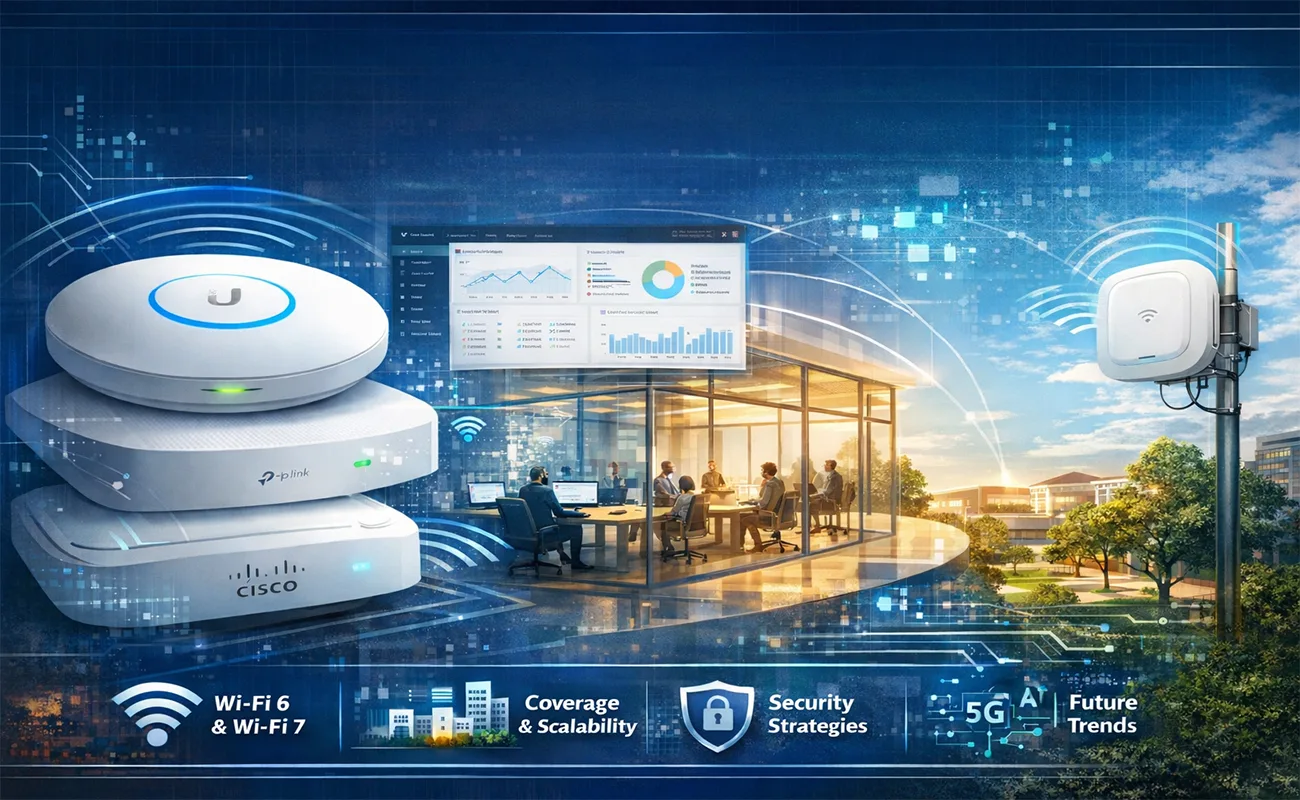
In today’s digital workplaces — from sprawling corporate campuses to multi‑floor office buildings, coworking hubs, and hybrid work environments — reliable Wi‑Fi is no longer optional. It’s a mission‑critical service that directly affects productivity, collaboration, security, IoT connectivity, voice and video communications, and even building automation.
This comprehensive blog will explore:
🔹 What enterprise‑grade access point is
🔹 Key technology standards (Wi‑Fi 6, Wi‑Fi 7, OFDMA, MU‑MIMO, etc.)
🔹 Top‑rated access point recommendations for 2026
🔹 Deployment & scalability considerations
🔹 Management & security strategies
🔹 Coverage design patterns & density planning
🔹 Future trends shaping wireless infrastructure
Whether you’re an IT manager, network architect, system integrator, or a CIO planning a next‑generation smart work environment, you’ll find everything you need here.
⭐ 1. What Are Enterprise Access Point?
An Access Point (AP) is a device that converts wired Ethernet into Wi‑Fi, allowing multiple wireless devices to connect to the network. While consumer APs (often called “routers”) are designed for homes or small offices, enterprise‑grade access point are built for:

✔ Larger coverage areas
✔ High client density (many users)
✔ Centralized management
✔ Advanced security requirements
✔ Seamless roaming
✔ IoT and BYOD support
✔ Quality of service for voice/video
Enterprise APs are often deployed in clusters and centrally managed via controllers, cloud dashboards, or on‑premise network controllers. They support advanced features such as band steering, load balancing, VLAN tagging, WPA3‑Enterprise security, guest networks, analytics, and RF optimization.
📡 2. Wireless Standards That Matter
When choosing access point for smart offices and large spaces, understanding the underlying Wi‑Fi standards is key:
Access Point Wi‑Fi 5 (802.11ac)
✔ Solid baseline for earlier enterprise networks
✔ Dual‑band support (2.4 GHz + 5 GHz)
✔ Good performance for general office traffic
While still effective, Wi‑Fi 5 is largely legacy for new large‑scale deployments due to limited efficiency and client capacity.
Access Point Wi‑Fi 6 (802.11ax)
Here’s where enterprise performance leaps forward. Wi‑Fi 6 brings:
🔹 OFDMA — Splits channels to serve multiple devices efficiently
🔹 MU‑MIMO — Simultaneous data streams to many clients
🔹 BSS Coloring — Reduces interference in dense environments
🔹 Target Wake Time (TWT) — Improves battery life on IoT/clients
Wi‑Fi 6 is industry standard for modern enterprise access points and is essential for high‑density office spaces.
Access Point Wi‑Fi 7 (802.11be)
The next major upgrade — Wi‑Fi 7 — is gaining traction in enterprise deployments. It adds:
⭐ Even wider channels (up to 320 MHz)
⭐ Multi‑Link Operation (MLO) for faster, more reliable connectivity
⭐ Lower latency and higher aggregate throughput
Wi‑Fi 7 isn’t yet ubiquitous, but for future‑ready office deployments and high‑bandwidth use cases (AR/VR, AI‑driven apps, video conferencing), its potential is compelling.
🏆 3. Top‑Rated Access Point for Smart Offices & Large Spaces (2025–2026)
Based on Access Point recent expert reviews and product comparisons, here are some of the most recommended enterprise access points for smart offices and large spaces. These range from high‑performance Wi‑Fi 7 models to robust Wi‑Fi 6 workhorses:
🔌 1. Ubiquiti UniFi U7 Pro
One of the leading choices for high‑performance enterprise deployments in 2026 is the UniFi U7 Pro. According to recent reviews and product roundups:
✔ Uses Wi‑Fi 7 with 6 GHz support
✔ Multiple spatial streams for high throughput
✔ Ideal for high‑traffic offices, auditoriums, and dense user environments
✔ Centralized management via UniFi Network controller ecosystem
This access point delivers very high throughput while maintaining enterprise features and ease of deployment.
👉 The UniFi U‑series continues to be widely deployed due to scalability and centralized management.
📶 2. Ubiquiti UniFi U6 Pro
A long‑standing favorite for Wi‑Fi 6 enterprise networking, the U6 Pro remains a gold standard for modern offices:
✔ Wi‑Fi 6 (802.11ax) performance
✔ Supports 300+ concurrent clients
✔ Excellent for office buildings, coworking spaces, and professional deployments
It balances performance, manageability, and cost, making it a dependable choice if Wi‑Fi 7 isn’t yet necessary.
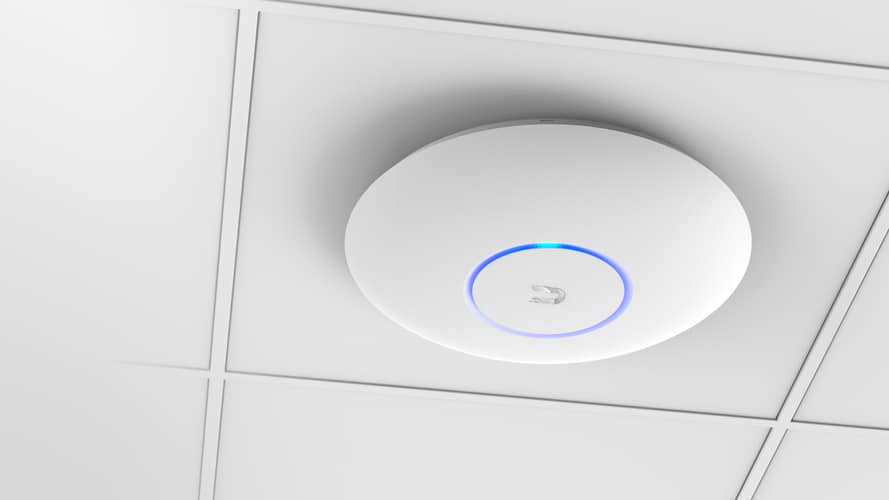
🏢 3. TP‑Link Omada EAP660 HD
The TP‑Link Omada EAP660 HD is widely recommended for environments with high client density:
✔ Wi‑Fi 6 support with high throughput
✔ Centralized management via the Omada controller
✔ Optimized for environments like busy SME offices or retail spaces
✔ Excellent balance of performance and price for high‑density hotspot requirements
This unit is ideal for companies scaling up wireless networks with centralized configuration and analytics.
📊 4. TP‑Link Omada EAP723 & EAP772 Outdoor
For larger spaces or demanding throughput scenarios, TP‑Link’s higher‑end Omada APs are strong contenders:
✔ EAP723 — a high‑throughput Wi‑Fi 7 AP with 10 GbE port for heavy data needs
✔ EAP772‑Outdoor — a rugged outdoor model with IP68 rating, excellent for exterior spaces like plazas, courtyards, or campuses
The outdoor unit’s durability and mesh networking support make it perfect for extended coverage beyond indoor areas.
📶 5. Cisco Business & Aironet Series
Cisco has long been a leader in business networking. Their modern Cisco Business 140AC and Aironet series offer enterprise connectivity with robust security and management:
✔ Aironet (e.g., 2800/3800 series) — Engineered for high performance and RF optimization
✔ Cisco Business 140AC — Stability‑focused access point suitable for business networks
Cisco APs often integrate with broader enterprise tools and security platforms — ideal for organizations with existing Cisco infrastructure.
📡 6. Other Notable Mentions
Beyond the headline models, there are other solid APs worth considering depending on your environment:
🔹 Zyxel NWA210BE — Budget‑friendly Wi‑Fi 7 option with flexible management
🔹 Net gear WAX210 — Good mid‑range choice for small offices
🔹 Dray Tek & Grand stream APs — Reliable units with solid feature sets for business environments
🔹 Outdoor‑rated units (EAP225‑Outdoor, etc.) — Perfect for warehouses, courtyards, or external venues
🧠 4. Key Deployment Considerations
Whether you’re equipping a single floor office or a multi‑building campus, good wireless planning is vital. Here are important areas to focus on:
A. Site Surveys Are Essential
Before deploying any access point, conduct a wireless site survey to understand:
📍 Signal propagation
📍 Physical obstacles (walls, metal structures)
📍 Interference sources (microwaves, cordless phones, neighboring Wi‑Fi)
Wireless site surveys allow you to measure real conditions, enabling optimal placement of APs and minimizing dead zones.
B. Density Planning
Higher user density (many users per square meter) requires more sophisticated planning:
✔ More APs per area
✔ Load‑balancing features
✔ Band steering to distribute clients across bands (2.4 GHz vs 5/6 GHz)
Enterprise Access Points with OFDMA and MU‑MIMO handle dense crowds better, making them essential for conference rooms, open offices, auditoriums, and event spaces.
C. Power Over Ethernet (PoE)
For ease of installation, always choose Access Points that support PoE — allowing both power and data over one cable. This simplifies wiring, reduces cost, and avoids the need for auxiliary power outlets.
D. Centralized Management
Enterprise environments benefit greatly from centralized controllers or cloud management platforms, enabling:
✔ Remote monitoring
✔ Configuration templates
✔ Firmware updates at scale
✔ Network analytics & diagnostics
Platforms like Ubiquiti UniFi Controller, Cisco Meraki Dashboard, TP‑Link Omada, Zyxel Nebula, and others help administrators manage APs efficiently across large sites.
🔐 5. Security & Best Practices
Wireless networks are often targets for attackers — especially when they support BYOD and guest access. Here are key security best practices:
A. Use Strong Encryption (WPA3‑Enterprise)
Consumer encryption is no longer sufficient. WPA3‑Enterprise provides robust protections for enterprise traffic, improving confidentiality and reducing attack vectors.
B. Deploy VLANs & SSID Segmentation
Separate corporate traffic, guest users, IoT devices, and voice traffic using VLAN‑tagged SSIDs. This logically isolates traffic, improving both security and performance management.
C. Enable Network Access Controls
Use RADIUS server authentication to enforce strong credentials and restrict unauthorized devices.
D. Regular Firmware Updates
Security vulnerabilities often emerge over time — ensure your Access Points receive regular firmware updates from vendors.
📈 6. Design Patterns for Large Environments
Large spaces require smart design patterns to ensure coverage and performance:
A. Grid Deployment
For open floor plans or large office spaces, APs should be placed in a grid pattern based on coverage overlap to avoid blind spots.
B. Ceiling Mounts vs Wall Mounts
Ceiling mounts often provide more uniform coverage in wide open‑plan offices, while wall mounts may be adequate for corridors or segmented spaces.
C. Outdoor & Indoor Integration
For campuses or mixed environments, use indoor APs for inside coverage and outdoor‑rated Access Points for courtyards, parking areas, or extended venues.
📅 7. Future Trends in Enterprise Wi‑Fi
The enterprise networking landscape is rapidly evolving. Here are trends that will shape the next wave of smart office connectivity:
🟦 Wi‑Fi 7 Adoption
Wi‑Fi 7 promises even greater performance, lower latency, and support for bandwidth‑hungry applications like AR/VR meetings — making it attractive for next‑generation offices.
📊 AI‑Driven Network Management
AI‑powered controllers can optimize channel assignments, power levels, and traffic patterns in real time — drastically improving performance with minimal admin effort.
📦 IoT & Edge Integration
As offices become smarter, IoT sensors, smart lighting, and environmental controls will rely heavily on enterprise Wi‑Fi — especially models with IoT‑ready radios.
☁ Cloud‑Managed Networking
Cloud dashboards and SaaS‑based management tools reduce the need for on‑site controllers and make multi‑site management seamless.
📌 8. Conclusion: Choosing the Right Access Points
Selecting access points for smart office environments is a strategic decision that impacts productivity, security, and user experience.
After exploring the top-rated access points for smart offices and large spaces, it’s equally important to secure these networks by choosing the right firewall for your business in the UAE.