


















Top Cybersecurity Tips to Protect Your Office Network

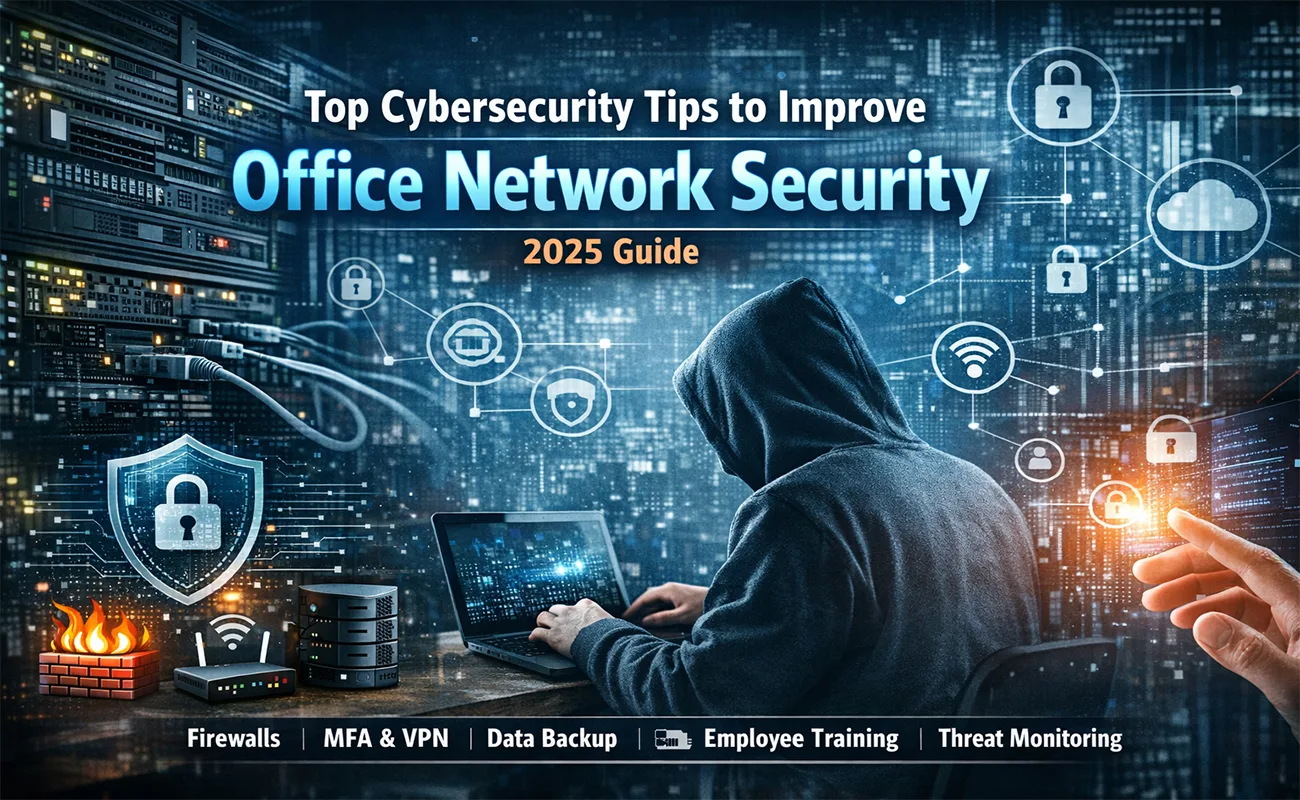
In the digital age, your office network is the heart of your business. It connects employees, systems, applications, cloud platforms, printers, communication channels, and data repositories. It keeps operations running, teams collaborating, and customers engaged. But with this connectivity comes risk—every connected device is a potential entry point for a cybercriminal, and every weak point in your network can be exploited to cause massive damage.
Cybersecurity is no longer an optional investment or a yearly task. It’s a continuous process and a foundational part of modern business survival. Whether your company is a small startup or a flourishing enterprise, protecting your office network should be a top priority.
This detailed guide explores the top cybersecurity tips that every business should implement to strengthen the security of their office network. We will cover technical strategies, best practices, employee training, modern tools, and proactive steps you can take to ensure your network remains secure, resilient, and prepared for evolving threats.
1. Implement Strong Password Policies
Passwords are the first line of defense for any system. Shockingly, many security breaches still occur due to weak or reused passwords. Employees often use simple, predictable passwords out of convenience, such as “123456,” “password,” or the name of a pet. These are extremely easy for attackers to crack using automated cybersecurity techniques such as brute-force attacks or credential stuffing.
Best Practices for Password Security
Encourage long, complex passwords with uppercase letters, lowercase letters, numbers, and symbols.
Require employees to change passwords every 60–90 days.
Prevent password reuse across multiple accounts.
Implement automatic account lockouts after several failed login attempts.
Use password managers to store and generate secure passwords.
A strong password culture is essential because even the most advanced cybersecurity infrastructure can be compromised by weak employee habits. The goal is to ensure employees understand that password security is a shared responsibility across the organization.
2. Enable Multi-Factor Authentication (MFA)
Multi-factor authentication adds an extra layer of protection on top of passwords. Instead of relying solely on something a user knows (password), MFA requires an additional element such as something the user has (a mobile device, OTP token) or something the user is (biometrics like fingerprint or facial recognition). This cybersecurity practice significantly reduces the risk of unauthorized access, even if a password is compromised.
Benefits of Multi-Factor Authentication
Reduces the chances of unauthorized access even if a password is breached.
Adds protection for remote workers and cloud applications.
Mitigates risk from phishing attacks.
Ensures compliance with many cybersecurity standards.
MFA is especially critical for:
Email accounts
VPN access
Administrative accounts
Financial systems
Cloud-based apps
In short, MFA dramatically increases network security with very minimal inconvenience to employees.
3. Keep Systems, Software, and Devices Updated
Cybercriminals often exploit vulnerabilities in outdated software. When manufacturers release updates, they patch known security issues, close loopholes, and fix bugs that could otherwise be weaponized.
Why Updates Matter
Outdated systems are one of the biggest causes of malware infections.
Older software may have publicly documented vulnerabilities.
Delayed updates create opportunities for cybercriminals.
What Should Be Updated?
Operating systems
IoT devices (cameras, sensors, thermostats)
Business applications
Antivirus software
Printers and network equipment
Implementing automated updates ensures your network is consistently protected.
4. Secure Your Wi-Fi Network
Your Wi-Fi network is a gateway into your office’s systems. If not secured properly, unauthorized individuals—whether nearby attackers, visitors, or even former employees—could access sensitive data. Ensuring proper Wi-Fi configuration is a critical aspect of office cybersecurity, protecting your network from potential breaches.
Wi-Fi Security Best Practices
Use WPA3 encryption for maximum protection.
Change default Wi-Fi router usernames and passwords immediately.
Create separate networks for employees and guests.
Hide SSIDs if your office receives heavy external foot traffic.
Limit Wi-Fi signal range to prevent external access.
Monitor connected devices regularly.
A poorly secured Wi-Fi network is like leaving your office doors unlocked. Proper configuration is essential for protection.
5. Use Firewalls as Your First Line of Defense
Firewalls are one of the most important tools in network security. They monitor and control incoming and outgoing traffic based on predefined security rules.
Types of Firewalls
Hardware firewalls: Usually part of routers or dedicated firewall appliances.
Software firewalls: Installed on individual computers and servers.
Next-Generation Firewalls (NGFWs): Feature advanced monitoring, threat detection, and intrusion prevention.
Why Firewalls Are Essential to Cybersecurity
Block unauthorized access attempts.
Prevent malicious inbound and outbound traffic.
Provide deep packet inspection.
Allow application-level filtering.
A layered firewall approach (hardware + software) is the most effective for protecting an office environment.
6. Educate and Train Employees Regularly
Human error is responsible for up to 90% of data breaches according to cybersecurity studies. Even with advanced technology, one careless mistake by an employee can compromise your entire network with Cybersecurity
Key Training Topics
Recognizing phishing and social engineering attempts
Safe browsing practices
Handling confidential data
Identifying malicious attachments
Reporting suspicious activities
Using secure remote-access tools
Avoiding unsafe public Wi-Fi
Cybersecurity training should be:
Regular (monthly or quarterly)
Mandatory
Engaging (videos, quizzes, simulated phishing tests)
Your employees are either your strongest shield or your weakest link. Investing in training transforms them into your first defense line.
7. Perform Regular Backups
Backups are critical for recovering from ransomware, hardware failure, or accidental data deletion. If your network is attacked, having reliable backups is a key cybersecurity measure that could be the difference between a mild inconvenience and a complete business shutdown.
Backup Best Practices
Backup daily or weekly depending on data volume.
Use the 3-2-1 rule:
3 copies of your data
on 2 different types of media
with 1 stored offsite or in the cloudEncrypt backup data.
Test backup recovery regularly.
Use automated backup solutions.
Backups ensure your business can resume operations quickly even after a cyberattack.
8. Implement Role-Based Access Control (RBAC)
Not every employee needs access to all parts of your network. Giving everyone full access increases your vulnerability.
Why RBAC Matters
Reduces internal threats.
Minimizes risk from stolen credentials.
Ensures compliance with privacy regulations.
Prevents accidental modification or deletion of critical data.
For example, accounting staff should not have access to HR data, and interns should not access sensitive internal systems. Granting the minimum required access keeps your network safer.
9. Monitor Network Activity Continuously
Continuous monitoring helps you detect unusual patterns that might indicate an attack. This includes failed login attempts, unexpected data transfers, and unknown devices joining the network. Implementing continuous monitoring is a crucial cybersecurity practice that strengthens Office Network Security by allowing threats to be identified and mitigated in real time.
Effective Monitoring Tools Include
Intrusion Detection Systems (IDS)
Intrusion Prevention Systems (IPS)
Security Information and Event Management (SIEM)
Endpoint Monitoring Tools
Log Analysis Platforms
Monitoring allows you to detect threats early—sometimes even before they cause damage.
10. Develop an Incident Response Plan
Even with strong security measures, no system is 100% impenetrable. That’s why businesses need a clear incident response plan (IRP).
Components of an Effective IRP
How to detect and identify an incident
Who should be notified (IT team, management)
Steps to contain the threat
Procedures to eradicate malware or breaches
Data recovery process
Communication guidelines (internal & external)
Post-incident analysis
Companies with a strong response plan typically recover faster and at significantly lower cost.
11. Protect Your Office Network with Encryption
Encryption ensures that even if attackers gain access to your data, they can’t read it.
Types of Encryptions Used in Office Networks
Data-at-rest encryption to secure stored data
Data-in-transit encryption (TLS/SSL) to protect data traveling across networks
End-to-end encryption for messaging platforms
Disk-level encryption for lost or stolen devices
Implementing strong encryption standards protects confidential information from prying eyes.
12. Secure and Monitor All Connected Devices (IoT)
Modern offices use many IoT devices:
Smart TVs
Cameras
Printers
HVAC systems
Sensors
Smart assistants
These devices often lack robust security protections and are common targets for attackers.
IoT Security Tips
Change default passwords.
Keep firmware updated.
Place IoT devices on a separate network.
Disable unused features.
Monitor IoT traffic regularly.
A compromised IoT device can easily give attackers access to the rest of your network.
13. Use Virtual Private Networks (VPNs) for Remote Work
As remote and hybrid work models grow, VPNs have become essential. Without a VPN, remote employees may connect through public or unsecured networks, exposing sensitive company data. Using a VPN is a fundamental cybersecurity measure that ensures secure communication and protects your Office Network Security even when employees work remotely.
Benefits of Using VPNs
Encrypt remote connections.
Protect data transmission.
Ensure employees access only authorized resources.
Reduce risk of man-in-the-middle attacks.
A secure VPN setup strengthens your remote access strategy.
14. Protect Your Office Network with Access Control Systems
Physical security is just as important as digital security. Unauthorized individuals entering your office environment can access workstations, plug malicious devices into the network, or steal equipment.
Physical Access Measures
Secure server rooms with biometric locks.
Use ID cards or badges for employee access.
Install CCTV and monitoring systems.
Restrict entry to visitors and contractors.
Implement sign-in protocols.
Digital and physical security should work hand-in-hand to protect your office network.
15. Use Antivirus and Anti-Malware Tools
Modern antivirus tools use behavioral analysis, machine learning, and AI to detect malicious patterns—not just known signatures.
What Good Security Software Should Offer
Real-time protection
Ransomware detection
Email scanning
Web filtering
Endpoint security
Device control
Using high-quality security software ensures threats are stopped before they spread.
16. Regular Penetration Testing and Vulnerability Scanning
Cybersecurity is not a one-time task. Attackers constantly invent new methods, so your security must evolve too.
What These Tests Help With
Identifying hidden vulnerabilities
Testing real-world attack scenarios
Validating the effectiveness of security policies
Measuring your team’s response time
Regular testing ensures your network remains resilient under evolving threat landscapes.
17. Patch Management Strategy
Patch management isn’t just updating software; it is a systematic process of keeping all hardware and software components secure.
An Effective Patch Management Plan Includes
Inventorying all devices
Tracking available updates
Evaluating patch priority
Planning and scheduling updates
Testing patches before deployment
Ensuring compliance
A good patch management strategy closes security gaps before they are exploited.
18. Email Security and Anti-Phishing Protection
Email remains the #1 attack vector for cybercriminals. Most phishing, malware, and ransomware attacks begin with a deceptive email.
How to Improve Email Security
Use spam filters and email scanning tools.
Block email attachments from unknown sources.
Train employees to identify phishing attempts.
Use Domain-based Message Authentication, Reporting & Conformance (DMARC) policies.
Enable MFA for email accounts.
Securing the company inbox is essential for reducing attack exposure.
19. Restrict Use of Personal Devices
Bring Your Own Device (BYOD) environments can be risky if not properly managed.
Risks of BYOD
Unpatched devices
Insecure apps
Data leakage
Loss or theft
Unmonitored devices connecting to the network
How to Secure BYOD
Enforce mobile device management (MDM)
Set minimum security standards
Control app installations
Encrypt device data
Require VPN for access
By regulating BYOD, your network remains safe even when employees use their own devices.

20. Maintain a Zero Trust Security Model
Zero Trust assumes that threats can exist both inside and outside your network. Instead of trusting devices by default, it verifies every user, device, and access request.
Principles of Zero Trust
Never trust, always verify
Least privilege access
Segmented networks
Continuous monitoring
Device compliance checks
This model significantly reduces the chances of lateral movement during an attack.
21. Securing Office IoT Devices
IoT devices often have weak security and can be exploited.
IoT Best Practices
Change default credentials
Update firmware
Isolate IoT devices on separate VLANs
Disable unnecessary features
Monitor device behavior
IoT vulnerabilities can compromise the entire network.
Switch Solution
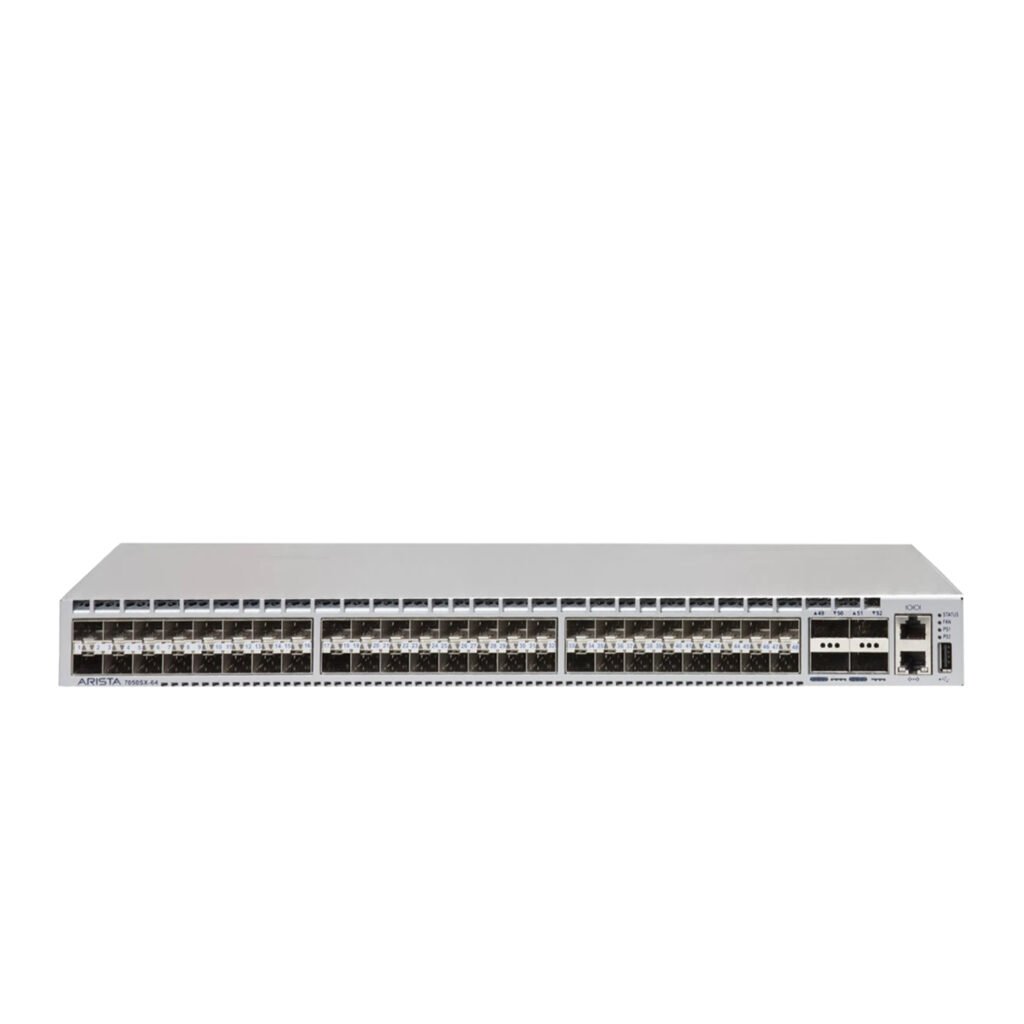
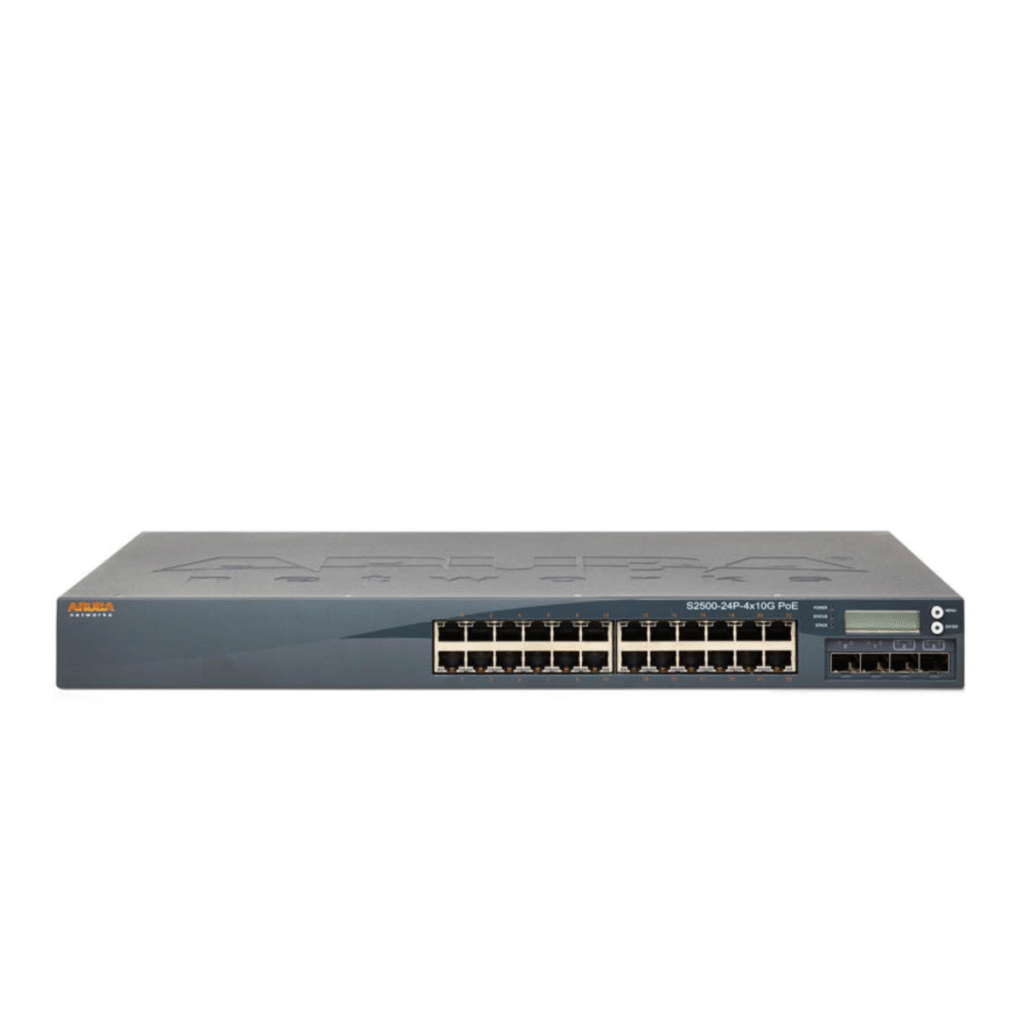
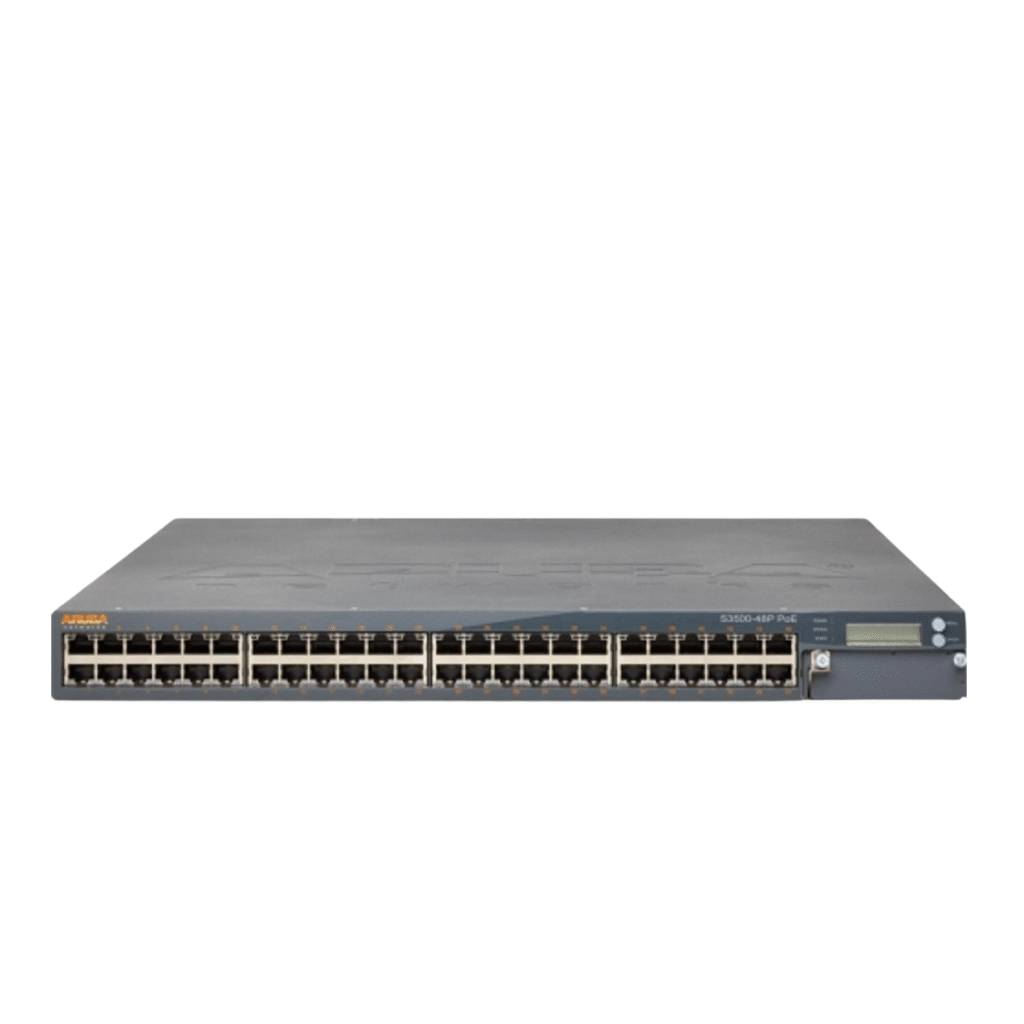
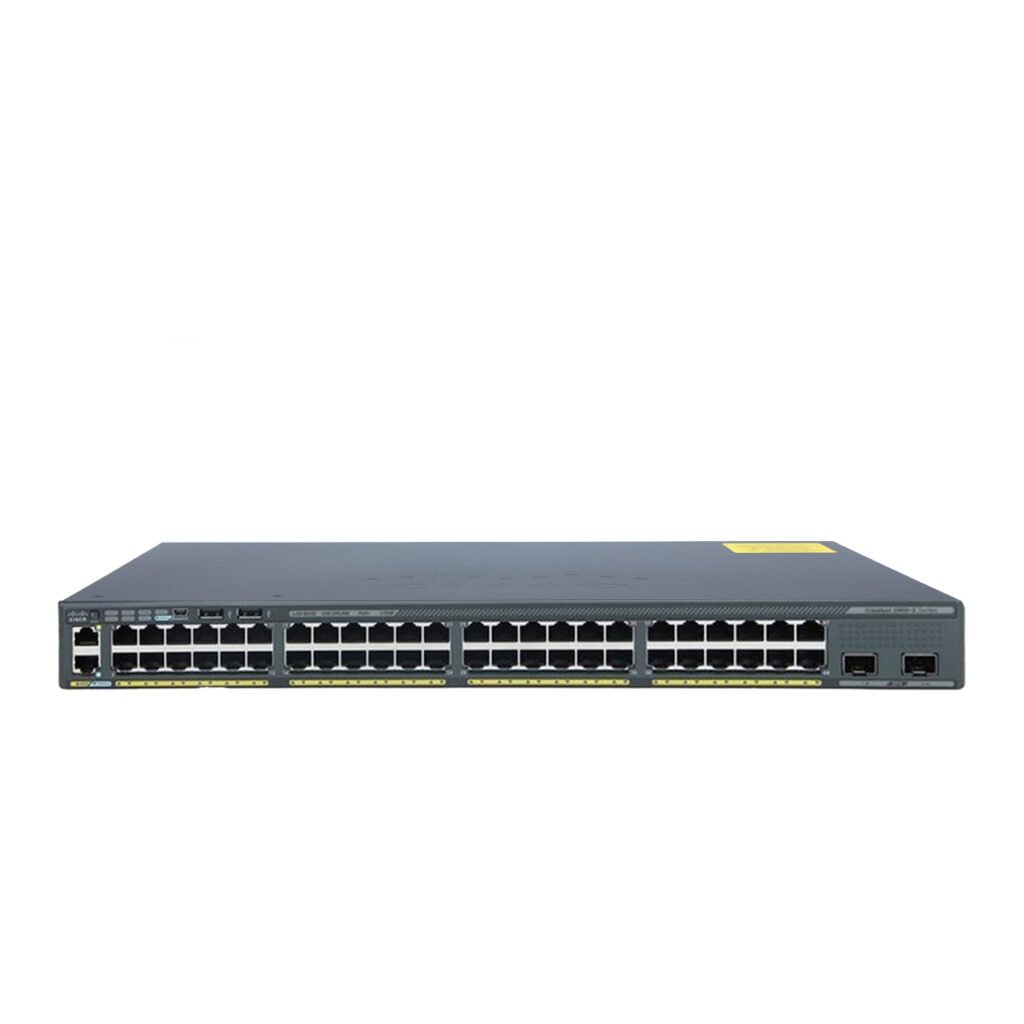
Segment your IoT devices securely using our managed Switch solutions. VLANs, ACLs, and port security features greatly improve Office Network Security and reduce attack surfaces.
22. VPN Protection for Remote Employees
Remote access must be secured with Cybersecurity encrypted communication channels.
VPN Benefits
Encrypts data in transit
Protects remote workers
Secures public Wi-Fi usage
Enhances identity verification
Prevents session hijacking
VPNs are essential for hybrid or distributed offices.
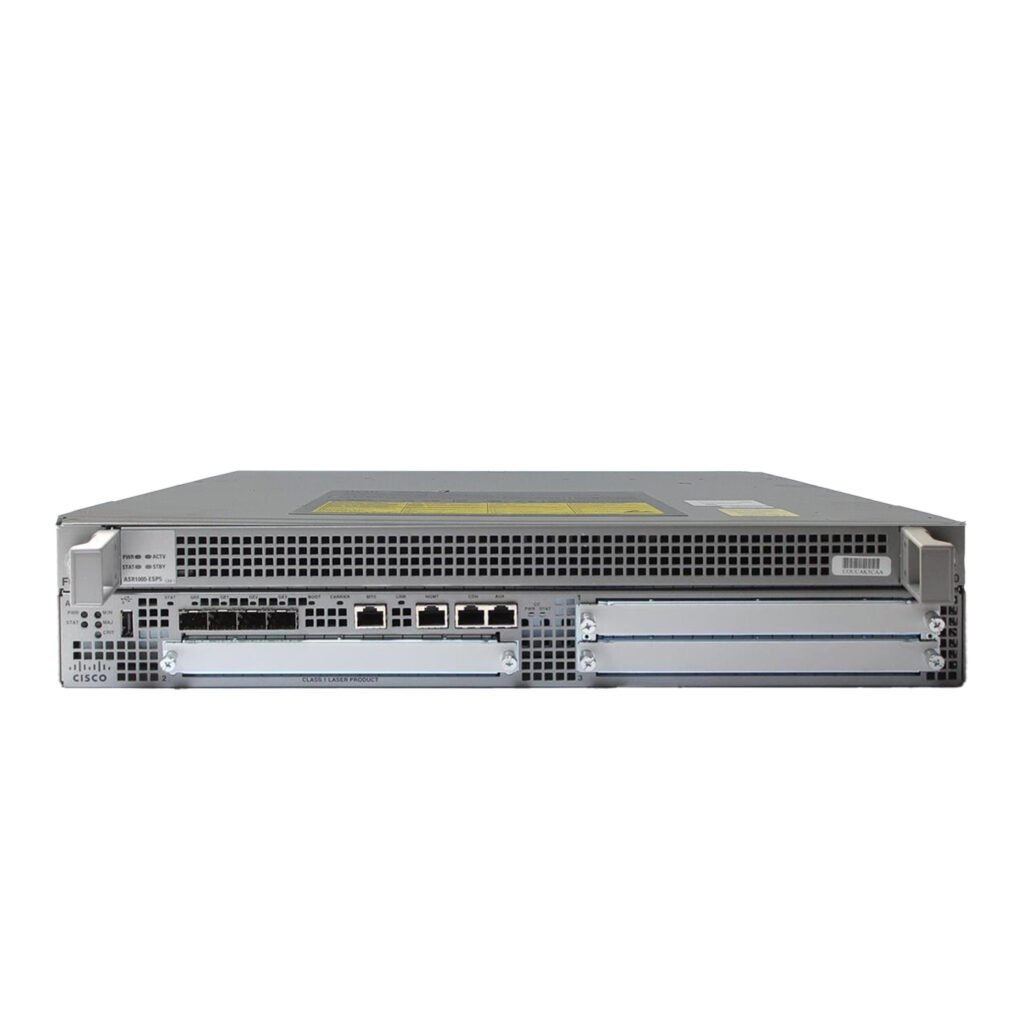
Router Solution
Our enterprise Routers support IPsec, SSL VPN, and advanced encryption standards — allowing your business to maintain strong Office Network Security for remote staff.
Final Thoughts
Cybersecurity is not just an IT responsibility—it’s a business-wide priority. As technology evolves, so do cyber threats. To keep your office network secure, you must combine prevention, detection, training, and response strategies.
By implementing the tips outlined above, you can:
Reduce your risk of attacks
Protect sensitive company data
Maintain operational continuity
Strengthen employee awareness
Boost customer trust
An investment in cybersecurity is an investment in your business’s future.