
















How to Build a High-Performance Workstation Setup for Professionals


How to Build a High-Performance Workstation Setup for Professionals
Why a High-Performance Workstation Matters
In today’s demanding professional environments, performance is not a luxury—it is a requirement. Engineers, designers, architects, video editors, data analysts, and developers all rely on powerful systems to handle complex workloads. Understanding how to build a high-performance workstation setup for professionals helps ensure productivity, stability, and long-term value.
A well-designed workstation setup reduces processing time, improves workflow efficiency, and supports advanced software without bottlenecks.
Understanding Professional Workstation Requirements
Before deciding how to build a high-performance workstation setup for professionals, it is essential to define the workload. Professional workstations differ from consumer PCs in their ability to handle:
Heavy multitasking
3D rendering and simulation
Large datasets and analytics
High-resolution video editing
CAD, BIM, and engineering applications
Matching hardware to workload requirements is the foundation of a high-performance workstation.
Choosing the Right Processor (CPU)
The CPU is the core of any workstation. When learning how to build a high-performance workstation setup for professionals, selecting the right processor is critical.
Key factors to consider:
Core count for parallel workloads
Clock speed for real-time performance
Cache size for faster data access
Support for professional-grade software
Workstations used for rendering, simulations, and data analysis benefit from high-core-count CPUs, while design and modeling workloads require strong single-core performance.
Selecting a Professional-Grade Graphics Card (GPU)
For professionals working with graphics, visualization, or AI workloads, the GPU is just as important as the CPU.
A high-performance workstation setup should include:
Dedicated professional GPUs
High VRAM capacity for large projects
Certified drivers for stability and compatibility
This ensures smooth rendering, accurate visual output, and reliable performance under continuous workloads.
Memory (RAM): Powering Multitasking and Speed
RAM plays a crucial role in how to build a high-performance workstation setup for professionals. Insufficient memory leads to slowdowns and system instability.
Best practices include:
Starting with at least 32GB RAM for professional use
Scaling to 64GB or more for advanced workloads
Using high-speed, reliable memory modules
More RAM allows applications to run smoothly without relying heavily on slower storage.
Storage Configuration for Performance and Reliability
Storage directly affects system responsiveness and project loading times. A professional workstation should use a layered storage approach:
NVMe SSDs for operating system and applications
High-speed SSDs for active projects
Larger HDDs or network storage for archives and backups
This setup ensures fast access to critical files while maintaining cost efficiency and data safety.
Motherboard and System Architecture
The motherboard determines how well all components work together. When planning how to build a high-performance workstation setup for professionals, ensure the motherboard supports:
High CPU and RAM capacity
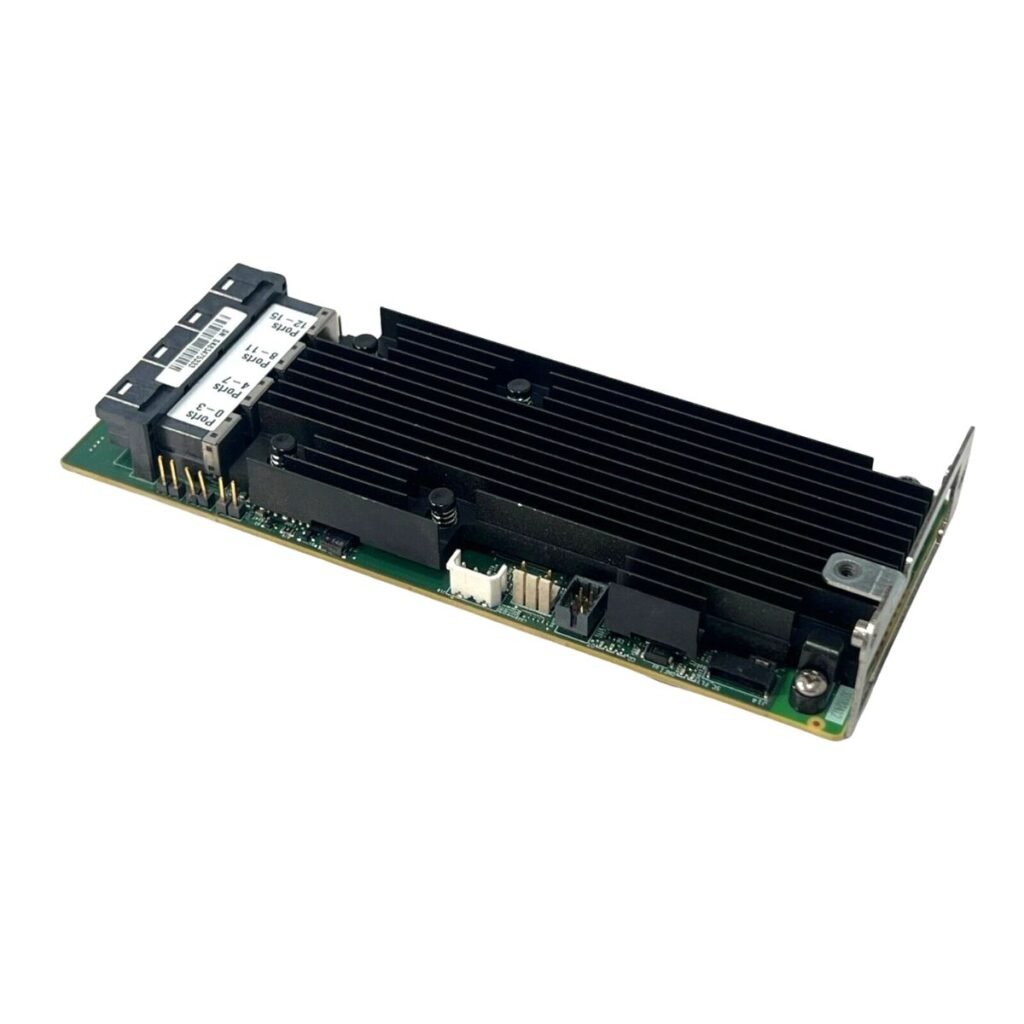
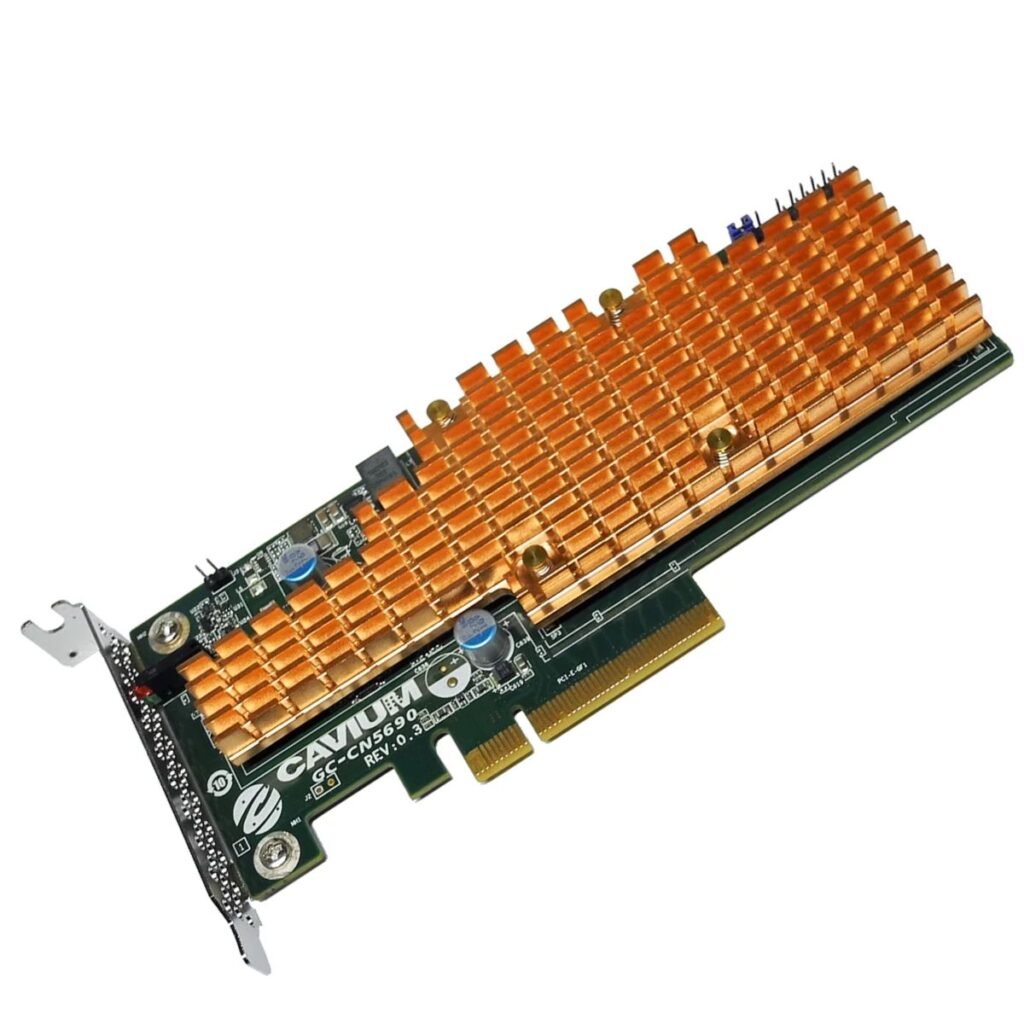
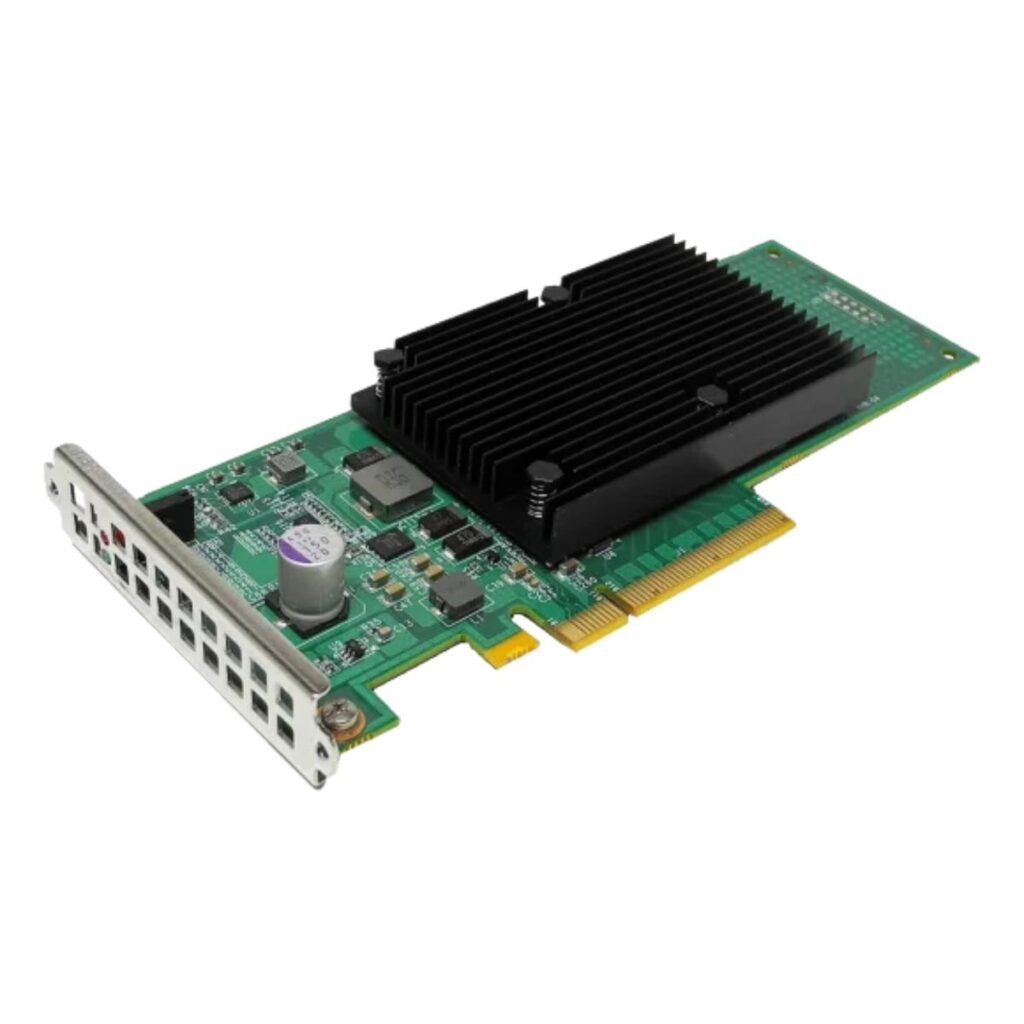
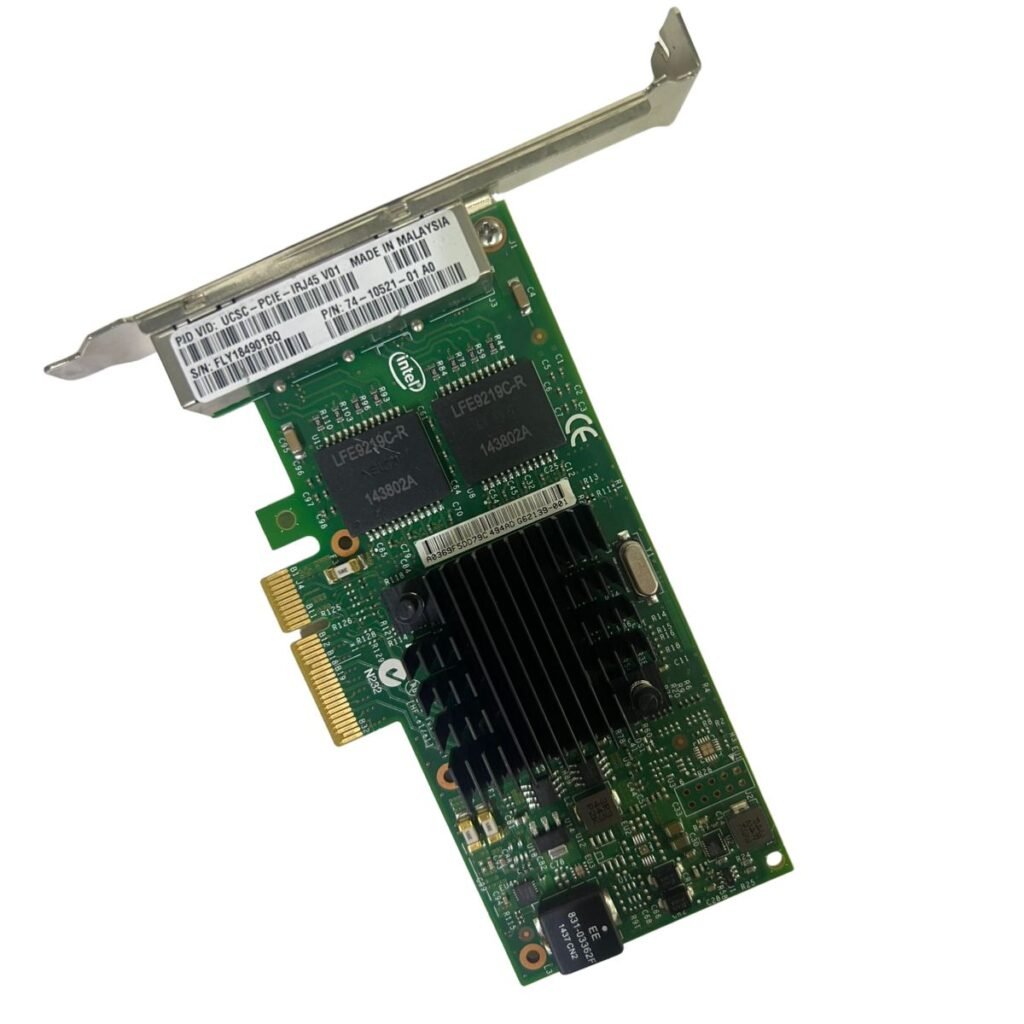
Multiple PCIe slots for GPUs and expansion cards
Advanced cooling and power delivery
Long-term upgrade paths
A reliable motherboard ensures system stability under sustained workloads.
Cooling Solutions for Continuous Performance
Professional workstations often run under heavy load for long periods. Efficient cooling is essential to maintain peak performance.
Effective cooling solutions include:
High-quality air or liquid CPU coolers
Optimized airflow through the chassis
Thermal monitoring and fan control
Proper cooling prevents thermal throttling and extends component lifespan.
Power Supply and Electrical Stability
A high-performance workstation requires a stable and efficient power supply. Choosing a high-quality PSU ensures:
Consistent power delivery under load
Protection against power fluctuations
Support for future hardware upgrades
Reliable power is a critical but often overlooked part of professional workstation design.
Ergonomic and Productivity-Focused Setup
A complete answer to how to build a high-performance workstation setup for professionals goes beyond internal hardware. Productivity also depends on the workspace itself:
High-resolution or multi-monitor setups
Ergonomic keyboards and precision mice
Adjustable desks and chairs
Proper lighting and cable management
These elements reduce fatigue and improve long-term efficiency.
Operating System and Software Optimization
Even the most powerful hardware requires proper software configuration. Professionals should:
Use stable, updated operating systems
Install certified drivers for workstation hardware
Optimize system settings for performance
Regularly update and maintain software
Software optimization ensures hardware capabilities are fully utilized.
Scalability and Future-Proofing
A professional workstation should grow with business needs. Planning for scalability allows:
Easy RAM and storage expansion
GPU upgrades as workloads increase
Long-term return on investment
This future-ready approach is central to how to build a high-performance workstation setup for professionals.
Conclusion: Building a Workstation That Delivers Results
Understanding how to build a high-performance workstation setup for professionals enables businesses and individuals to maximize productivity, reliability, and efficiency. By carefully selecting the right CPU, GPU, memory, storage, cooling, and workspace design, professionals can create a system that supports demanding workloads today and scales for tomorrow.
A well-built workstation is not just a computer—it is a strategic tool that drives performance, creativity, and business success.