















Must-Have Cables and Kits for Building a Data Center

Why Cabling Is the Backbone of Any Data Center
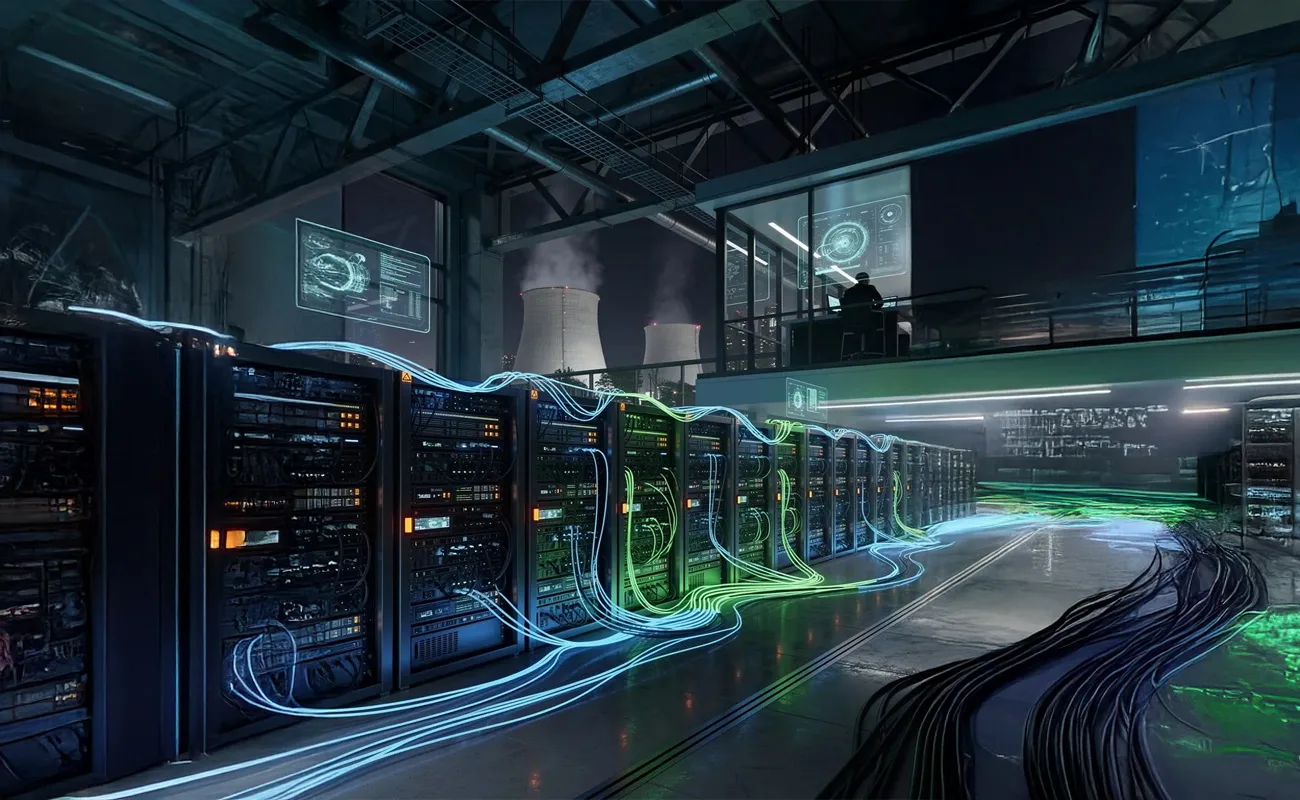
When organizations plan a new data center or upgrade an existing one, most attention usually goes to servers, storage, and networking devices. However, the true backbone that holds everything together is the cabling infrastructure. Data Center Cables and Kits are not just accessories; they directly impact performance, scalability, cooling efficiency, and long-term operational costs.
A poorly designed cabling system can cause signal interference, airflow problems, maintenance difficulties, and unexpected downtime. On the other hand, a well-planned cabling architecture ensures smooth communication between systems, easier troubleshooting, and future-ready scalability. This guide provides a complete overview of the essential cables and kits every modern data center needs.
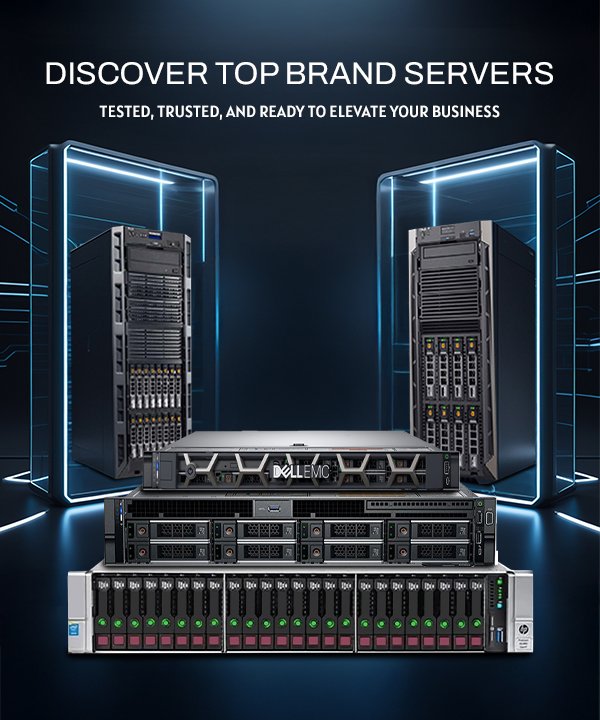
Build your infrastructure on a solid foundation by choosing enterprise-grade networking and server solutions.
1. Ethernet Network Cables (Copper Cabling)
Copper Ethernet cables are still widely used in data centers, especially for short-distance connections within racks or between nearby racks. The most common categories include Cat6, Cat6a, and Cat7, each offering different bandwidth and shielding levels.
Cat6 supports up to 1Gbps and limited 10Gbps over short distances, making it suitable for legacy setups. Cat6a is more popular in modern data centers as it supports 10Gbps over longer distances with better noise resistance. Cat7 provides even higher shielding and reduced crosstalk, making it ideal for high-interference environments.
Choosing certified copper cables ensures stable connectivity, reduced packet loss, and consistent network performance.
Pair high-quality Ethernet cabling with enterprise network switches for reliable data transmission.
2. Fiber Optic Cables: Single-Mode vs Multi-Mode
Fiber optic cables are essential for high-speed and long-distance communication within and between data centers. They offer higher bandwidth, lower latency, and better resistance to electromagnetic interference compared to copper cables.
Multi-mode fiber (OM3, OM4, OM5) is commonly used inside data centers for short to medium distances. Single-mode fiber is preferred for long-distance connections, such as inter-building or metro networks.
Fiber cabling is critical for cloud computing, virtualization, and high-density environments where speed and reliability are non-negotiable.
Upgrade your infrastructure with fiber-ready switches designed for high-speed enterprise networks.
3. Fiber Patch Cords and Jumpers
Fiber patch cords connect switches, servers, and patch panels within racks. Although small, they play a huge role in maintaining signal quality and network flexibility.
Using factory-tested, low-loss patch cords minimizes attenuation and ensures consistent performance. Color-coded patch cords also help technicians identify connections quickly, reducing maintenance time and human errors.
Proper patch cord management supports faster upgrades and cleaner rack layouts.
Enhance rack efficiency by combining premium patch cords with enterprise networking hardware.
4. DAC and AOC Cables for High-Speed Connections
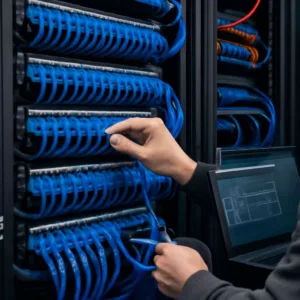
Direct Attach Cables (DAC) and Active Optical Cables (AOC) are widely used for short-distance, high-speed connections such as 10GbE, 25GbE, 40GbE, and 100GbE links.
DAC cables are cost-effective and energy-efficient for short runs, while AOC cables offer longer reach and better flexibility. Both options reduce latency and simplify cabling in dense environments.
These cables are ideal for switch-to-switch and switch-to-server connections in modern data centers.
Maximize performance with high-speed switches optimized for DAC and AOC connectivity.
5. Power Cables and Intelligent PDUs
Power infrastructure is just as important as network connectivity. Reliable power cables and Power Distribution Units (PDUs) ensure stable electricity flow to all data center equipment.
Intelligent PDUs provide advanced features such as load monitoring, remote management, and energy optimization. These features help prevent overloads, reduce power waste, and improve uptime.
Choosing certified power cables also enhances safety and compliance with international standards.
Support mission-critical servers with stable power solutions and enterprise-grade PDUs.
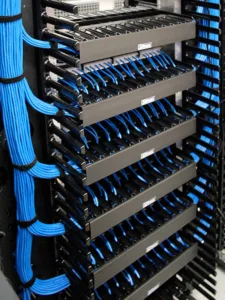
6. Cable Management Systems
Cable management systems include cable trays, ladder racks, vertical and horizontal managers, Velcro ties, and labeling accessories. These components organize cables, improve airflow, and prevent physical damage.
Proper cable management reduces cooling costs by eliminating airflow obstructions. It also simplifies troubleshooting and future expansions.
A clean cabling layout reflects professionalism and operational maturity.
Optimize airflow and organization with structured racks and cable management accessories.
7. Patch Panels and Termination Kits
Patch panels serve as central connection points that simplify cable routing and management. They allow quick reconfiguration without disturbing permanent cabling.
Termination kits ensure secure and consistent connections for both copper and fiber cables. Using high-quality panels and connectors improves signal integrity and network reliability.
Patch panels are essential for scalable and modular data center designs.
Build a flexible network using enterprise patch panels and switching solutions.
8. Rack and Cabinet Installation Kits
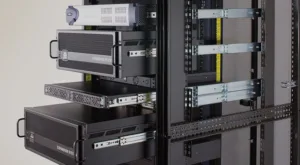
Rack installation kits include rails, shelves, grounding kits, screws, and cage nuts. These components ensure secure mounting of servers, switches, PDUs, and patch panels.
Proper rack installation improves safety, accessibility, and equipment lifespan. It also supports high-density deployments and easier cable routing.
Standardized racks simplify maintenance and future upgrades.
Explore rack-mounted servers and switches designed for enterprise environments.
9. Tool Kits and Cable Testing Equipment
Professional installation requires specialized tools such as crimping tools, punch-down tools, fiber cleaners, and cable testers. These tools ensure accurate installation and performance validation.
Cable testing verifies continuity, signal quality, and compliance with standards. Testing before deployment reduces downtime and costly rework.
Investing in proper tools improves installation quality and long-term reliability.
Ensure compatibility by combining tested cabling with enterprise networking hardware.

10. Firewall and Security Cabling Infrastructure
Security devices such as firewalls, IDS/IPS systems, and monitoring appliances rely on proper cabling to function effectively. Dedicated cabling for security zones improves traffic segmentation and protection.
High-quality cables reduce latency and packet loss, ensuring firewalls operate at full performance. Security cabling should also follow best practices for redundancy.
Proper planning enhances overall network resilience.
Protect your data center with enterprise firewalls and advanced security solutions.
11. Redundancy and High Availability Cabling
High availability requires redundant cabling paths for power and network connections. Dual-homed links and redundant power feeds ensure continuous operation even during failures.
Redundancy reduces the risk of single points of failure and improves uptime. It is essential for mission-critical data centers.
Careful planning is key to achieving true resilience.
Design a resilient infrastructure using enterprise-grade switches and servers.
12. Cooling and Airflow Optimization Through Cabling
Poor cabling can block airflow and increase cooling costs. Organized cabling allows efficient airflow through racks and cabinets.
Using proper cable lengths and routing paths minimizes clutter. This improves cooling efficiency and extends hardware lifespan.
Cabling decisions directly impact energy efficiency.
Improve cooling efficiency with optimized rack and server solutions.
13. Compliance and Cabling Standards
Data centers must comply with international standards such as TIA, ISO, and ANSI. Certified cables and kits ensure compliance and interoperability.
Following standards reduces compatibility issues and simplifies audits. It also ensures long-term reliability.
Compliance is a critical aspect of enterprise deployments.
Build compliant infrastructures with certified enterprise hardware.
14. Future-Proofing Your Data Center Cabling
Future-proof cabling supports higher speeds, new protocols, and expansion without major redesigns. Fiber-ready racks and modular panels enable easy upgrades.
Planning for growth reduces long-term costs and operational disruptions. Scalable cabling is an investment, not an expense.
Future-ready designs ensure long-term value.
Prepare for growth with scalable servers, switches, and storage solutions.
Conclusion
A modern data center is only as strong as its cabling infrastructure. Data Center Cables and Kits connect every component, impact performance, and determine scalability. From Ethernet and fiber cables to power solutions, racks, and security cabling, each element plays a critical role.
By investing in high-quality, certified cabling solutions, organizations can build data centers that are reliable, efficient, secure, and future-ready.
Complete your data center with enterprise servers, switches, routers, storage, and security solutions.
To explore enterprise networking devices that integrate perfectly with this cabling infrastructure, read:
Smart Vision UAE: The Ultimate Destination for Enterprise IT Hardware in 2026