















Router vs Switch: What’s the Difference and Which One Do You Need?

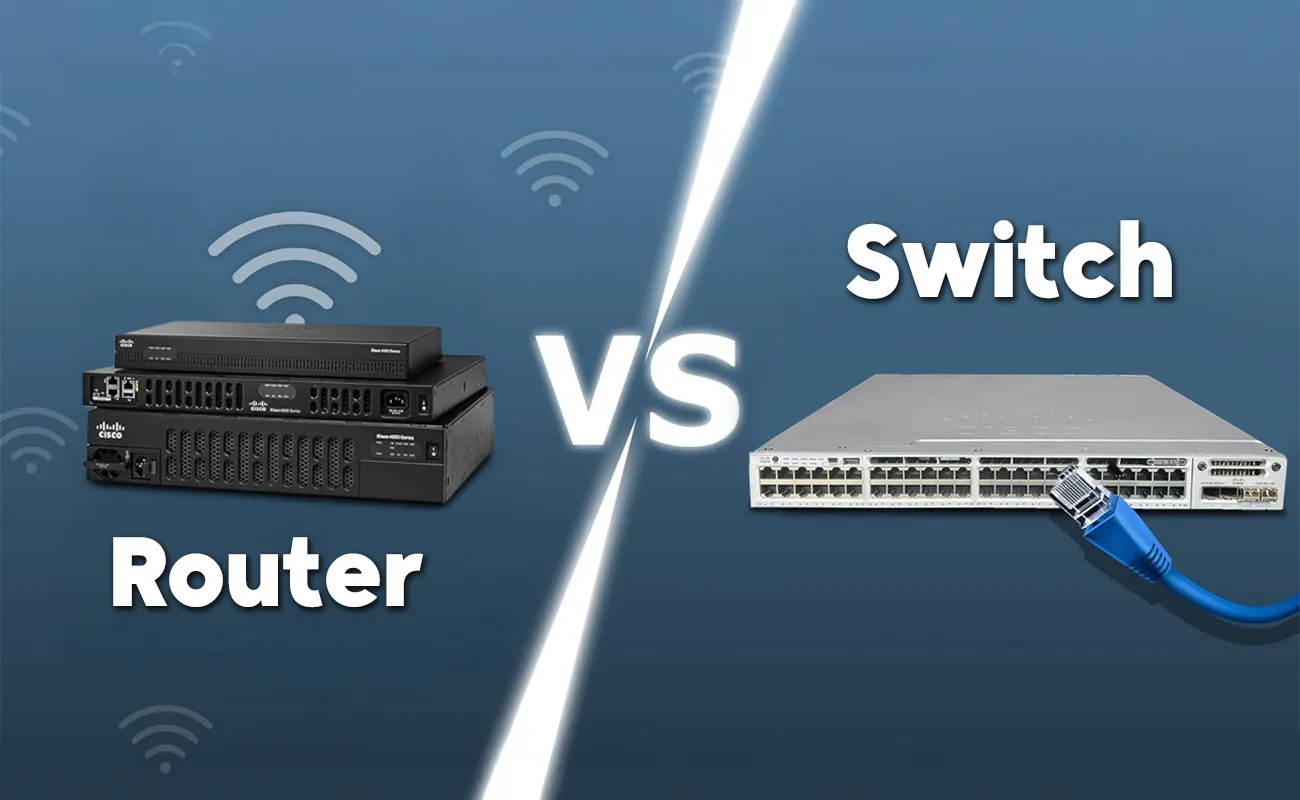
Router vs Switch : Understanding the Difference Between Router and Switch and Choosing the Right One for Your Network
When building any home, office, or business network, one of the most common questions people ask is: What is the difference between router and switch?
This confusion is completely normal because both devices look similar, both have Ethernet ports, and both are essential for network communication. However, they serve very different roles.
This comprehensive guide will walk you step-by-step through the difference between router and switch, how each device works, their use cases, benefits, features, and which one you actually need depending on your environment. Whether you’re setting up a small home network or managing a growing business infrastructure, this article will give you all the clarity you need.
Introduction: Why Understanding the Difference Between Router and Switch Matters
In modern networking, countless devices—laptops, mobile phones, cameras, smart TVs, POS systems, servers—need to connect and communicate. But to build a stable network, you must understand the difference between router and switch, because choosing the wrong device leads to slow speeds, IP conflicts, poor security, and limited connectivity.
A router connects your local network to the internet.
A switch connects multiple devices within the same local network.
If you mix them up, your network will not function as expected. This is why IT professionals always emphasize knowing the difference between these two devices.
What Is a Router?
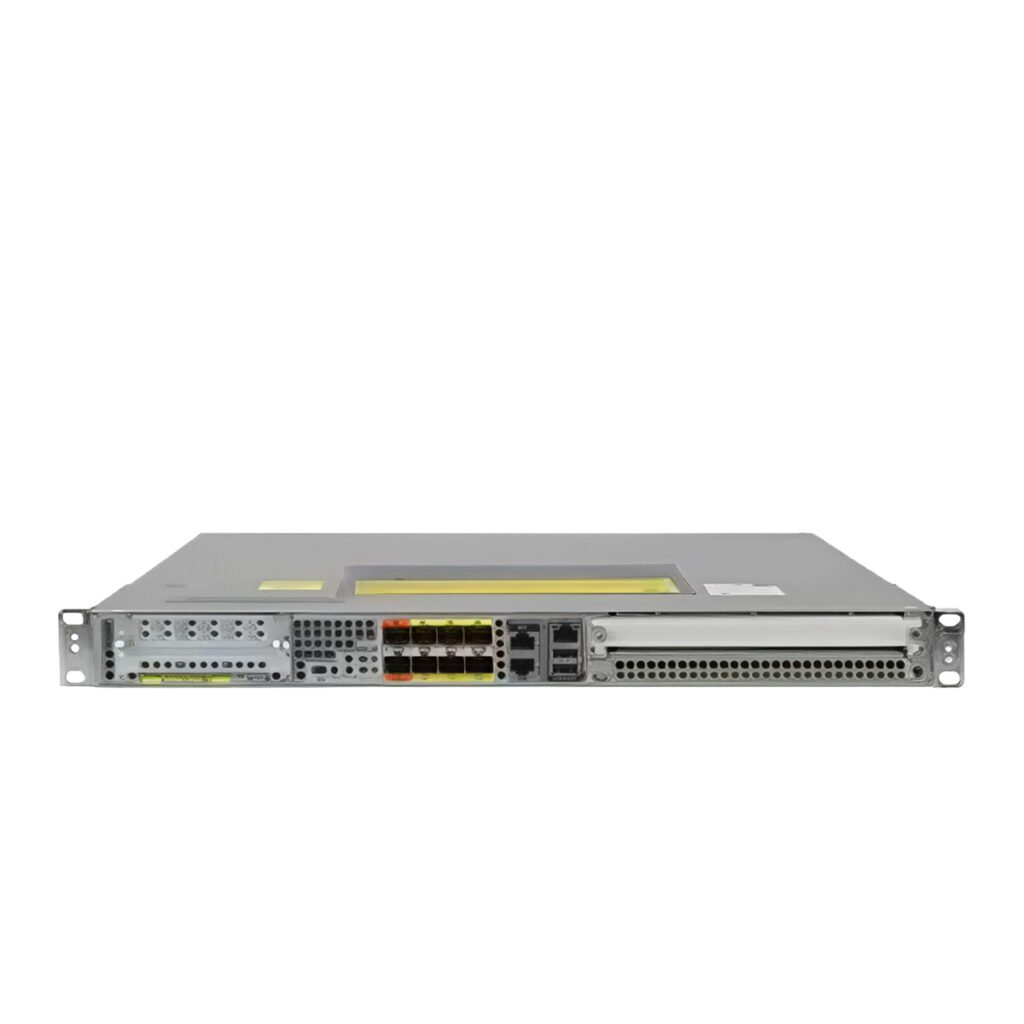
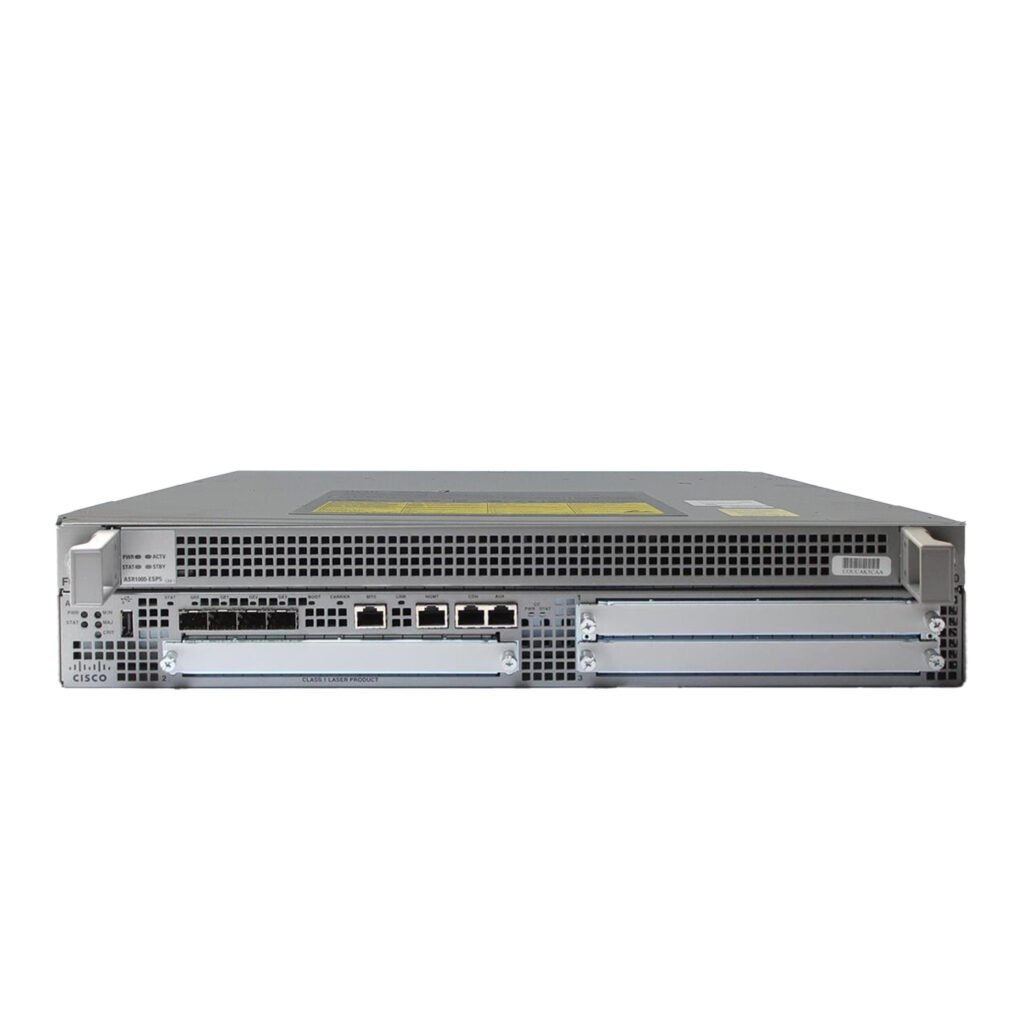
A router is a networking device that sends data from your local network to other networks, including the internet.
Key Functions of a Router
Assigns IP addresses to devices using DHCP
Connects your network to the internet
Provides firewall protection
Supports Wi-Fi in wireless models
Creates separate networks (LAN – WAN)
How a Router Works
Imagine the router as a traffic officer directing cars between different highways. When a device requests a website, the router determines the best path to get there. This path usually leads to your ISP, then to the broader internet.
Where Routers Are Used
Homes
Small businesses
Branch offices
Internet gateways
SME environments
What Is a Switch?
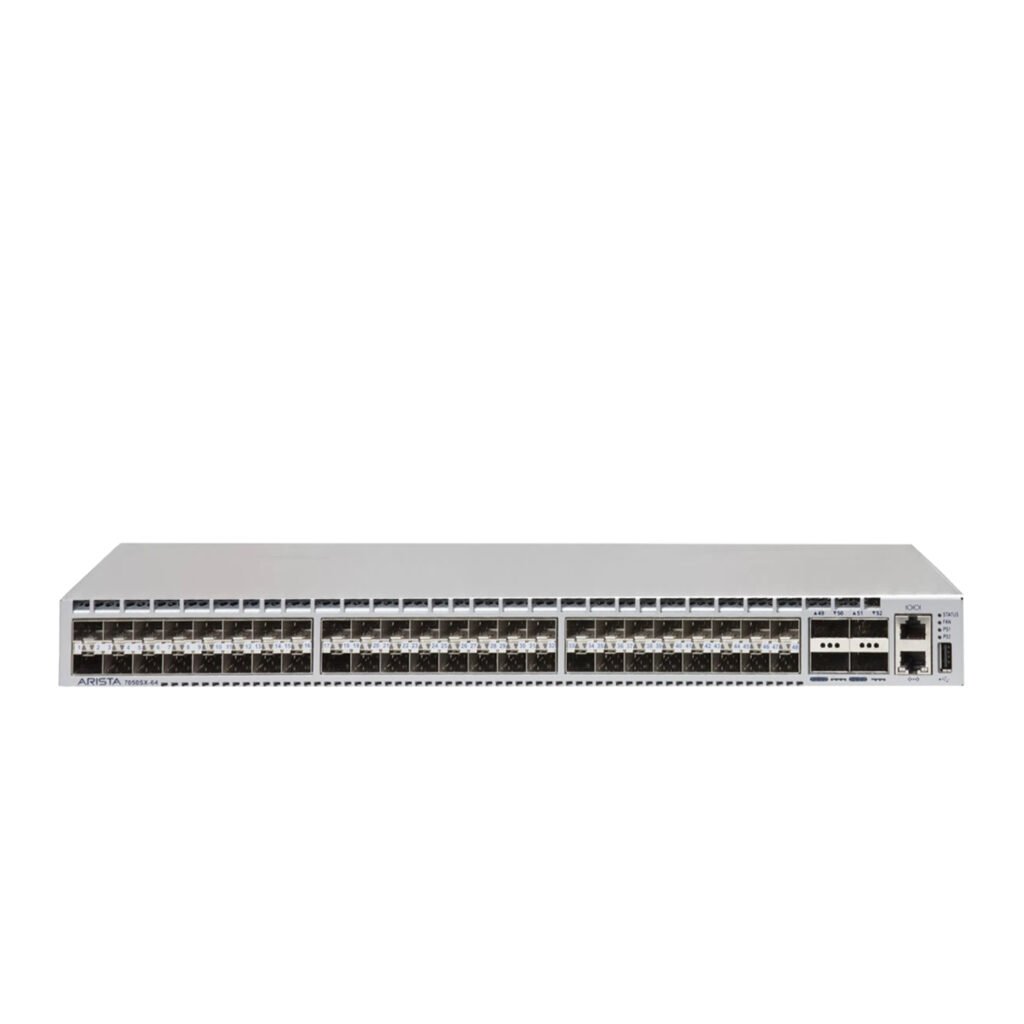
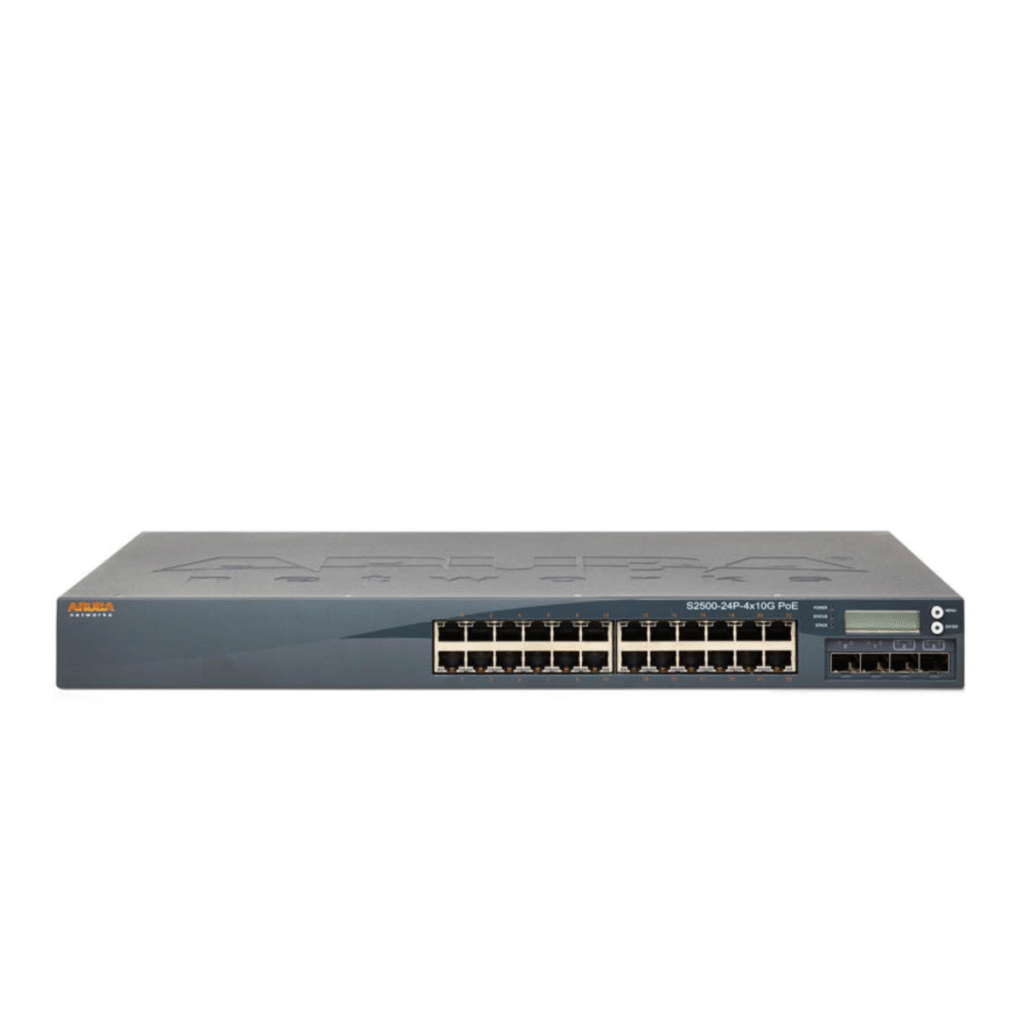
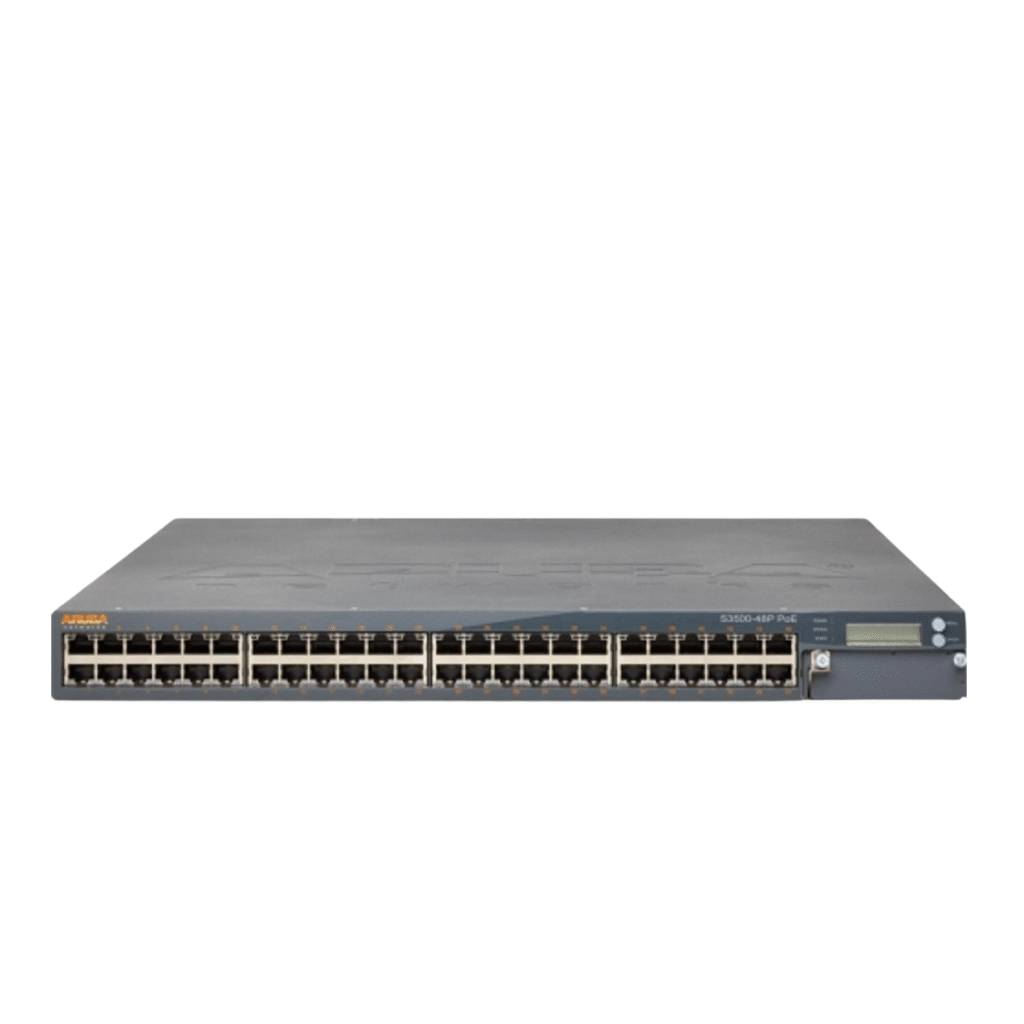
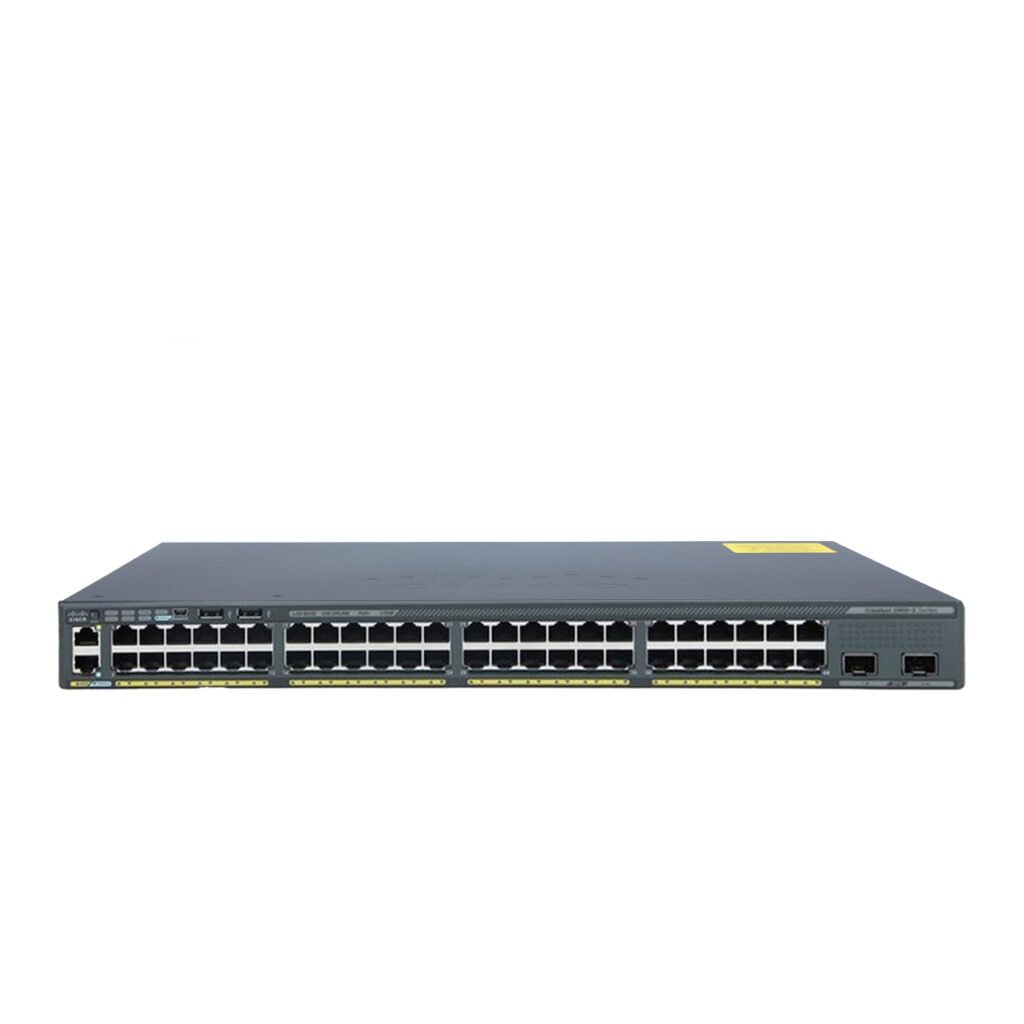
A switch is a device that connects many devices inside the same network so they can communicate and share data quickly.
Key Functions of a Switch
Expands network ports
Connects devices in a LAN
Sends data directly between devices
Improves network efficiency
Supports VLANs, PoE, L2/L3 features (depending on model)
How a Switch Works
A switch learns the MAC address of every connected device. When Device A sends data to Device B, the switch forwards it only to that port—not to every device. This reduces traffic and increases performance.
Where Switches Are Used
Office networks
Server rooms
Data centers
Surveillance networks (CCTV)
VoIP systems
Schools and retail shops
The Core Difference Between Router and Switch
To simplify the difference between router and switch, focus on one key idea:
📌 A router connects networks. A switch connects devices.
Here is the detailed difference between router and switch across multiple aspects:
1. Function
Router: Connects LAN to WAN, assigns IPs
Switch: Connects devices within a LAN
2. Communication Type
Router: Communicates using IP addresses
Switch: Communicates using MAC addresses
3. OSI Layer
Router: Layer 3
Switch: Layer 2 (some Layer 3 models available)
4. Speed
Router: Typically slower due to routing and security functions
Switch: Faster—handles local network traffic
5. Use Case
Router: Needed for internet access
Switch: Needed to expand local network devices
This is the foundation of understanding the difference between router and switch.
When Do You Need a Router?
You need a router when your goal includes:
✔ Getting internet access
A switch alone cannot connect to the internet.
✔ Protecting your network
Routers have firewalls, NAT, and security protocols.
✔ Assigning IP addresses
Routers handle DHCP, while switches depend on routers for IP allocation.
✔ Connecting different networks
Routers manage WAN, LAN, guest networks, and VPNs.
Examples of real-life router usage
Home Wi-Fi
Connecting two office branches
Creating a guest network
Managing cloud-based servers
Running smart home systems
When Do You Need a Switch?
You need a switch when your network needs:
✔ More Ethernet ports
Routers usually have 2–4 LAN ports. Switches can go from 8 to 48+ ports.
✔ Faster local communication
Switches improve file sharing, printing, and device-to-device communication.
✔ Connecting many users
Banks, schools, companies, and retail stores rely on switches.
✔ Power over Ethernet (PoE)
Switches with PoE power:
IP cameras
VoIP phones
Access points
Examples of switch usage
CCTV networks
Call centers
Large offices
Server environments
Hotel Wi-Fi systems
POS retail shops
Can You Use Only a Router Without a Switch?
Yes—but only for very small networks.
A router typically supports:
2 to 4 wired devices
Wi-Fi connections
If your setup is:
Laptop
PC
Smart TV
Mobile devices
→ A router is enough.
But if you want:
10+ devices
Ethernet connections
Cameras
Access points
VoIP phones
→ You MUST add a switch.
Can You Use Only a Switch Without a Router?
No.
A switch alone cannot connect to the internet.
You can use a switch without a router for:
Lab environments
Isolated networks
Testing scenarios
CCTV without internet
Internal servers
But for real-life business or home use, you need both.
How Routers and Switches Work Together
Most modern networks use:
Router + Switch + Access Point
This creates:
Internet access
Local device connectivity
Wireless coverage
Example architecture:
ISP → Router → Switch → PCs, Cameras, Printers, Access Points
This design is scalable and secure.
Layer 2 vs Layer 3 Switches
To fully understand the difference between router and switch, you must know the difference between L2 and L3 switches.
Layer 2 Switch
Basic switching
MAC address-based
Affordable
Ideal for small offices
Layer 3 Switch
Routing capabilities
Supports VLAN intercommunication
Replaces routers inside large networks
More secure and scalable
Layer 3 switch does NOT replace the internet router but handles internal routing.
Key Features of Routers vs Switches
🔵 Router Features
DHCP server
NAT
Firewall
VPN
QoS
WAN ports
Wi-Fi (optional)
🟢 Switch Features
VLAN
Trunking
STP
PoE
Link Aggregation
LACP
Gigabit / 10G ports
Routers focus on network control & internet access.
Switches focus on speed, expansion & internal communication.
Security: Router vs Switch
Another important difference between router and switch is in security.
🔐 Router Security
Stateful firewall
NAT hides internal network
VPN support
Content filtering
Threat detection
🟩 Switch Security
Port security
MAC filtering
VLAN segmentation
Storm control
Routers provide external security.
Switches provide internal security.
Performance: Router vs Switch
Switches are faster than routers.
Why?
Because switches operate at Layer 2 and only forward traffic inside the network, while routers inspect, route, and sometimes encrypt data.
Real speeds:
Switch: 1Gbps, 10Gbps, 25Gbps, 40Gbps, 100Gbps
Router: Usually bottlenecks at WAN speeds (50–1000 Mbps)
Which Device Should You Buy? Router or Switch?
If you need internet → Buy a Router
If you need more device connections → Buy a Switch
If you need both internet + many devices → Buy Router + Switch
Comparison Table: Difference Between Router and Switch
| Feature | Router | Switch |
|---|---|---|
| Primary Function | Connect networks | Connect devices |
| Internet Access | Yes | No |
| Works on | Layer 3 | Layer 2 |
| Speed | Moderate | Very fast |
| Security | Firewall, NAT | Port security |
| IP Assignment | Yes | No |
| Ideal For | Homes & internet | Businesses & devices |
| PoE Support | Rare | Common |
Real Use Cases to Clarify the Difference Between Router and Switch
Home Network
Router handles Wi-Fi
Switch adds ports for TVs, consoles, PCs
Office
Router connects to ISP
Switch connects 20–100 devices
Retail Shop
Router: internet
Switch: POS, Cameras, Access Points
Data Center
Router: external traffic
Switch: server connectivity
Do You Need Both a Router and a Switch?
In most cases—YES.
Only very tiny home networks can survive with just a router.
All workplaces, shops, and businesses require both.
How to Choose the Right Router
Look for:
Dual-band or tri-band
MU-MIMO
Firewall features
Strong CPU
Gigabit WAN port
VPN support
Wi-Fi 6 or Wi-Fi 7
How to Choose the Right Switch
Look for:
Number of ports (8–48)
PoE or non-PoE
Speed (1G / 10G)
Managed or unmanaged
VLAN support
L2 or L3
SFP/SFP+ uplinks
Conclusion – Understanding the Difference Between Router and Switch
Understanding the difference between router and switch is essential for building a reliable and scalable network.
A router gives you internet access, security, and network management.
A switch gives you the ability to connect many devices, expand your network, and improve performance.
In most cases, the best network setup is a combination of both:
Router for internet + Switch for device connectivity.
With this knowledge, you can confidently choose the right device for your home or business and avoid common networking mistakes.
To explore the top devices available today, check out our guide on the Most Popular Switches Models Available Now at SAS Points.